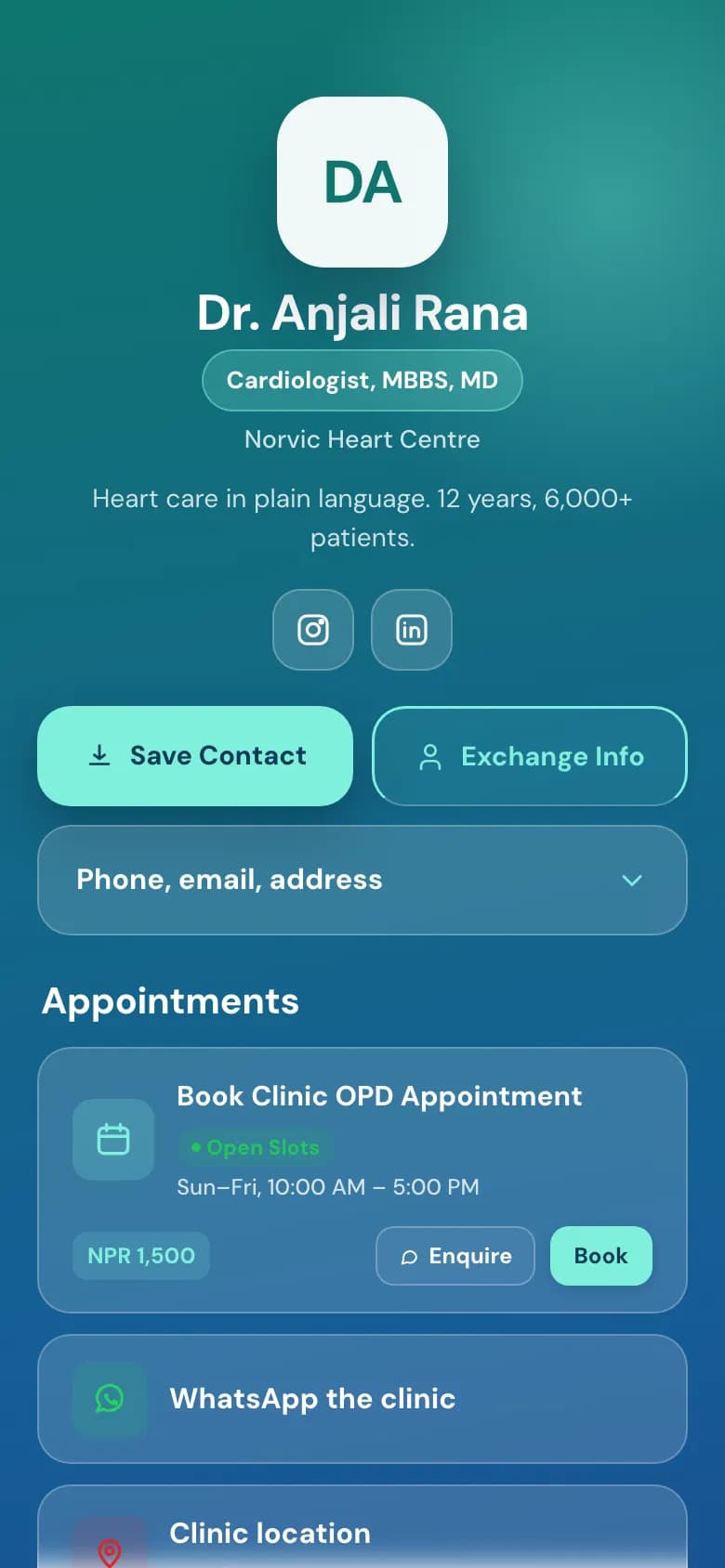
Digital business cards for your whole team, in one house style

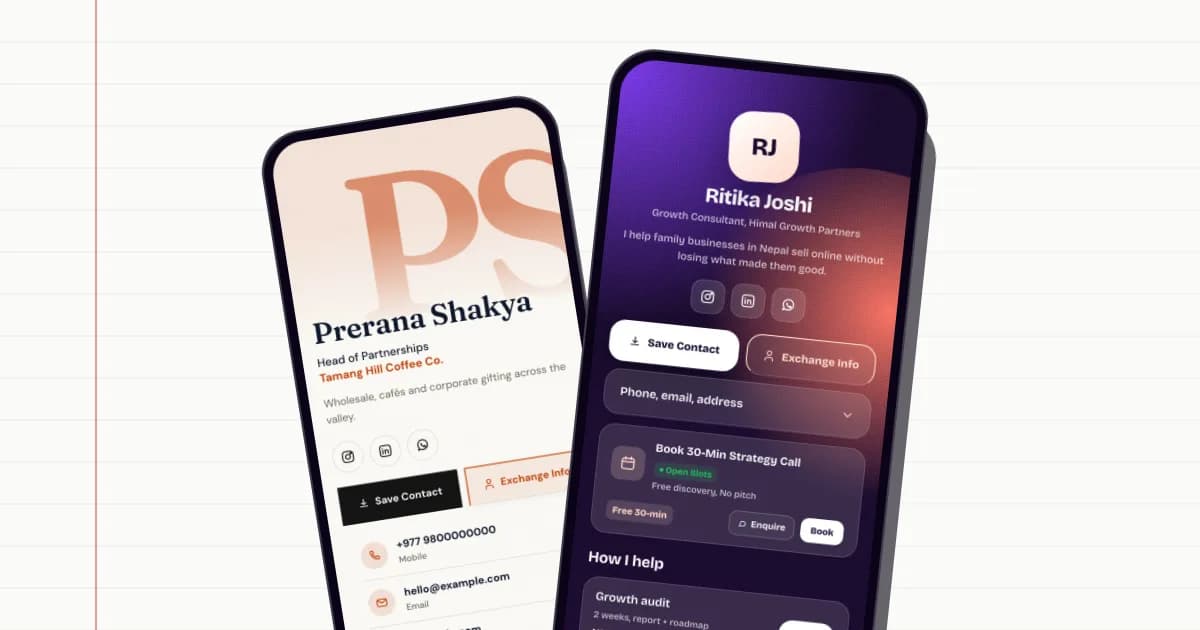
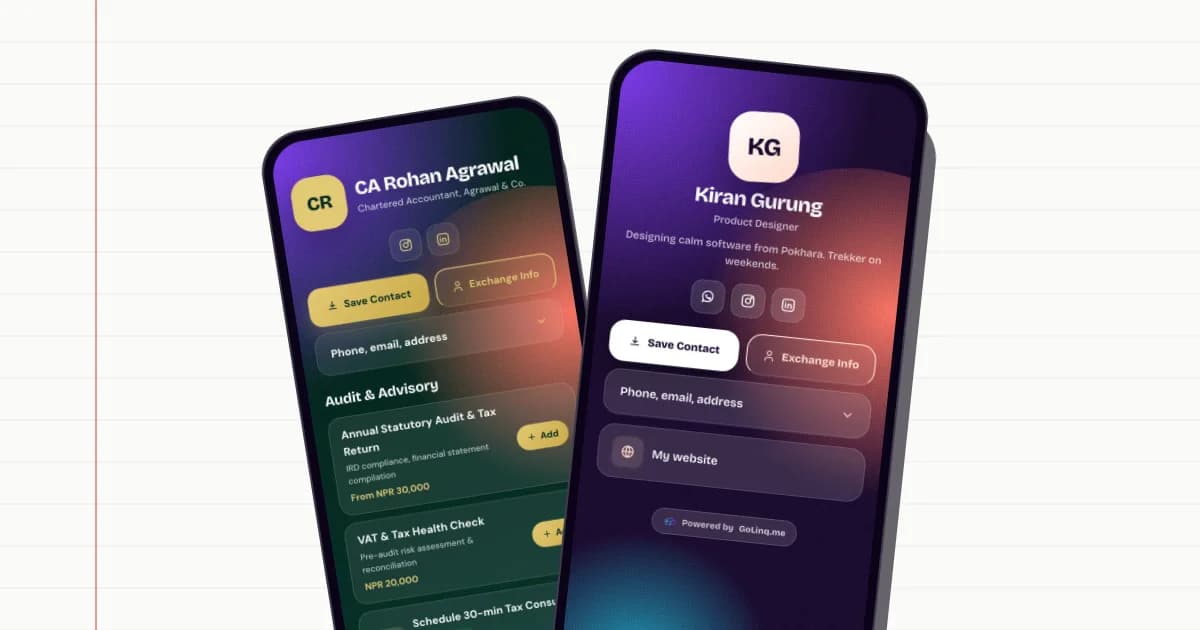
When everyone makes their own card, you get ten colours and three versions of the logo. With a golinq.me team, you set the style once, invite your people, and every card matches.

On Business

How teams work

Pixel Pahad team

  • Anjali RanaOwner · Managing director
  • Sagar KarkiAdmin · Sales
  • Pema LamaMember · Design
  • suman@example.comInvitation sent
Example

Invite by email, set roles

Create your organisation and invite each person by email.

  • Roles are owner, admin and member, with a title and department for each person.
  • An open invitation holds a seat until it's accepted or withdrawn.
  • Members can take a suggested handle in the form name-company.
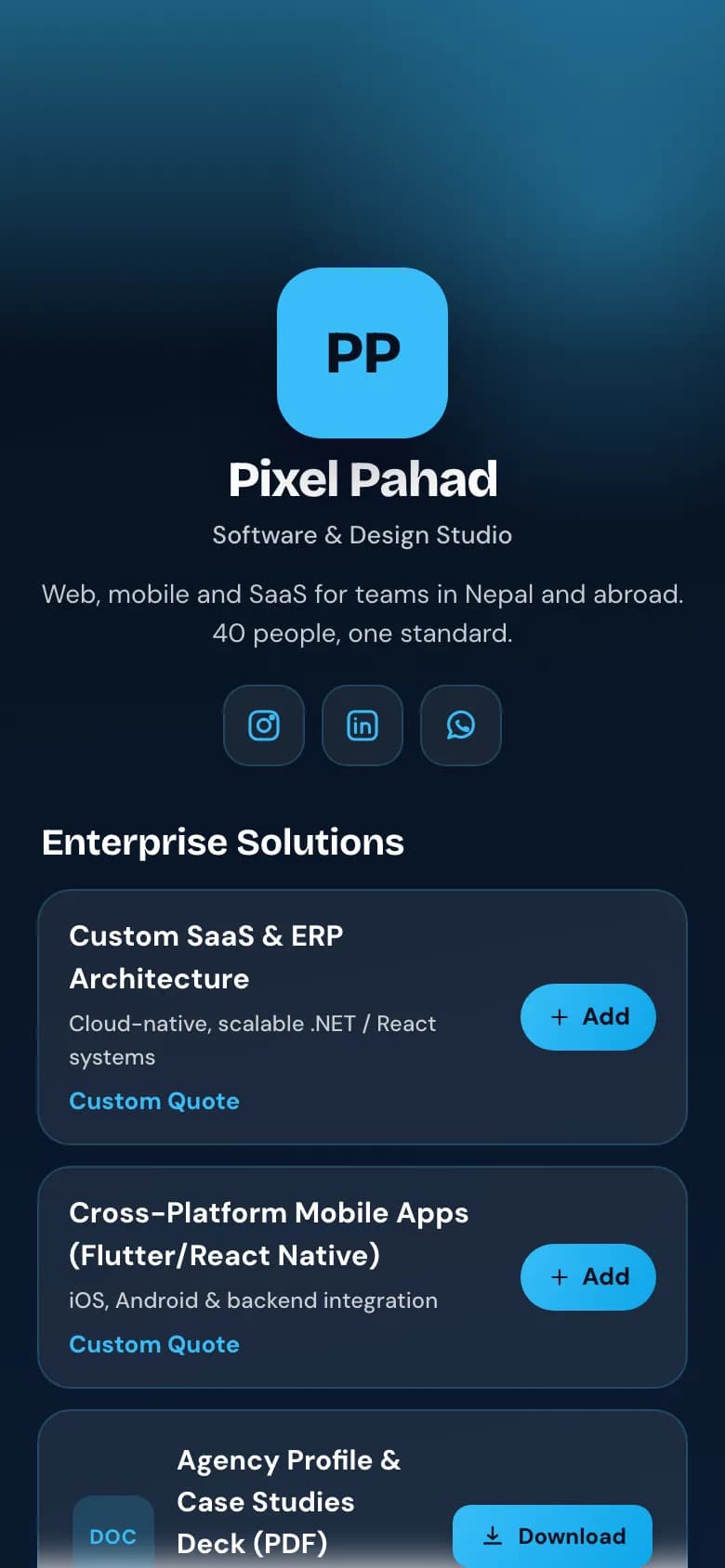
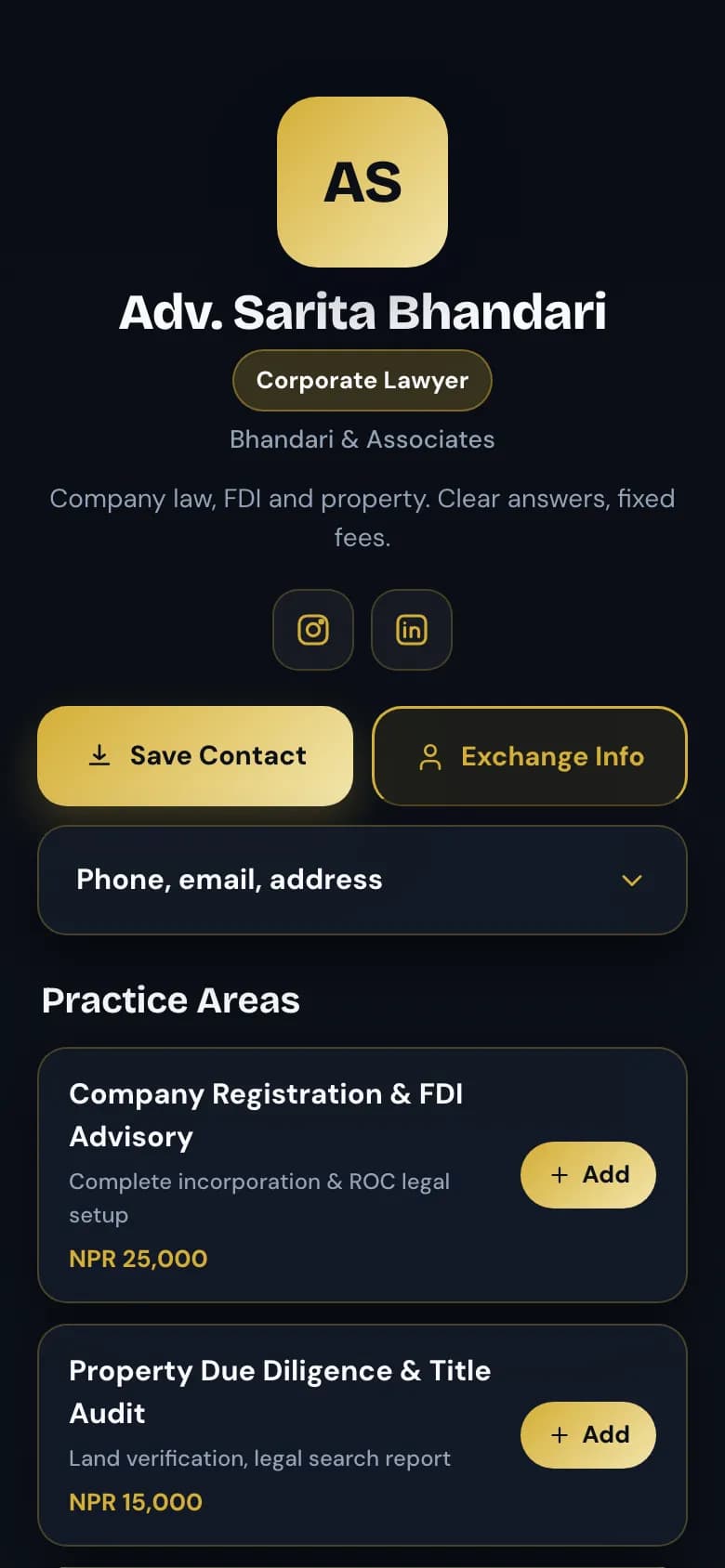
The Digital agency template on a dark skin: studio name, services with prices and an Exchange button

One house style, locked if you want

Choose the skin, colours, icon set and button style every member's page wears.

  • Preview it on a real member's page before you save.
  • Turn the lock on and members can't change their page's style. Turn it off to let them.
  • Everyone still writes their own details, links and blocks.

Views per person, last 30 days

  • Anjali64
  • Sagar52
  • Pema27
Example of the team report

Each person keeps what's theirs

A card belongs to the person, not the roster.

  • If someone leaves the team, they keep their page, handle, contacts and notes.
  • Team analytics show views, QR scans and enquiries per person for the last 30 days.
  • Members see only their own numbers; owners and admins see the whole team.

Which plans include it

Teams are on the Business plan. The plan sets how many seats your team has.

Personal: Free · Professional: NPR 299 a month · Business: NPR 999 a month

Team cards and house stylePersonal:Not includedProfessional:Not includedBusiness:Included

Compare every plan

How to set it up

  1. Choose Business

    Teams are on the Business plan. Upgrade from Billing in your dashboard.

  2. Create your organisation

    Give it your company's name.

  3. Set the house style

    Pick the skin, colours, icons and button style, preview them, and lock them if you want.

  4. Invite your team

    Enter each person's email, role, title and department.

  5. Check the team report

    See views, scans and enquiries for each person's page.

Common questions

Can I make business cards for all my employees?

Yes, on the Business plan. Create an organisation, invite each person by email, and each gets their own golinq.me card.

Can I stop staff changing the design?

Yes. Set the house style and turn on the lock. Members' pages then use your skin, colours, icons and button style.

What happens when someone leaves?

Remove them from the team, or they can leave. They keep their own page, handle, contacts and notes; the seat is freed for someone else.

Can I see how each person's card is doing?

Owners and admins see views, QR scans and enquiries for each member over the last 30 days. Members see only their own.

Read the guide

All guides

Real estate agents

Listings with prices and videos, enquiries that come with a budget attached.

See how it works for real estate

Doctors and clinics

OPD booking, fees and hours on one page, and a number patients can save.

See how it works for clinics

Works well with

All features

Digital business card

One page with your number, email and links, saved to any phone with one tap.

On every plan

Analytics

Views, scans, taps and enquiries for your page, and scans for each QR code.

On every plan

Contact exchange

People save your details and send theirs back. They land in your contacts.

On every plan

NFC business card

Write your golinq.me link to any standard NFC card, sticker or keyring.

On every plan

Your page can be ready today.

Start free on the Personal plan. Pick a template, add your details, and share the link or the QR code.