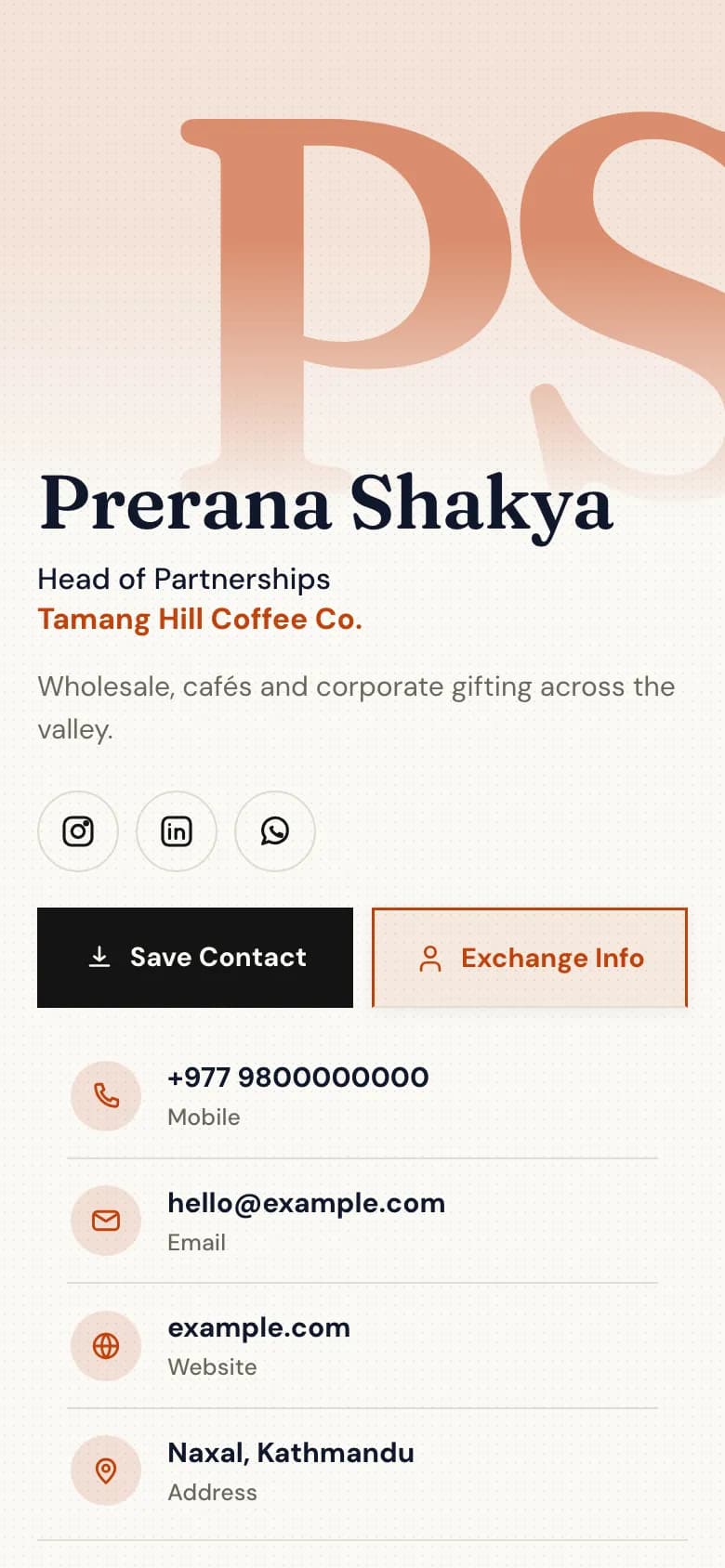
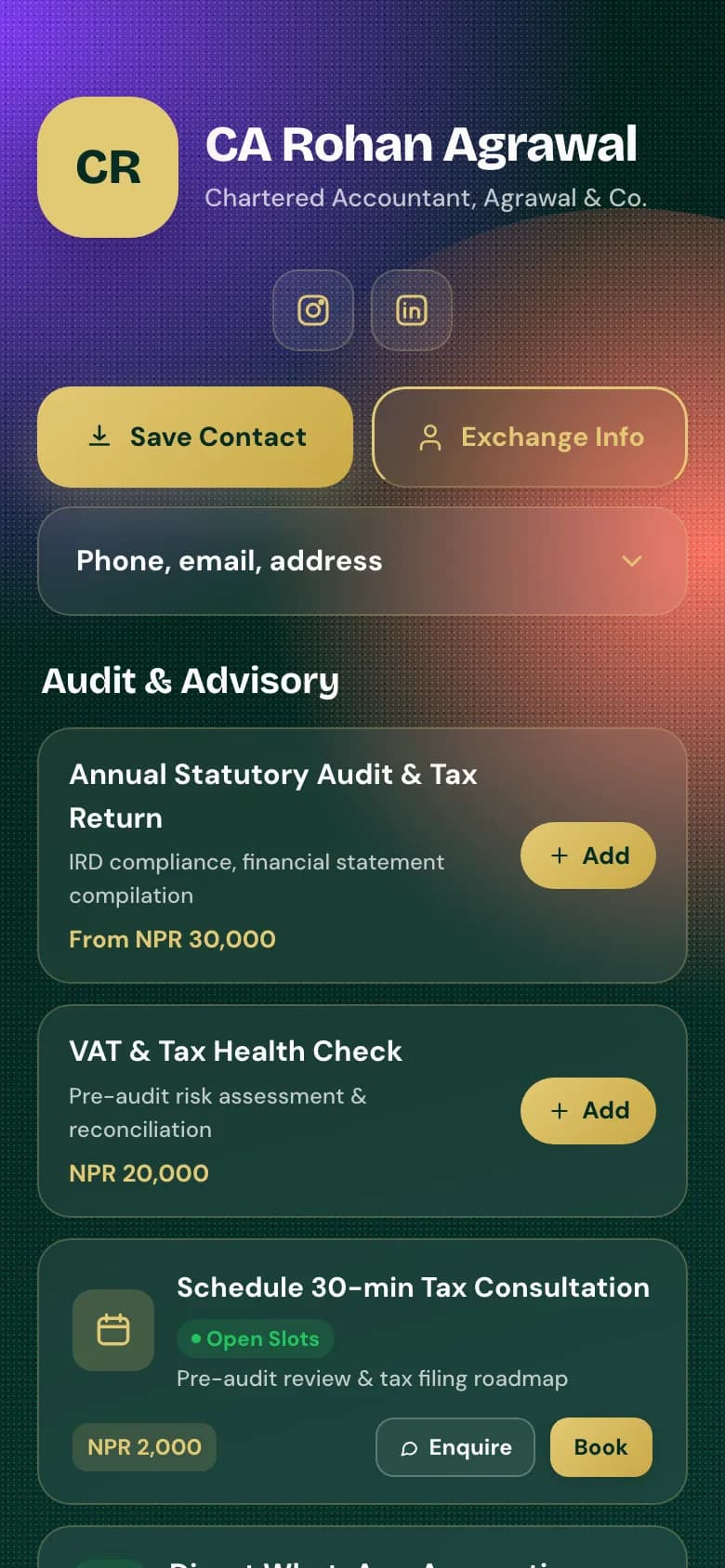
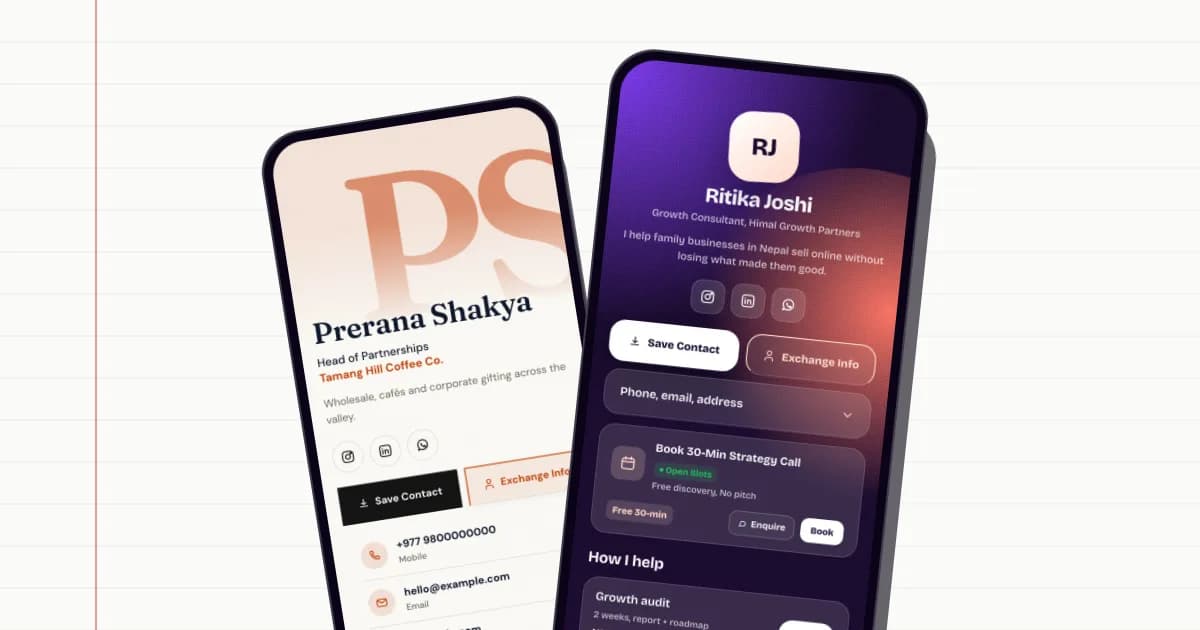
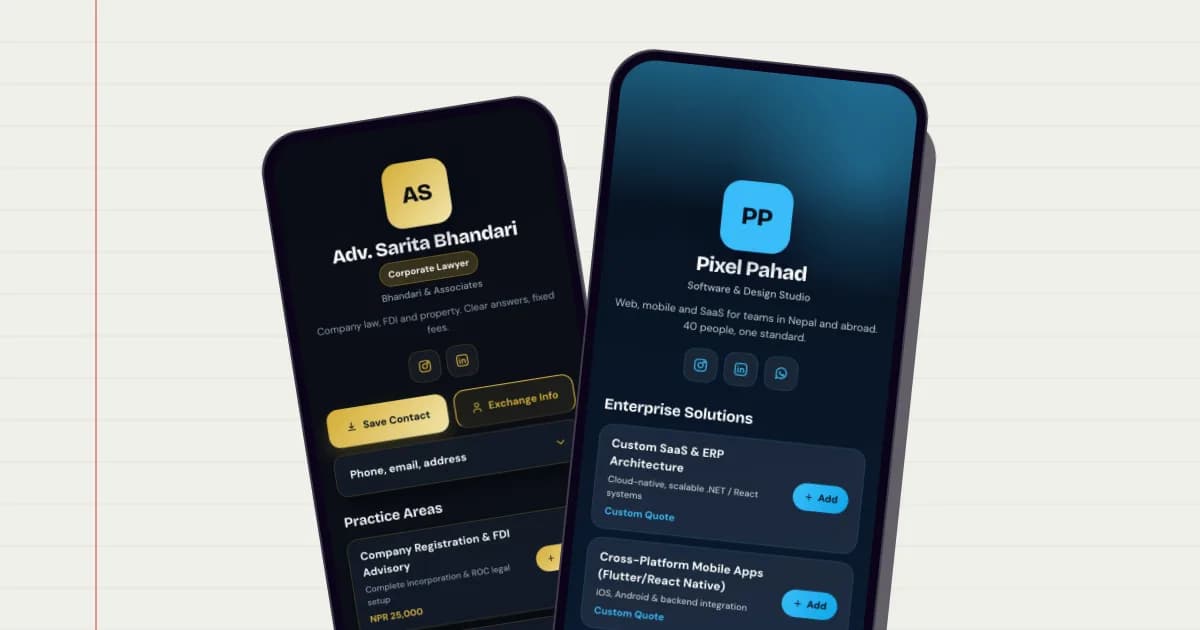
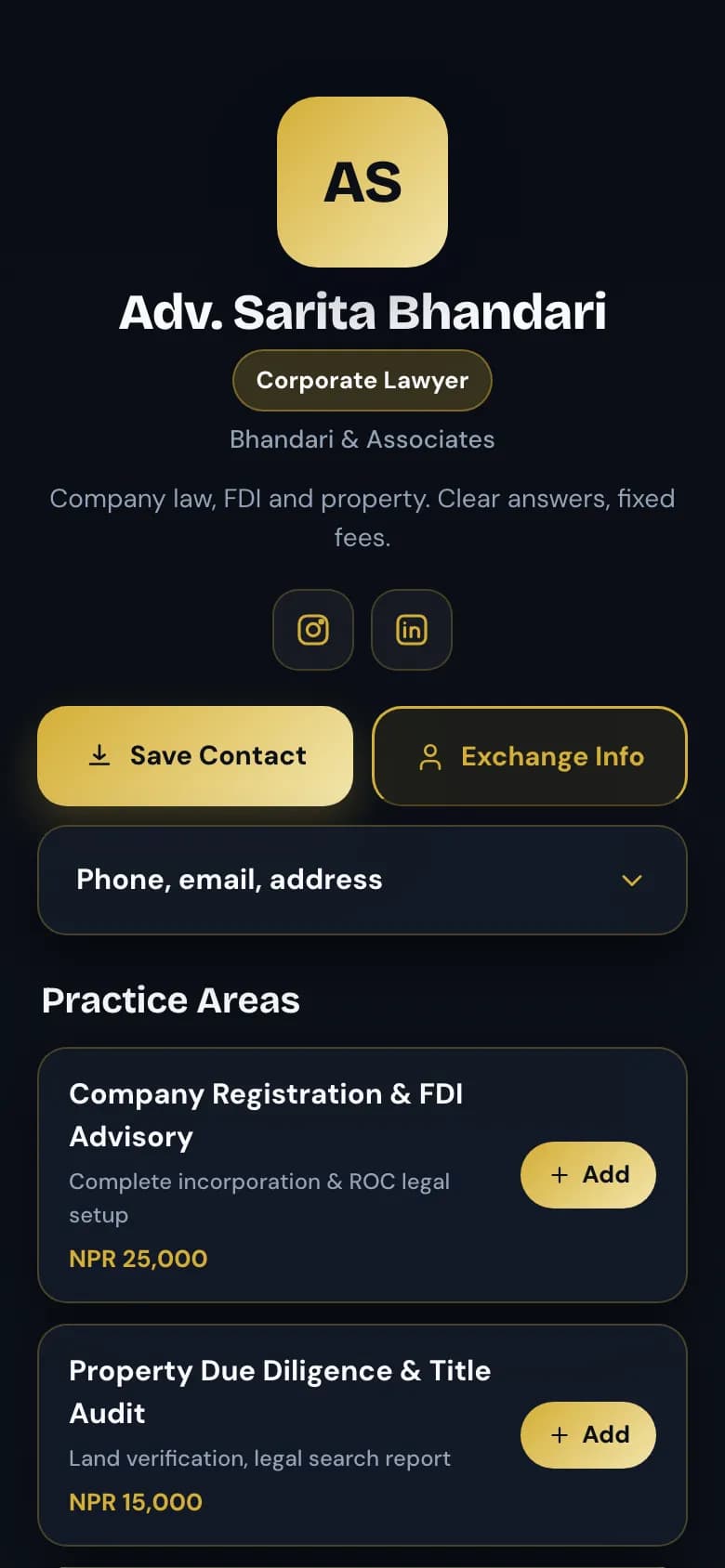
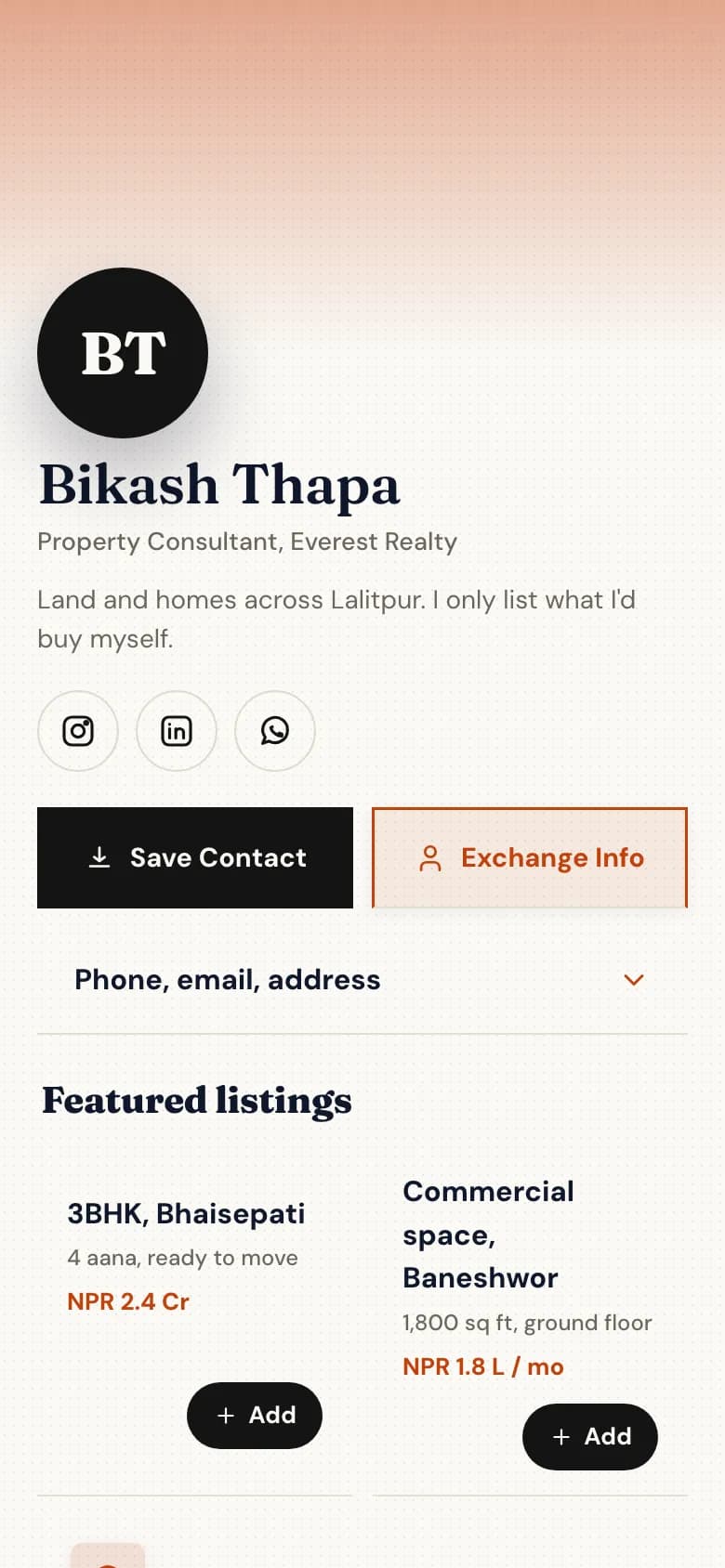
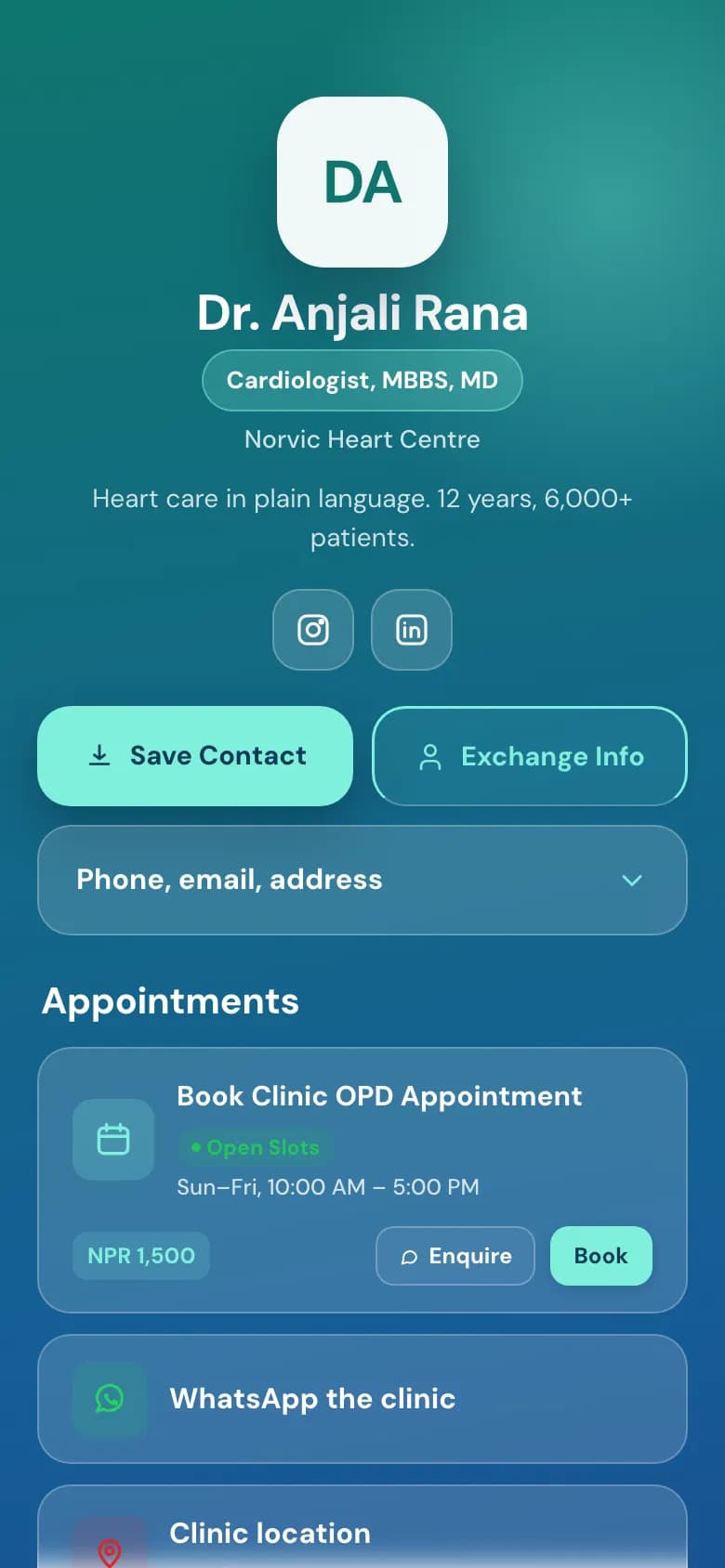
Your card is a web page at golinq.me/@yourname. Anyone with the link, the QR code or an NFC card sees your details and taps Save Contact to put you in their phone, with no app to install.
The button downloads a contact file (.vcf) that iPhone and Android open straight into the address book.
It carries your name, job title, company, phone numbers, email, website and address.
Your photo goes in too, so you show up with a face rather than initials.
A link back to your golinq.me page is saved with the contact, so they can find the rest later.
A template for your trade, a skin for your taste
A template decides what sits on the page and in what order. A skin decides colour, type and shape.
Templates start from the job: a clinic leads with appointments, a restaurant with today's menu, an accountant with services.
Any skin works on any template, including Dhaka, Thangka and Lungta patterns drawn from Nepali textiles and prayer flags.
Some skins and your own colours are on the paid plans. Switching either never breaks the page.
Prerana Shakya
Save ContactName, phone, email, photo
WhatsApp+977 98XXXXXXXX
OfficeNaxal, Kathmandu
Company profilePDF
Example
Everything else they need from you
Under your details, add the blocks your customers look for.
Links, a WhatsApp button, your map pin and opening hours.
Services or products with prices in NPR, a PDF price list, photos and videos.
Change anything from your phone. The link and every printed QR code keep working.
Which plans include it
The free Personal plan includes one card with Save Contact and a QR code. Paid plans add more cards, premium skins and your own colours, and remove the golinq.me badge.
Personal: Free · Professional: NPR 299 a month · Business: NPR 999 a month
PlanPersonalFreeProfessionalNPR 299 a monthBusinessNPR 999 a month
Register and pick the address people will see, for example golinq.me/@yourname.
2
Pick a template
Choose the one closest to your work. It fills the page with sensible sections you can edit.
3
Add your details
Name, role, company, phone, email, address and a photo. These go into the Save Contact file.
4
Choose a skin
Try the skins until the page looks like you. Your details stay put when you switch.
5
Publish and share
Copy the link, download the QR code as PNG or SVG, or write the link to an NFC card.
Common questions
What is a digital business card?
A web page with your contact details that anyone can open from a link, a QR code or an NFC tap. On golinq.me it lives at golinq.me/@yourname and has a Save Contact button that adds you to the visitor's phone.
Does the person I meet need an app?
No. The page opens in the phone's browser on iPhone and Android, and Save Contact uses the phone's own contacts app.
What does Save Contact actually save?
A standard contact file (.vcf) with your name, job title, company, phone numbers, email, website, address, photo and a link back to your page. Only the fields you filled in are included.
Can I change my details after printing the QR code?
Yes. The QR code opens your page, and you edit the page. A new phone number shows up for everyone who scans the old code.
Is it free?
One card is free on the Personal plan, with Save Contact, a QR code and page analytics. The plans table below shows what the paid plans add.
A digital business card is a short web page that puts your number, WhatsApp and work into someone's phone in one tap. Here is what goes on one and how to set it up in about 15 minutes.
You come home from an expo with a pocket full of cards and a phone full of half-saved numbers. Here is a simple routine for swapping contacts properly and following up while people still remember you.