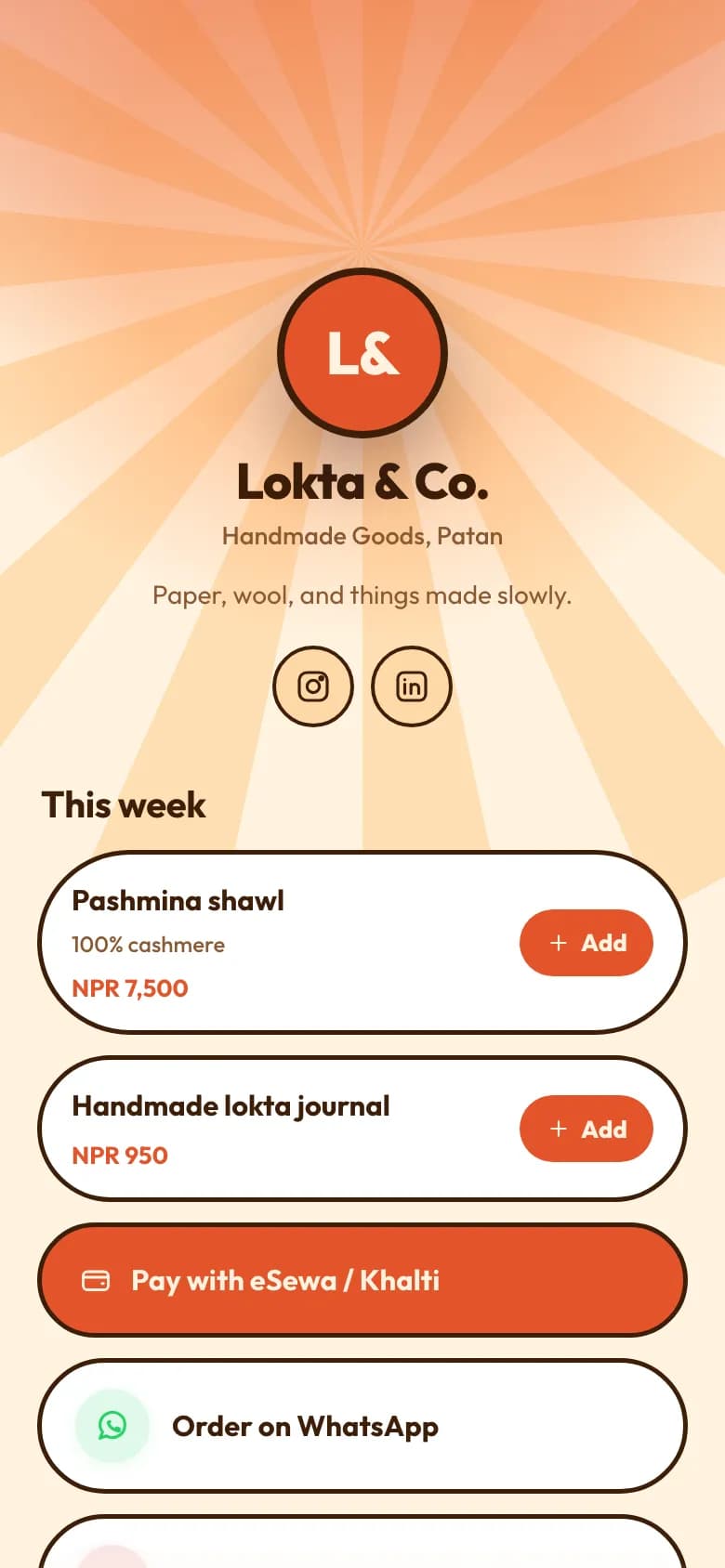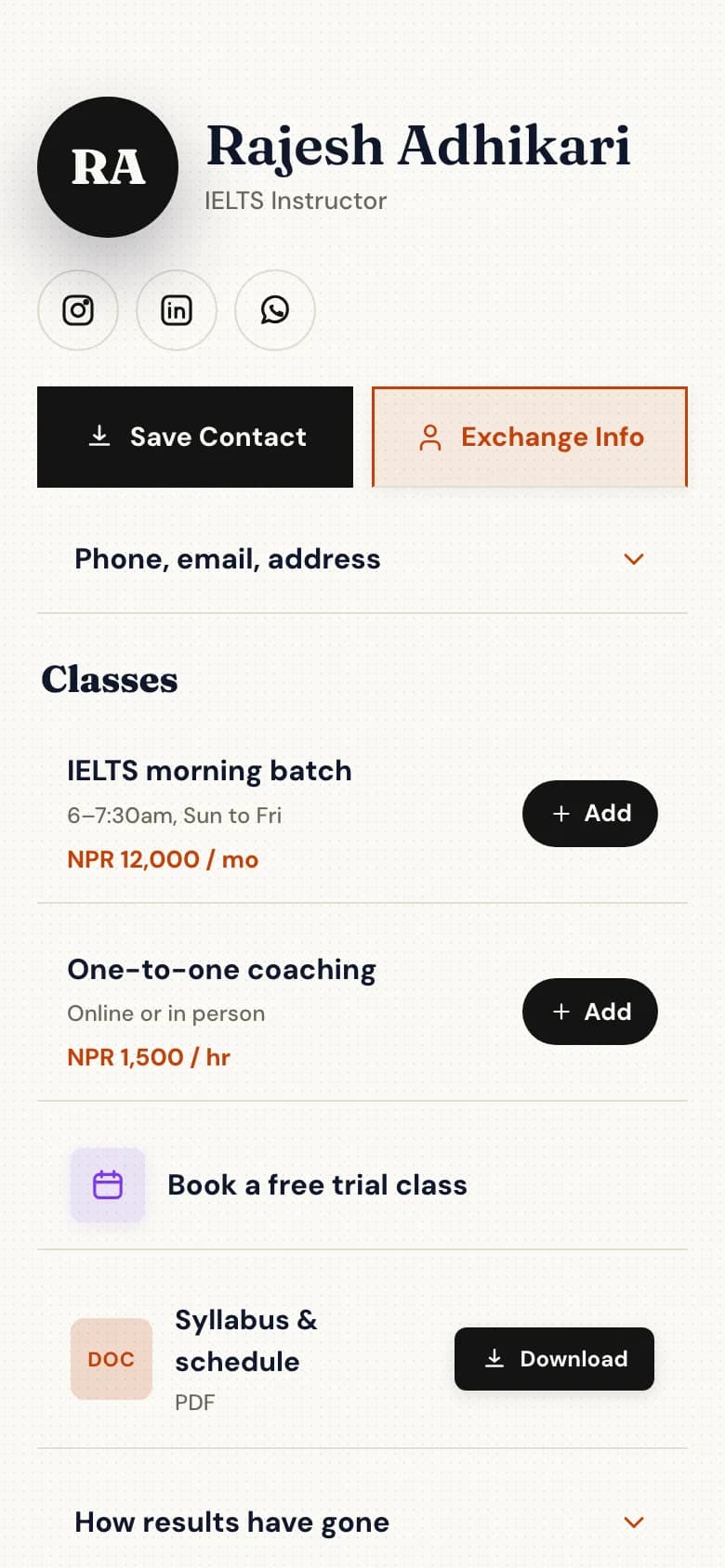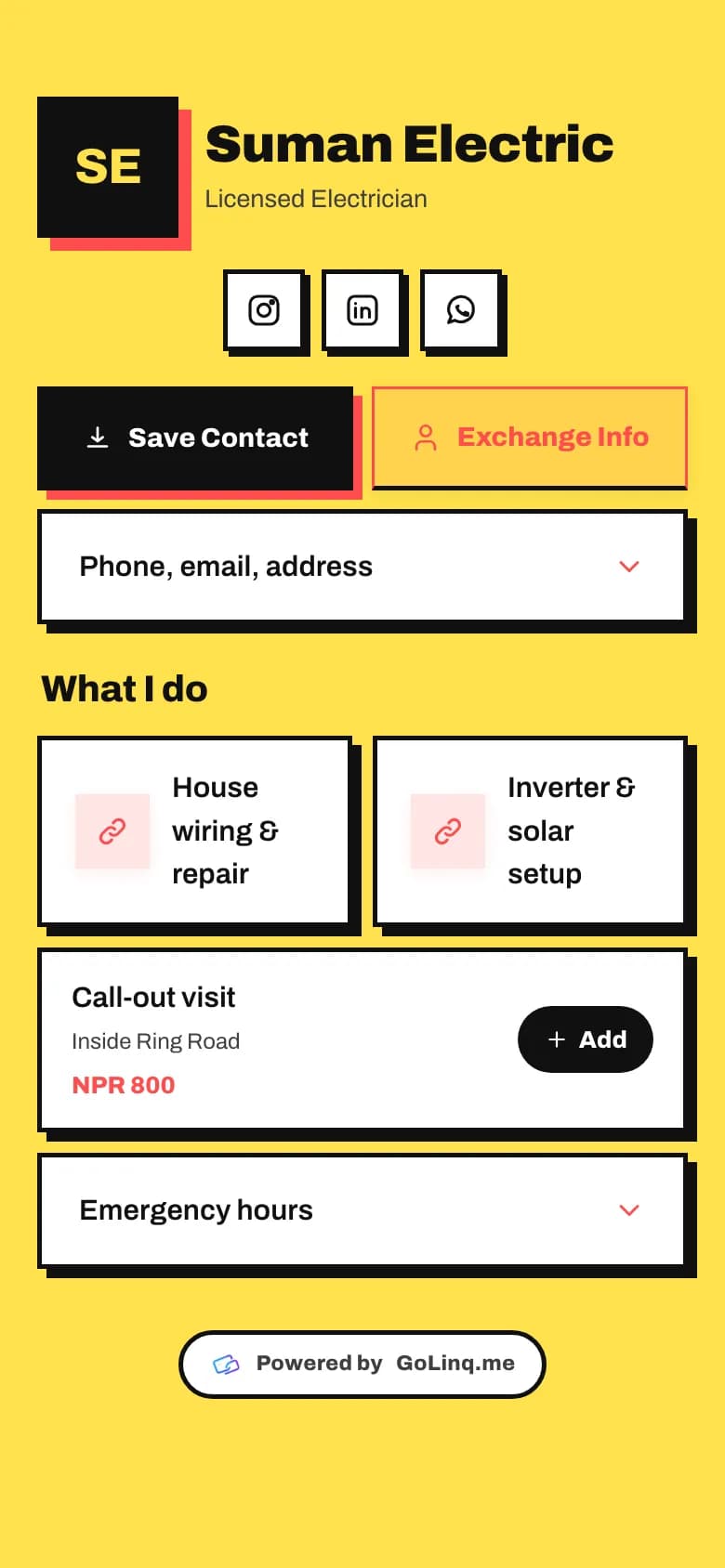
A digital business card for electricians, plumbers and technicians

The job goes to whoever the customer can find again. Give them a page with call and WhatsApp buttons, the work you do, the areas you cover and your call-out rate, and let them save your number before you leave.

What customers can do when something breaks

The Trades template: call and WhatsApp buttons, services, and a call-out rate in NPR

Call or WhatsApp you in one tap

The buttons sit at the top. Nobody scrolls to find your number.

  • A call button and a WhatsApp button side by side.
  • What you fix, listed plainly: wiring, inverters, water pumps, AC servicing.
  • Your service area and call-out rate, so the first call isn't about price.
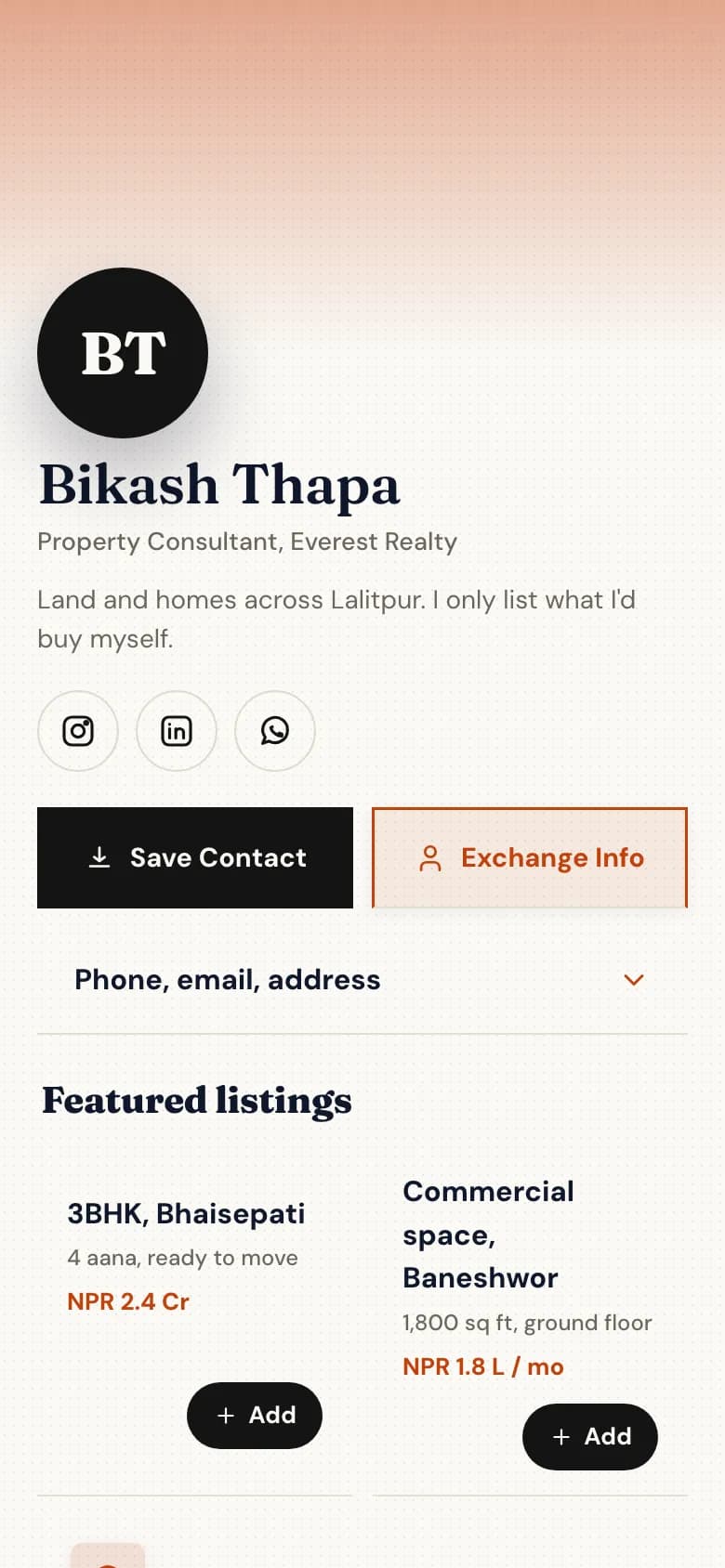
Job request

  • What's wrongInverter beeping, no backup
  • AddressBudhanilkantha, Kathmandu
  • Photoinverter.jpg
  • Best timeTomorrow morning
Example

Send you a photo of the problem

A job request form saves a site visit to look at it.

  • Name, phone, address and what's wrong.
  • A photo of the meter box, the leak or the error code.
  • Requests land in your inbox, and the customer is saved to your contacts.

Saved to their phone

  • Ram Bahadur ThapaLicensed electrician
  • Mobile98XXXXXXXX
  • Pagegolinq.me/@ramelectric
Example

Find you again next time

Save Contact puts your number in their phone with your name and trade on it.

  • Stick a QR sticker on the inverter, pump or AC unit you installed.
  • Next time it acts up, they scan it and your page opens.
  • Or write your link to an NFC card that opens your page with a tap.

What you get as a tradesperson

Everything without a plan name is on the free Personal plan. Professional is NPR 299 a month and Business is NPR 999 a month, paid by eSewa, Khalti, Fonepay, bank transfer or card.

  • Call and WhatsApp buttons

    At the top of the page, laid out two to a row.

  • Save Contact

    Your name, trade and number saved to their phone in one tap.

  • QR code

    Print it on stickers, your van or a flyer.

  • Job request form with photo upload

    One form free, unlimited on Professional.

  • Contacts

    Everyone who sends a request is saved. Up to 50 on the free plan, 2,000 on Professional.

  • Bookings for visitsProfessional plan

    Let customers book a visit slot in the hours you choose.

How to set it up

  1. Pick the Trades template

    Create your account and choose your handle, for example golinq.me/@yourname.

  2. Add your phone, WhatsApp and services

    What you fix, the areas you cover and your call-out rate.

  3. Add a job request form

    Ask for the address, the problem and a photo. One form is free.

  4. Print QR stickers

    Download your QR code and stick it on the equipment you install and on your van or toolbox.

Common questions

Is golinq.me free for an electrician or plumber?

Yes. The free Personal plan includes your page, call and WhatsApp buttons, Save Contact, a QR code, one form and up to 50 contacts.

Can customers send me a photo of the problem?

Yes. Add a form with a file upload field and customers can attach a photo with their request.

Can I use an NFC card?

Yes. Write your golinq.me link to any standard NFC card or sticker with a free NFC app. A tap on a phone opens your page.

Do customers need to install anything?

No. The QR code and the NFC card open your page in the phone's browser.

Other lines of work

All industries

Real estate agents

Listings with prices and videos, enquiries that come with a budget attached.

See how it works for real estate

Shops and online sellers

Products with photos and stock, a basket, and orders that arrive on WhatsApp.

See how it works for shops

Your page can be ready today.

Start free on the Personal plan. Pick a template, add your details, and share the link or the QR code.