A digital business card for real estate agents in Nepal
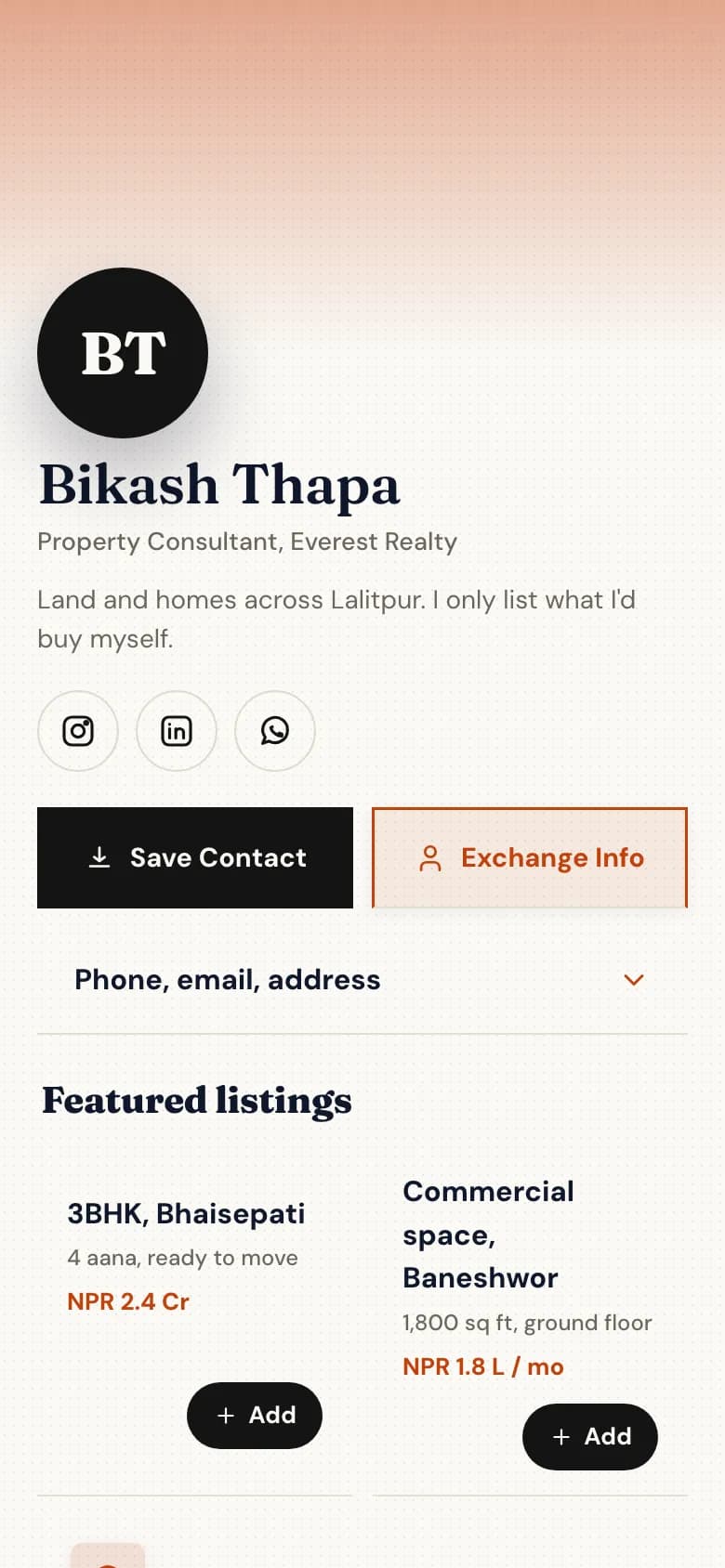
Put your current listings behind one link: photos, the price in crore or lakh, and the walkthrough video. Buyers send an enquiry with their budget and area, and save your number before they forget whose board it was.
Each property with a photo, a line of detail and its price.
Size in aana or square feet, the area, and the asking price or rent.
A walkthrough video from YouTube, played on the page.
A link to your full list, if you keep one elsewhere.
Property enquiry
Looking toBuy
AreaBhaisepati, Lalitpur
BudgetNPR 2 – 2.5 Cr
MovingWithin 3 months
Example
Enquire with the details you need
An enquiry form asks the questions you'd ask on the first call.
Budget, preferred area, buy or rent, and when they want to move.
Enquiries land in your inbox, and the person is saved to your contacts.
Or they tap WhatsApp and message you directly.
Dynamic QR codes
Board: Bhaisepati 3BHKPoints to your listings page
Board: Baneshwor officePoints to the enquiry form
Flyer: open housePoints to the walkthrough video
Example
Scan the board outside the property
A dynamic QR code on a sign board can point to a new page when the property sells.
Change where the printed code points without reprinting the board.
Count the scans from each board separately.
Save Contact puts your number in their phone while they're standing there.
What you get as an agent
Everything without a plan name is on the free Personal plan. Professional is NPR 299 a month and Business is NPR 999 a month, paid by eSewa, Khalti, Fonepay, bank transfer or card.
Listings with photos and prices
Each property as its own block, in the order you choose.
Walkthrough videos
YouTube videos play on the page.
Enquiry forms
Budget, area and timing. One form free, unlimited on Professional.
Save Contact
Buyers save your number, email and office address in one tap.
Dynamic QR codes for boardsProfessional plan
Five on Professional, fifty on Business. Change the target, count the scans.
Contacts with Google syncProfessional plan
Every enquiry saved as a contact and synced to Google Contacts.
A page for every agentBusiness plan
Invite your agents. Each gets a page in the agency's style.
How to set it up
1
Pick the Real estate template
Create your account and choose your handle, for example golinq.me/@yourname.
2
Add your listings
A photo, a line of detail and a price for each property, plus walkthrough videos from YouTube.
3
Add an enquiry form
Budget, area, buy or rent, and timing. One form is free.
4
Make QR codes for your boards
On Professional, create dynamic codes for sign boards and flyers so you can change where they point later.
5
Update listings as they sell
Remove a sold property and the same link shows the rest.
Common questions
Can I change a QR code after the board is printed?
Yes, with a dynamic QR code on the Professional or Business plan. Change where it points at any time and the printed board opens the new page.
Can buyers watch a walkthrough video on my page?
Yes. Add a YouTube video and it plays on your page.
Where do enquiries go?
Form answers land in your golinq.me inbox and the person is added to your contacts. On Professional, contacts also sync to Google Contacts.
Can my agency have a page for each agent?
Yes, on the Business plan. Invite each agent; they keep their own page and contacts, in the agency's colours and logo.