Two-way contact exchange, with the contacts in one place

A paper card only goes one way. On your golinq.me page, the Exchange button lets the other person send their name, number and company back, and they arrive in your contacts before you've left the room.

On every plan

What happens when someone exchanges details

Share your details back

  • Full name
  • Phone
  • Email
  • Job title
  • Company
  • Where we met

Send my details

Example

They save you, then share themselves

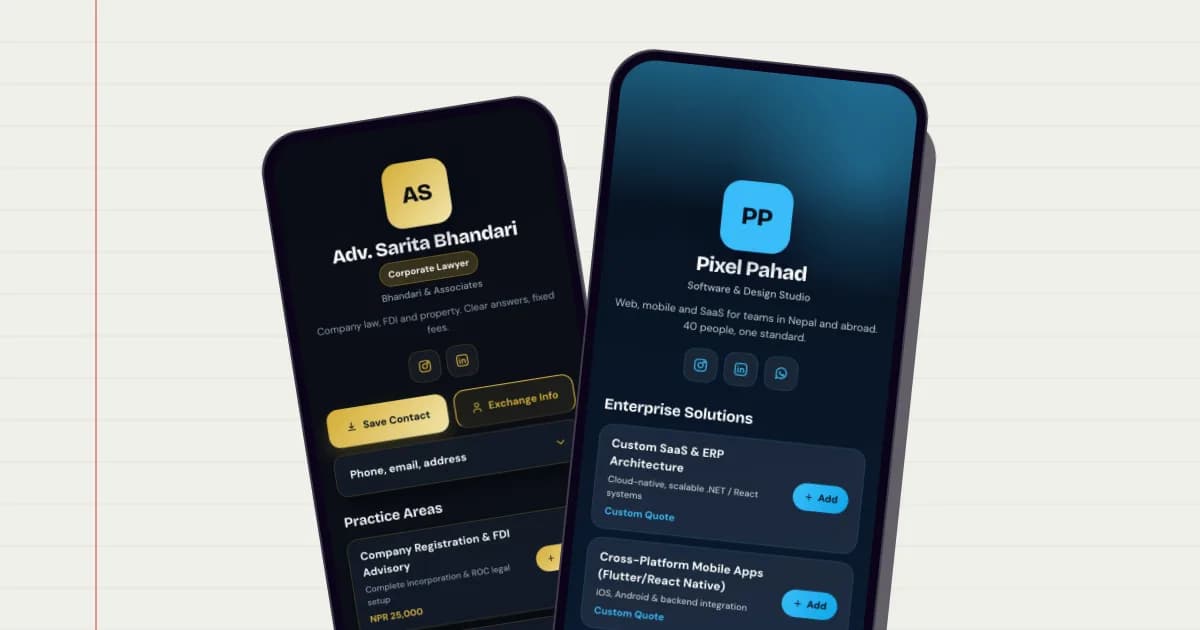
Exchange opens a short form on your page. It offers your contact file and asks for theirs.

  • Name, phone, email, job title, company and a note such as where you met.
  • Nothing to install on their side, and no account needed.
  • You get a notification saying who shared their details, and from which card.
Contacts

  • Sagar KarkiExchanged at a trade fair · Pokhara
  • Anisha GurungBooked a consultation
  • Bikash ThapaFilled in your enquiry form
Example

Your contacts, not a pile of cards

Exchanges, form replies, bookings and shop orders all become contacts in one list.

  • Someone who books and later fills in a form stays one contact, matched by email first, then phone.
  • Tag, favourite and archive contacts, keep important dates, and merge duplicates.
  • Each contact has its own timeline.

Import and export

  • ImportvCard (.vcf) or CSV
  • ExportvCard or CSV
  • Google ContactsTwo-way sync
Example

In and out of your phone

Bring your existing contacts in and take them anywhere.

  • Import a vCard (.vcf) or CSV file, and export everything or a selection as vCard or CSV.
  • Two-way Google Contacts sync on Professional and Business, so new contacts reach your phone.
  • How many contacts you can keep depends on your plan; see the table below.

Which plans include it

Exchange and the contacts list are on every plan. Paid plans keep more contacts and add Google Contacts sync.

Personal: Free · Professional: NPR 299 a month · Business: NPR 999 a month

Saved contactsPersonal:50 contactsProfessional:2,000 contactsBusiness:10,000 contacts
Google Contacts syncPersonal:Not includedProfessional:IncludedBusiness:Included

Compare every plan

How to set it up

  1. Publish your card

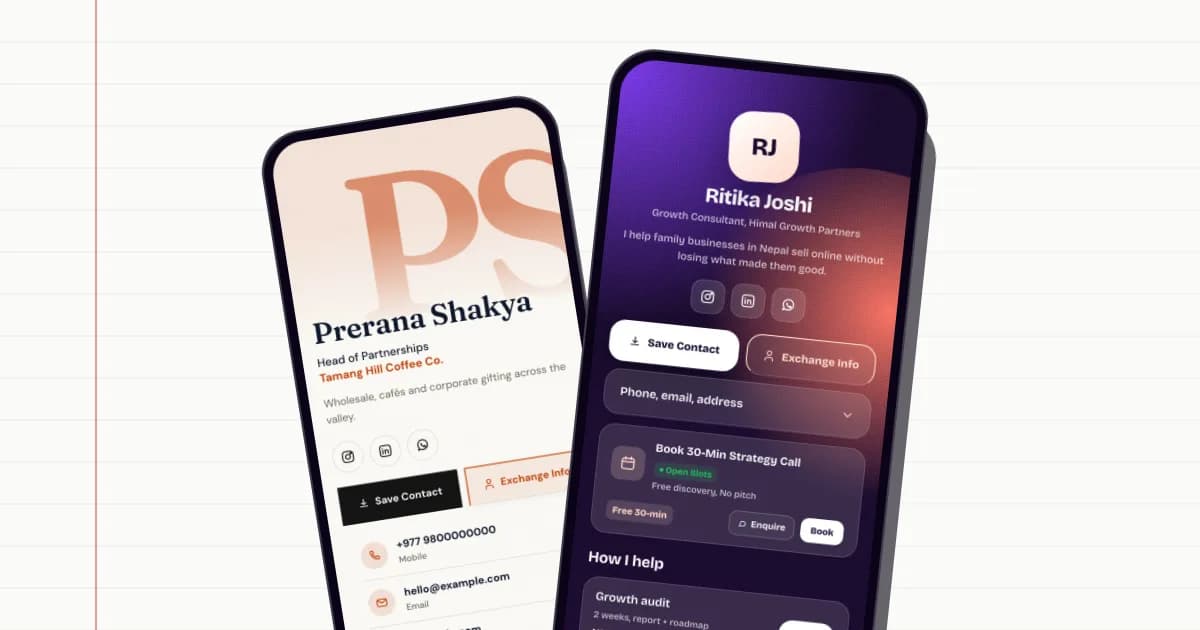
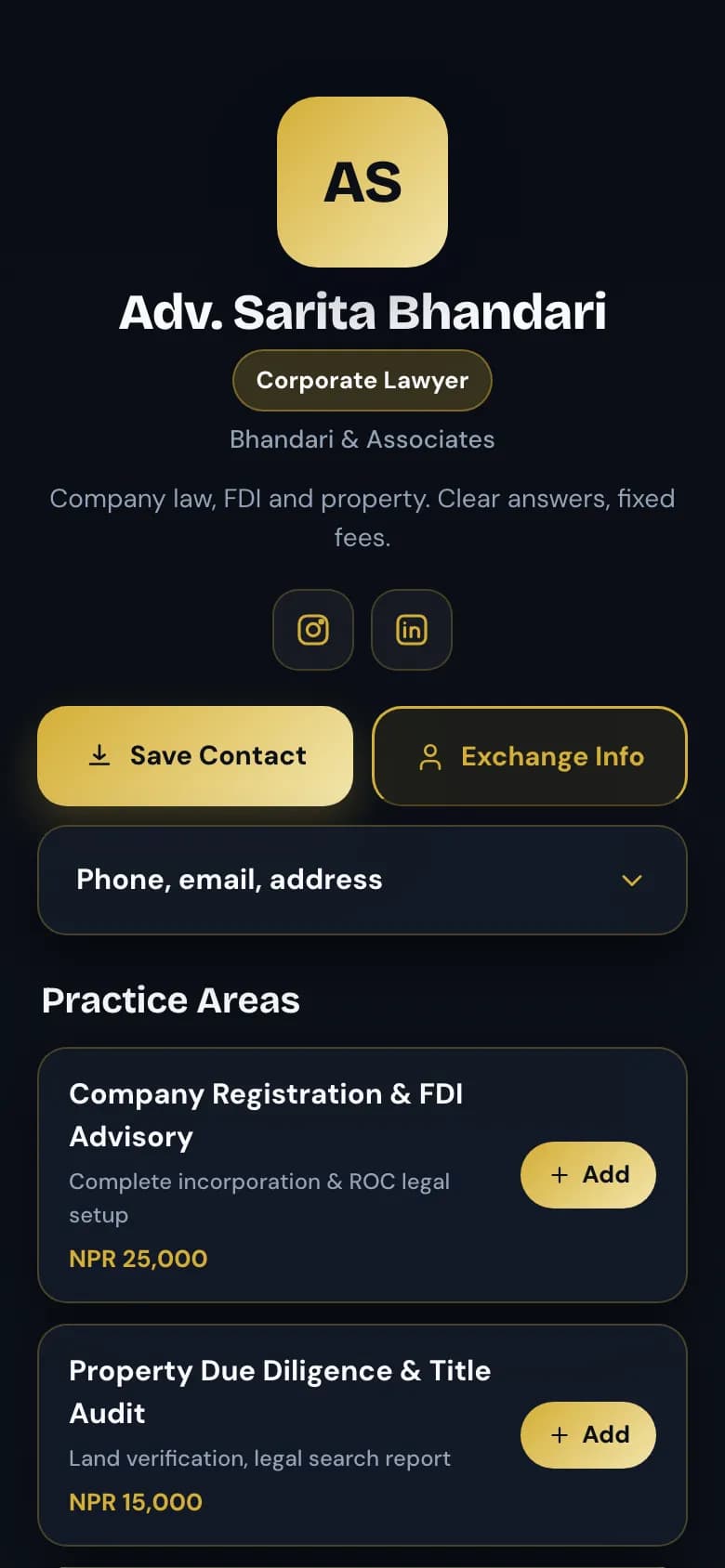
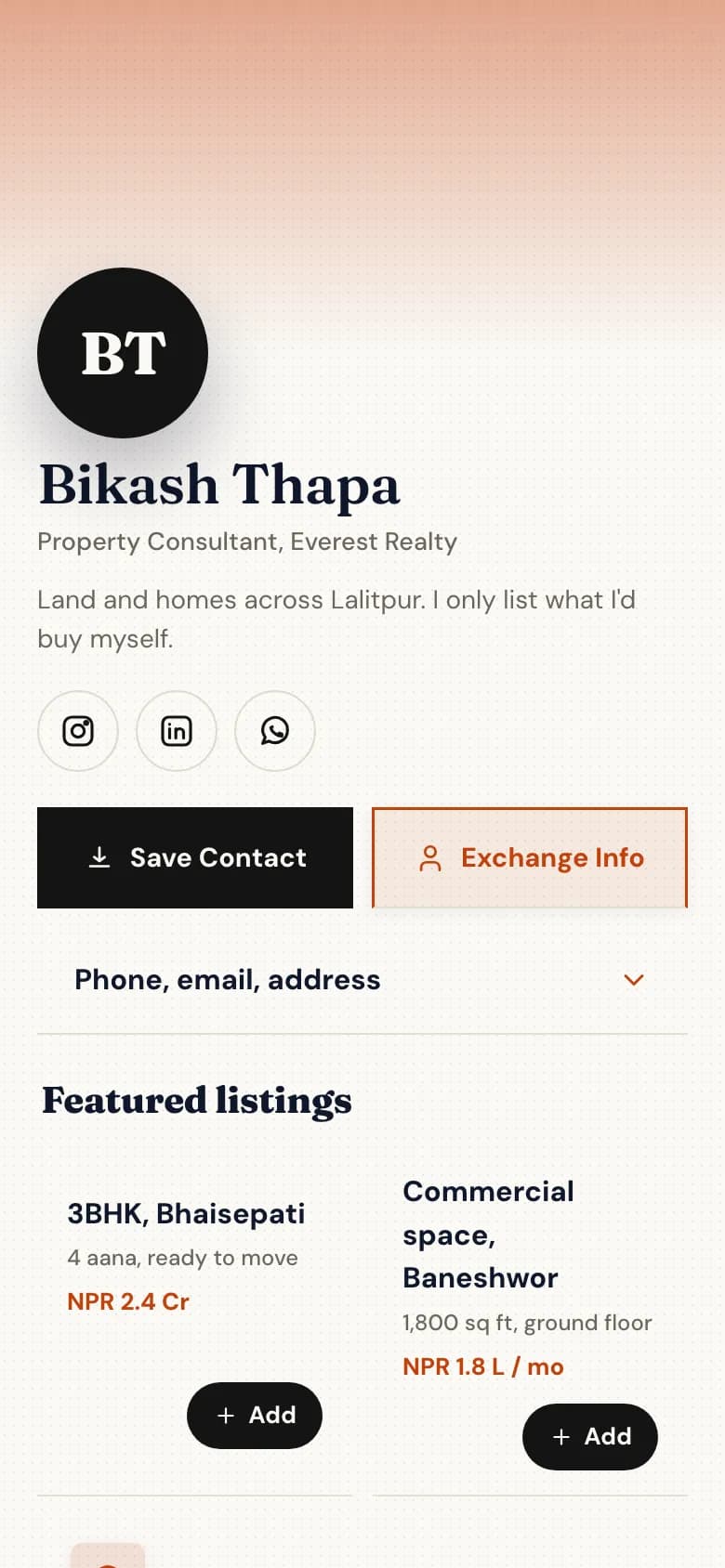
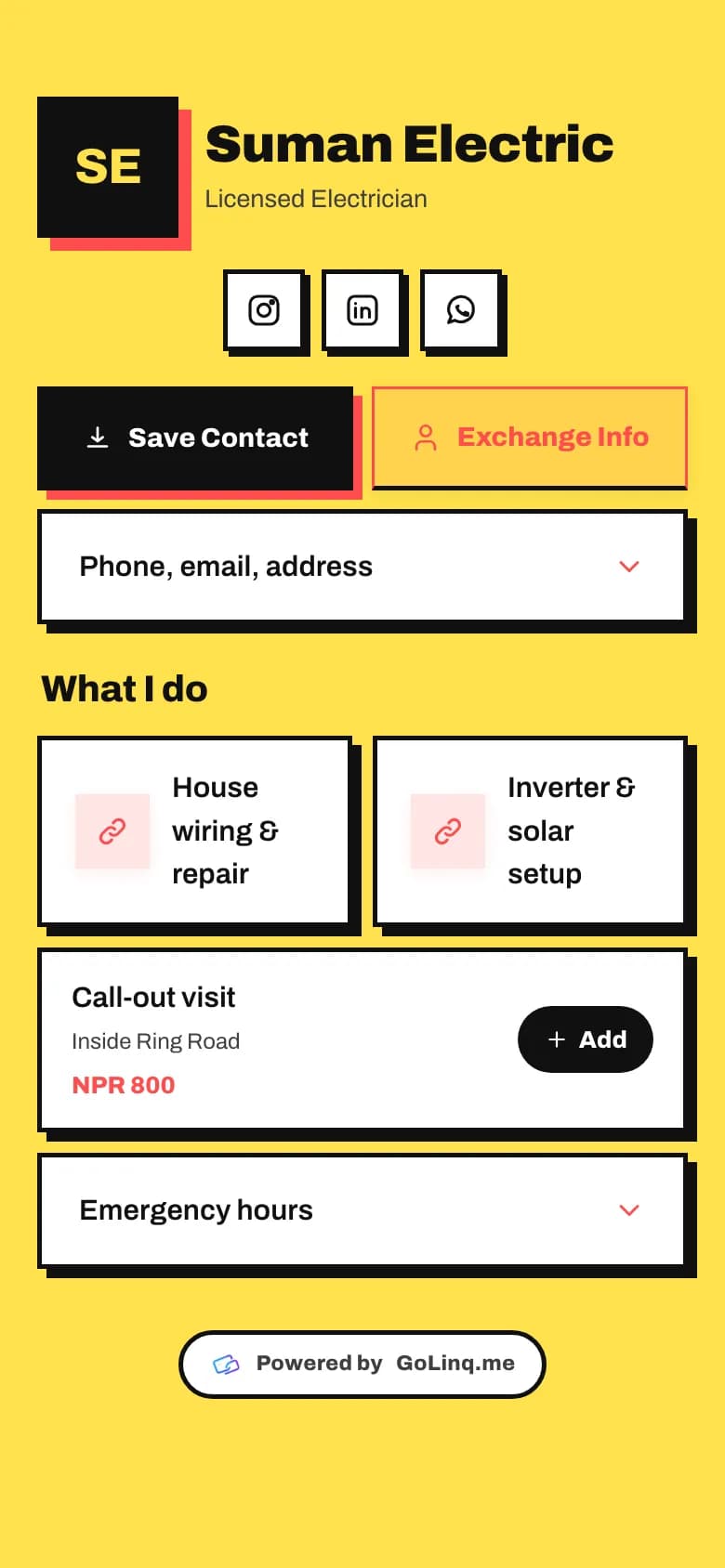
    Save Contact and Exchange are on every template's first screen.

  2. Share it in person

    Show your QR code or tap an NFC card, and ask them to press Exchange while you're there.

  3. Check your contacts

    Their details arrive in Contacts with a note of the card they came from.

  4. Connect Google Contacts

    On Professional or Business, connect your Google account under Integrations to sync both ways.

Common questions

How does two-way contact exchange work?

The visitor opens your page, saves your contact, then presses Exchange and fills in their own details. They are saved to your golinq.me contacts and you get a notification.

Does the other person need golinq.me?

No. They only need a phone with a browser. No app and no account.

Can I import the contacts I already have?

Yes. Import a vCard (.vcf) file or a CSV, and export them again as vCard or CSV whenever you like.

Does it sync with Google Contacts?

Yes, on the Professional and Business plans. The sync runs both ways, so a contact added on either side appears on the other.

What if the same person contacts me twice?

golinq.me matches them by email, then phone, and adds to the existing contact instead of making a second one. You can also merge duplicates yourself.

Read the guide

All guides

Real estate agents

Listings with prices and videos, enquiries that come with a budget attached.

See how it works for real estate

Works well with

All features

Digital business card

One page with your number, email and links, saved to any phone with one tap.

On every plan

NFC business card

Write your golinq.me link to any standard NFC card, sticker or keyring.

On every plan

Analytics

Views, scans, taps and enquiries for your page, and scans for each QR code.

On every plan

Your page can be ready today.

Start free on the Personal plan. Pick a template, add your details, and share the link or the QR code.