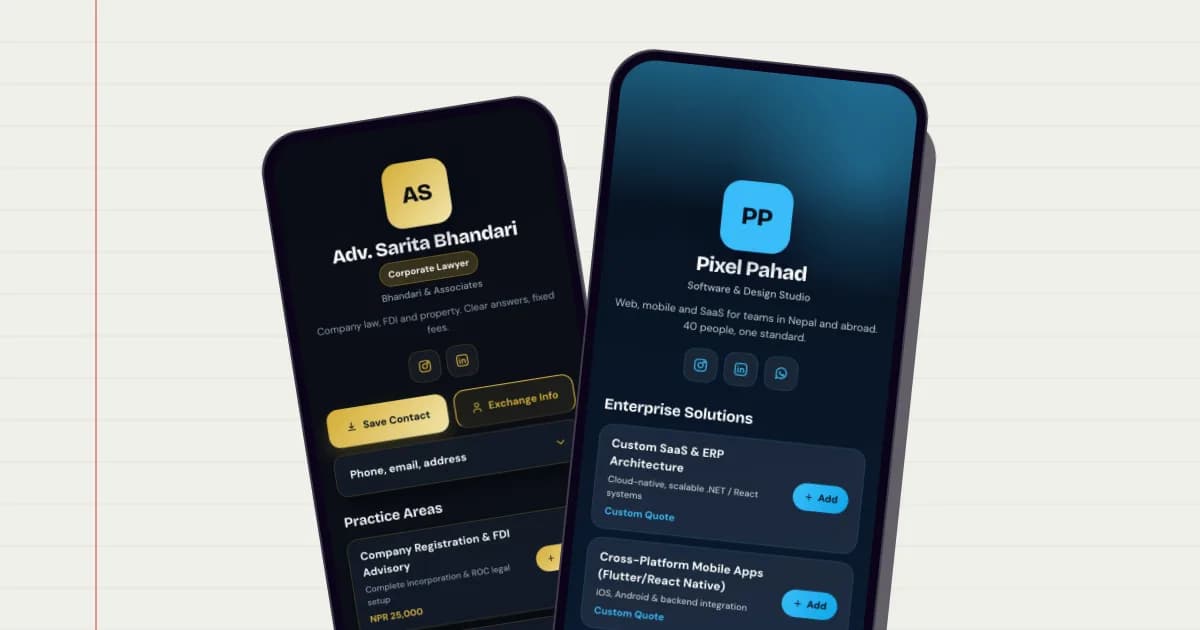
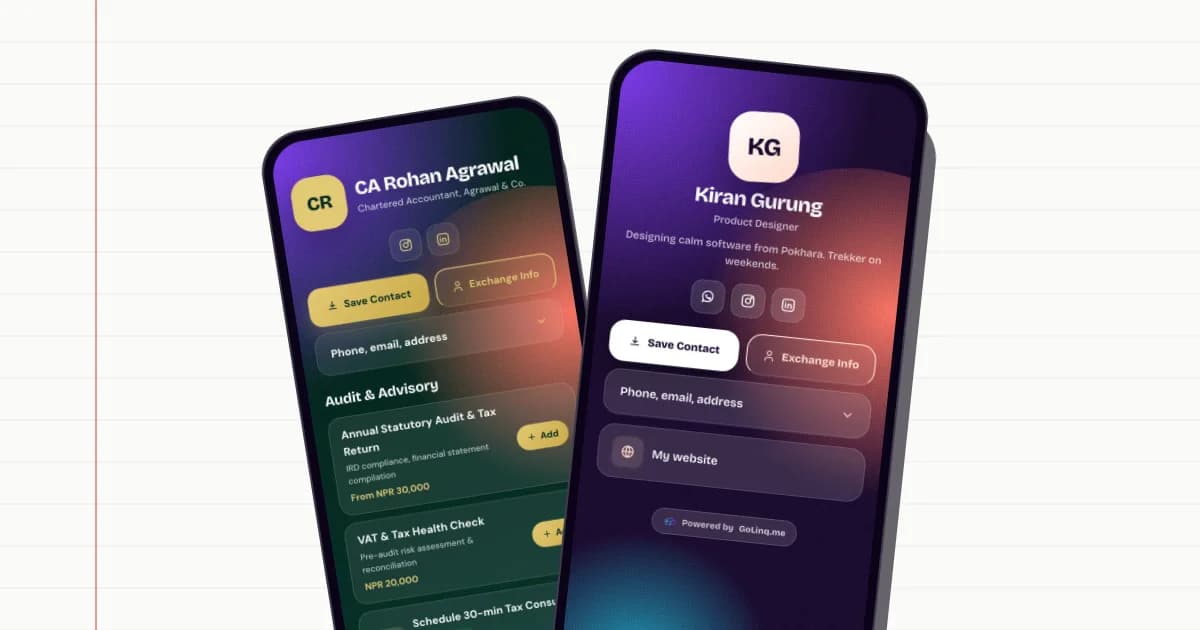
An NFC business card that opens your golinq.me page

Tap a card on someone's phone and your page opens. golinq.me doesn't sell NFC cards: buy blank ones from any printer or supplier, write your link to them yourself, and the page behind the card stays yours to edit.

On every plan

How an NFC card works with golinq.me

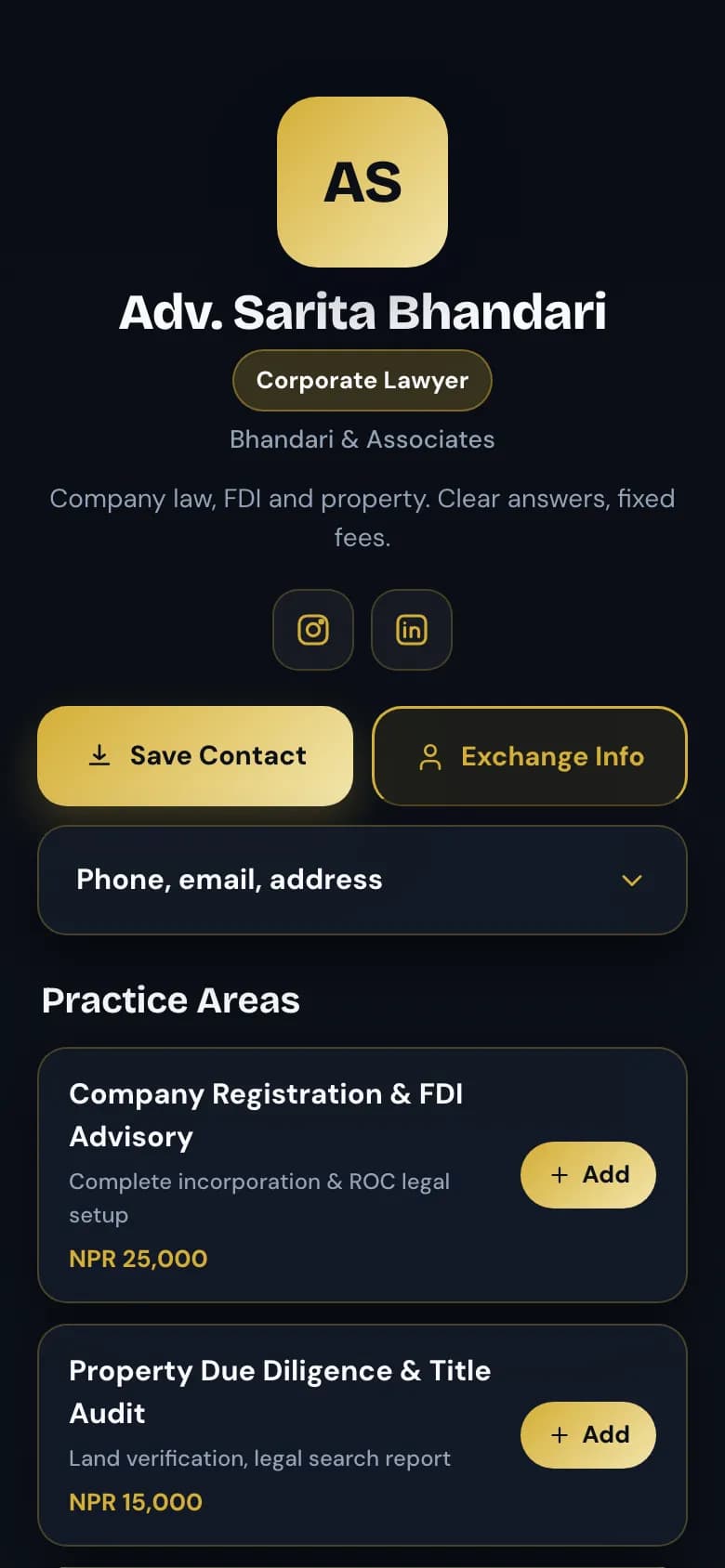
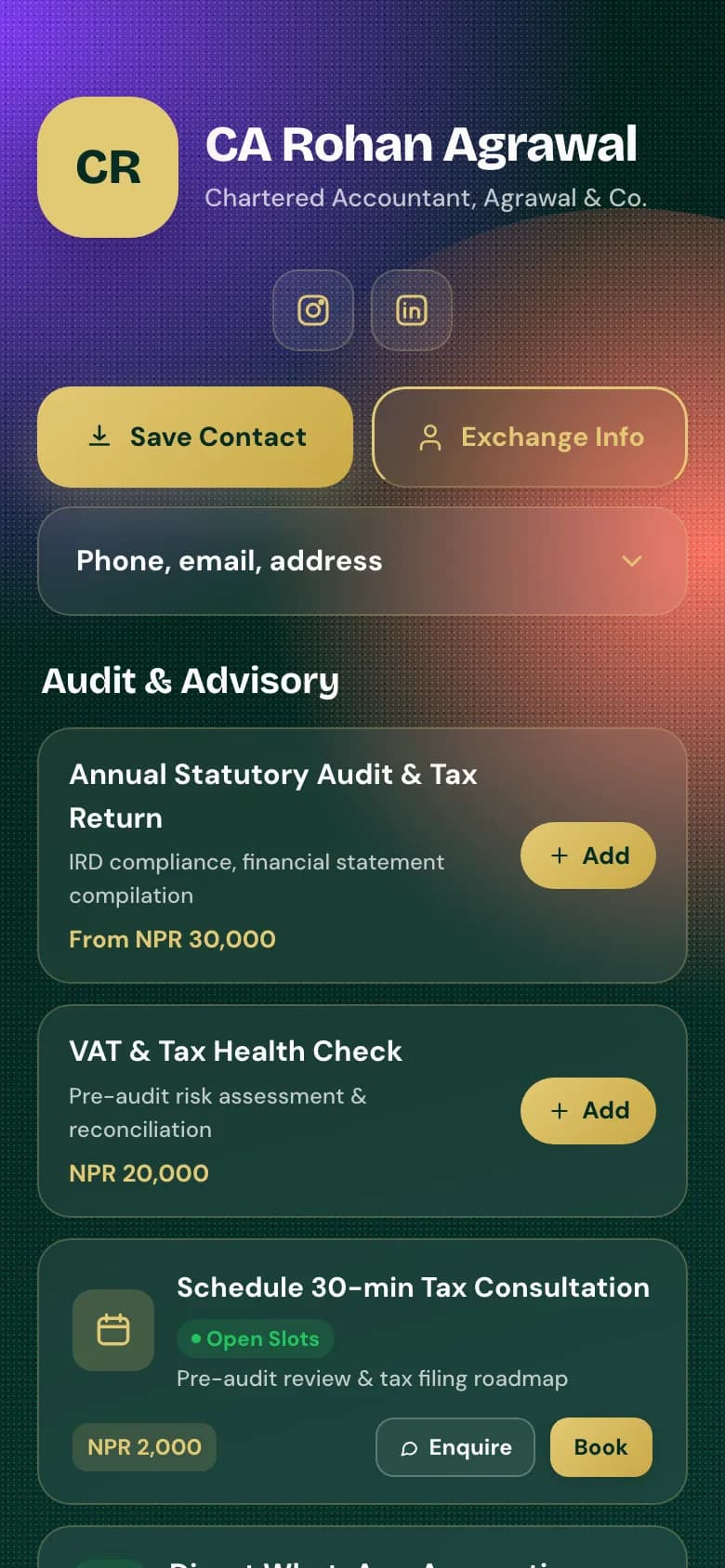
The Chartered accountant template: name, Save Contact and Exchange Info buttons at the top of the page

The card holds a link, your page holds the rest

An NFC chip stores one web address. Yours is golinq.me/@yourname.

  • Any NTAG213, NTAG215 or NTAG216 card, sticker, keyring or wristband will hold it.
  • Change your number or job and update the page. The card never needs rewriting.
  • The page they land on has Save Contact and Exchange, same as from a QR code.
What to write to the card

  • Record typeURL / link
  • Addresshttps://golinq.me/@yourname?src=nfc
  • ChipNTAG213, 215 or 216
Example

Count the taps

Write your link with ?src=nfc on the end and golinq.me counts each visit from the card.

  • golinq.me/@yourname?src=nfc opens exactly the same page.
  • Taps are counted in your analytics under scans, together with visits from links ending ?src=qr.
  • Everything else, from views to taps on your buttons, is counted the same as any other visit.

golinq.me/@yourname

Example of the QR code for the back of the card

Keep a QR code on the back

Not every phone has NFC switched on. A QR code opens the same page on any camera.

  • Download your card's QR code and send it to the printer with the card design.
  • Recent iPhones read NFC whenever the screen is on; on Android, NFC must be switched on.

Which plans include it

Writing your link to an NFC card works on every plan, including the free one. You pay the supplier for the cards; golinq.me doesn't sell them.

Personal: Free · Professional: NPR 299 a month · Business: NPR 999 a month

CardsPersonal:1 cardProfessional:5 cardsBusiness:25 cards

Compare every plan

How to set it up

  1. Make your page

    Create your card on golinq.me and check it on your own phone.

  2. Buy blank NFC cards

    Ask a printer or supplier for writable NTAG213, 215 or 216 cards, not ones already locked to a link.

  3. Install an NFC writing app

    A free app such as NFC Tools works on Android and iPhone.

  4. Write your link

    Add a URL record with https://golinq.me/@yourname?src=nfc and hold the card to the back of your phone.

  5. Test on two phones

    Try an iPhone and an Android. Only lock the tag once you are sure the link is right.

Common questions

Does golinq.me sell NFC cards?

No. Buy blank, writable NFC cards from any printer or supplier and write your golinq.me link to them with a free app.

Which NFC chip should I buy?

NTAG213 is enough for a link and is usually the cheapest. NTAG215 and NTAG216 hold more and also work.

Can I see how many people tapped my card?

Yes, if you write your link with ?src=nfc on the end. Those visits are counted as scans in your analytics, together with visits from links ending ?src=qr.

Do I have to rewrite the card when my details change?

No. The card only holds your link. Update your page and every card you have handed out shows the new details.

What if the other person's phone has no NFC?

Print your QR code on the back of the card. It opens exactly the same page with any phone camera.

Read the guide

All guides

Real estate agents

Listings with prices and videos, enquiries that come with a budget attached.

See how it works for real estate

Works well with

All features

Digital business card

One page with your number, email and links, saved to any phone with one tap.

On every plan

QR codes and QR Studio

A QR code for your card, plus dynamic QR codes you can re-point without reprinting.

On Professional and Business

Contact exchange

People save your details and send theirs back. They land in your contacts.

On every plan

Analytics

Views, scans, taps and enquiries for your page, and scans for each QR code.

On every plan

Your page can be ready today.

Start free on the Personal plan. Pick a template, add your details, and share the link or the QR code.