An online store for Instagram and Facebook sellers, with orders on WhatsApp
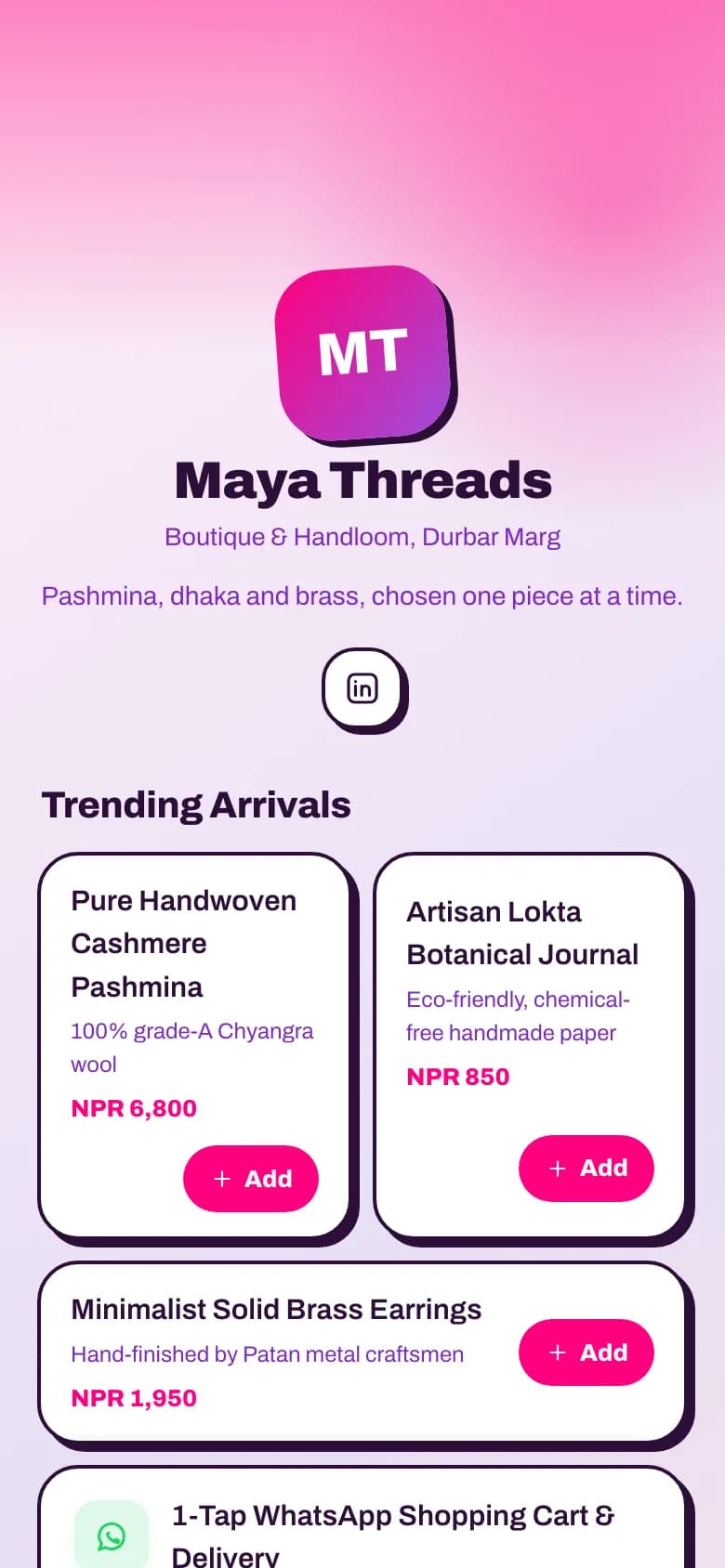
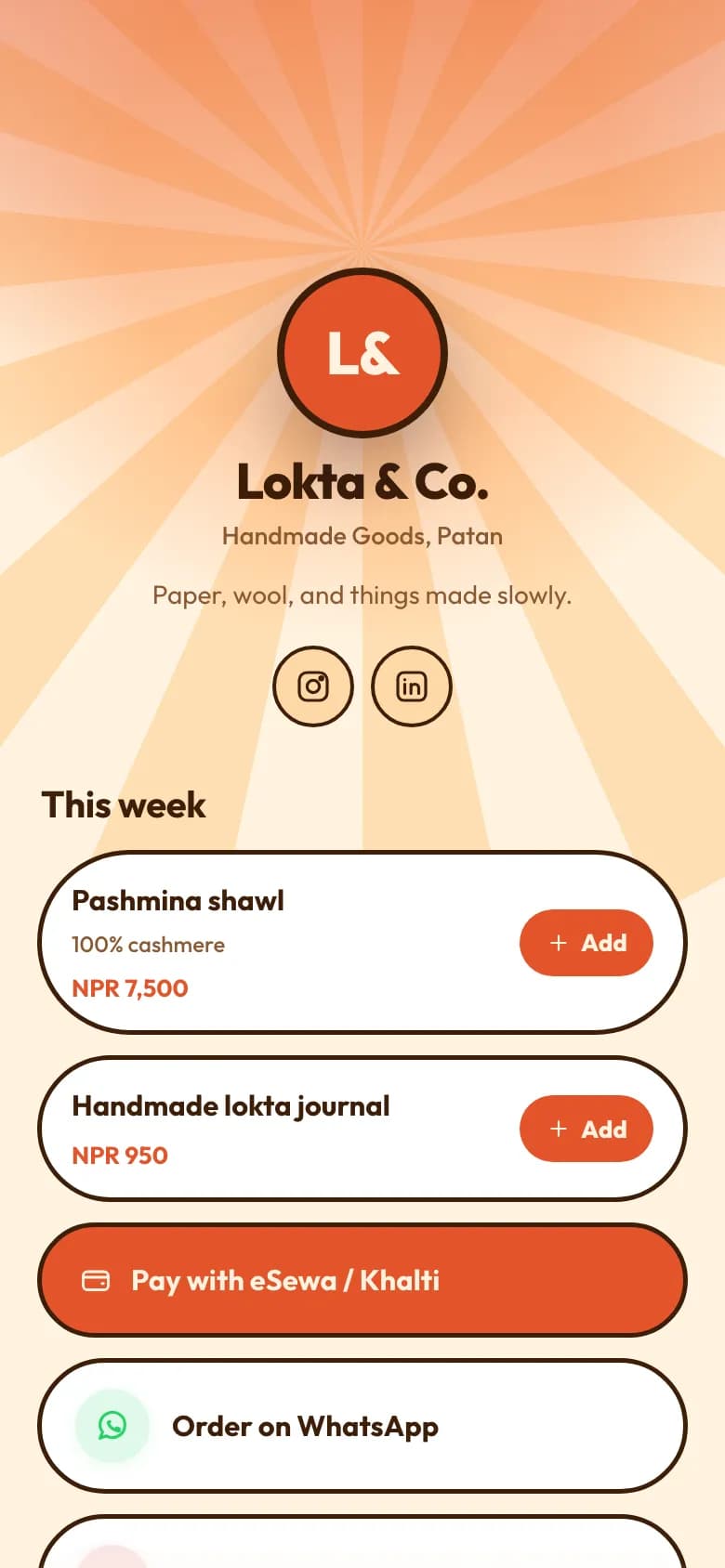
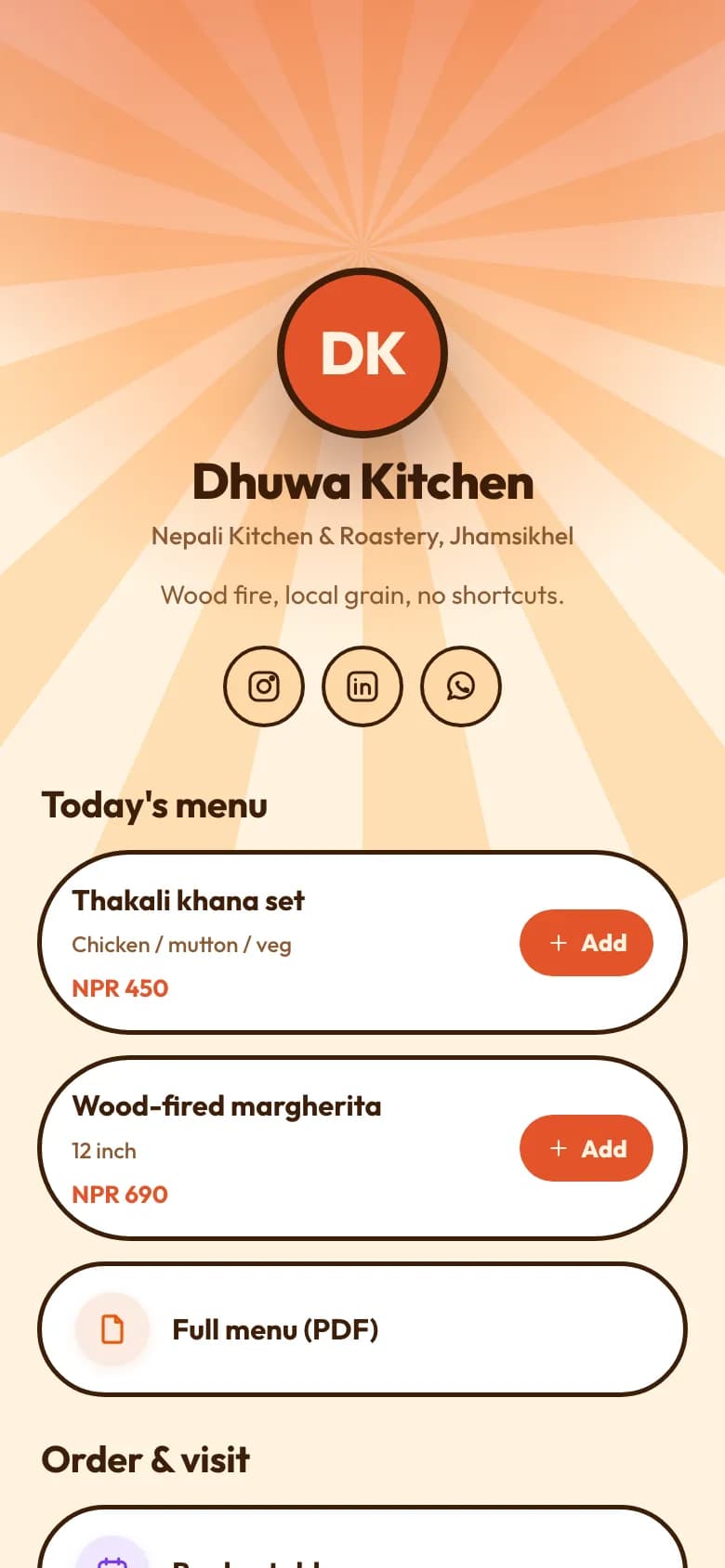
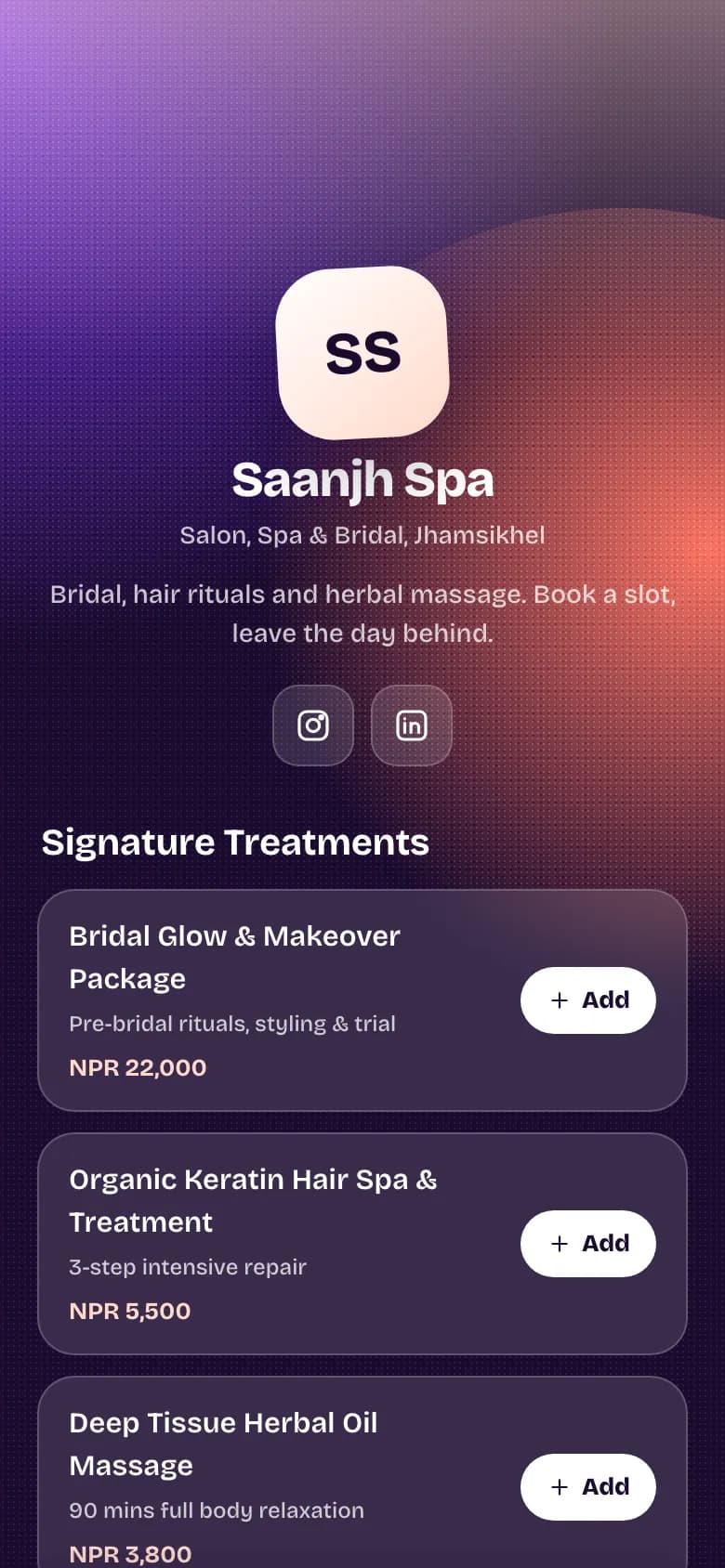
Stop answering “price?” in the comments. Put the link in your bio: buyers see every product with its photo, price and what's left, fill a basket, and send you the order on WhatsApp, already written out.
Every product shows its photo, its price in NPR and whether it's in stock.
Put a sale price next to the old one and buyers see the markdown.
Stock counts itself down with each order. At zero, the product shows as sold out.
Group products into categories, and reorder them so this week's arrivals come first.
WhatsApp
New order LM-7KQ2XDLokta & Co.• 1 x Handmade lokta journal — NPR 950.00• 1 x Pashmina shawl — NPR 7,500.00Total: NPR 8,450.00Name: Sita ShresthaPhone: 98XXXXXXXXDeliver to: Kupondole, Lalitpur
Example of the message you receive
Fill a basket and send the order
Buyers add what they want, leave their name, phone and address, and send it.
The order is saved in your orders inbox with a reference number.
WhatsApp opens on their phone with the order written out, addressed to you.
The buyer is added to your contacts, so repeat customers are easy to find.
Pay the way they already pay
There is no card checkout. Buyers pay on delivery, or straight to you.
Cash on delivery, or eSewa, Khalti, Fonepay or a bank transfer to your own account.
You mark each order confirmed, fulfilled or cancelled as it moves.
Nothing sits between you and the money, so there is no payout to wait for.
What you get for a shop
Everything without a plan name is on the free Personal plan. Professional is NPR 299 a month and Business is NPR 999 a month, paid by eSewa, Khalti, Fonepay, bank transfer or card.
Products with photosBusiness plan
Name, description, category, photo and price for each product.
Sale pricesBusiness plan
Show the old price next to the new one.
Stock that counts downBusiness plan
Each order takes stock off. Sold-out products stop taking orders.
Basket and orders inboxBusiness plan
Every order saved with a reference, the buyer's details and a status.
Order on WhatsApp
The order opens in WhatsApp as a ready-written message to your number.
Spreadsheet import and exportBusiness plan
Bring products in from a CSV file, and take them out the same way.
Product feed for MetaBusiness plan
Download a feed to upload to your Facebook or WhatsApp catalogue in Commerce Manager.
Buyers become contacts
Each buyer's name and number is saved to your contacts.
How to set it up
1
Pick the Shop or Boutique template
Create your account and choose your handle, for example golinq.me/@yourshop.
2
Turn on the shop and add products
On the Business plan, add products with photos, prices, sale prices and stock, or import them from a spreadsheet.
3
Set your WhatsApp number and delivery details
Orders open WhatsApp addressed to this number. Choose whether buyers must give a delivery address.
4
Put the link in your bio
Add golinq.me/@yourshop to Instagram, Facebook and TikTok, and print the QR code for your stall or shop counter.
5
Work through the orders inbox
Confirm, fulfil or cancel each order. Stock has already come off as orders arrived.
Common questions
Can buyers pay by card on my page?
No. golinq.me has no online card payment for shops. Buyers pay on delivery, or directly to you by eSewa, Khalti, Fonepay or bank transfer.
Which plan do I need for the shop?
The shop, with photos, stock, sale prices and the orders inbox, is on the Business plan at NPR 999 a month. On the free plan you can still list priced items that buyers add to a basket and send to your WhatsApp, without stock or an inbox.
What happens when something sells out?
Stock comes off with every order. When it reaches zero the product shows as sold out and can't be ordered, and a buyer can't order more than you have left.
Does it sync with my WhatsApp Business catalogue?
Not automatically. You can download a product feed from golinq.me and upload it to your catalogue in Meta Commerce Manager yourself.
Can I add products from a spreadsheet?
Yes. Import a CSV file of products, and export the same columns back out whenever you want a copy.