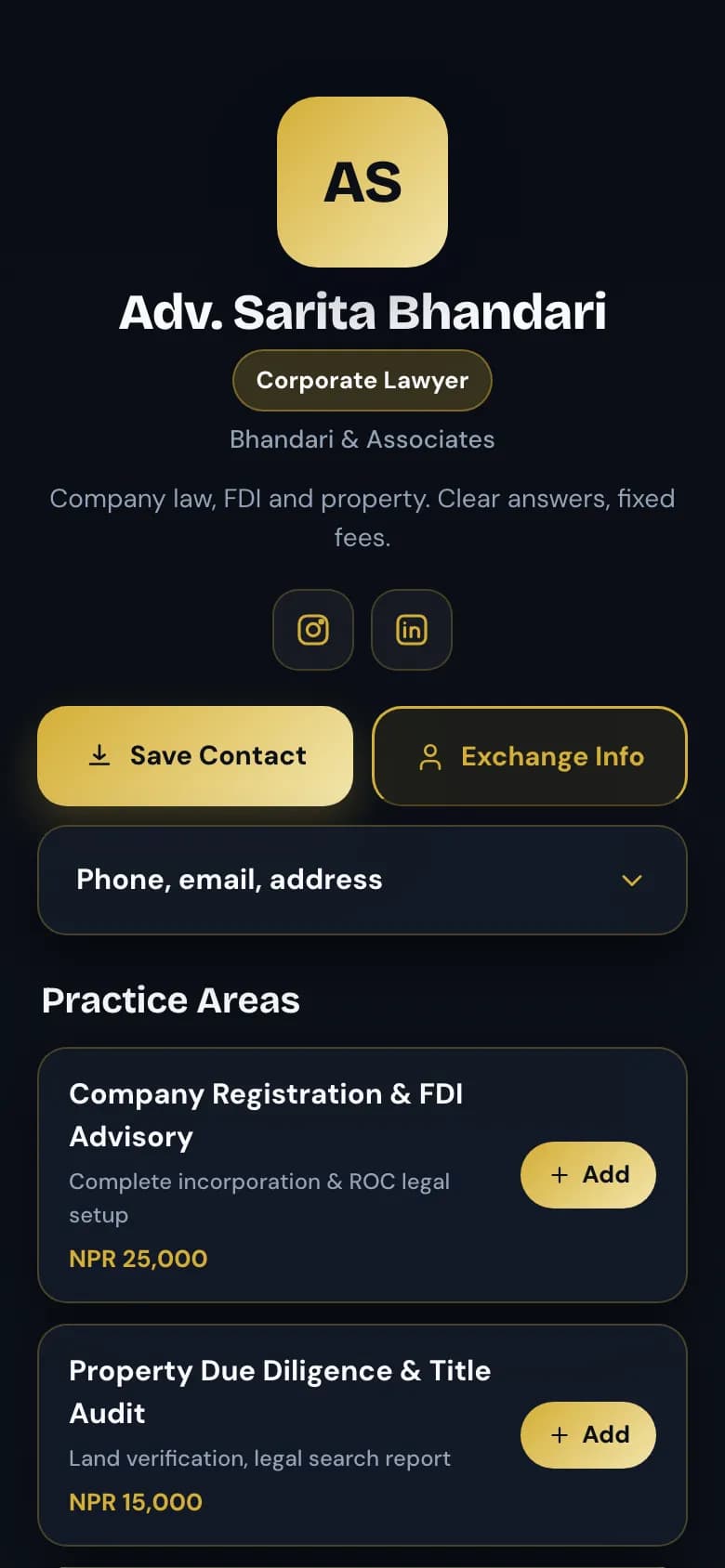
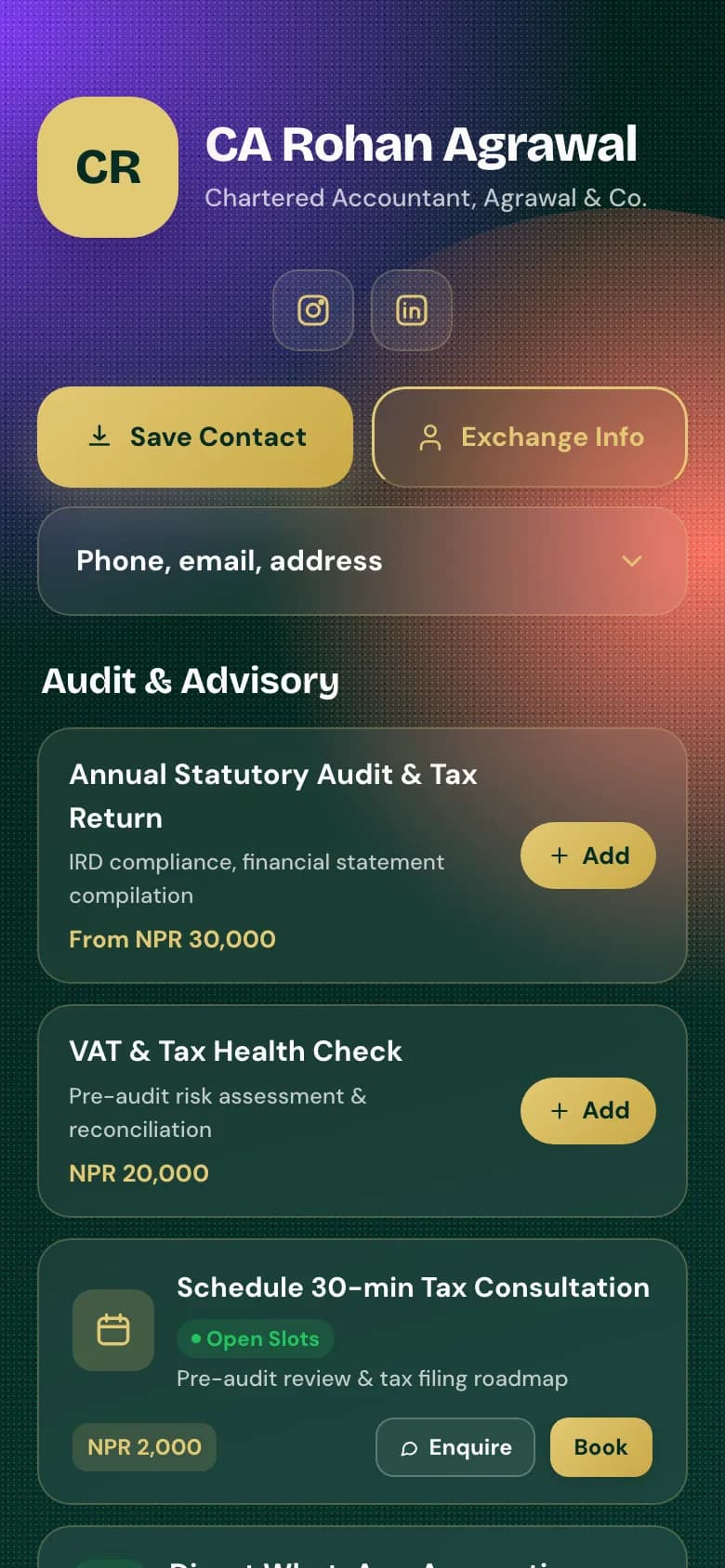
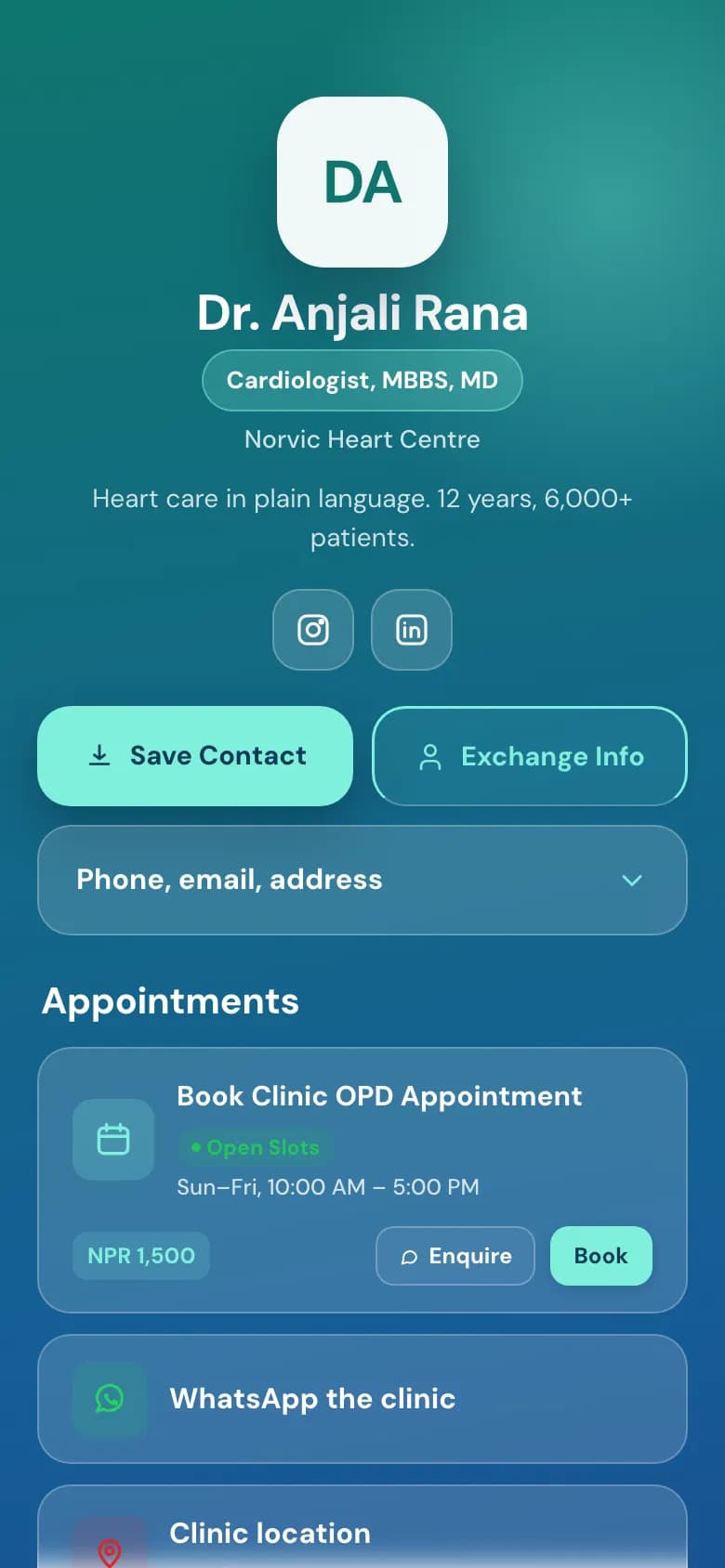
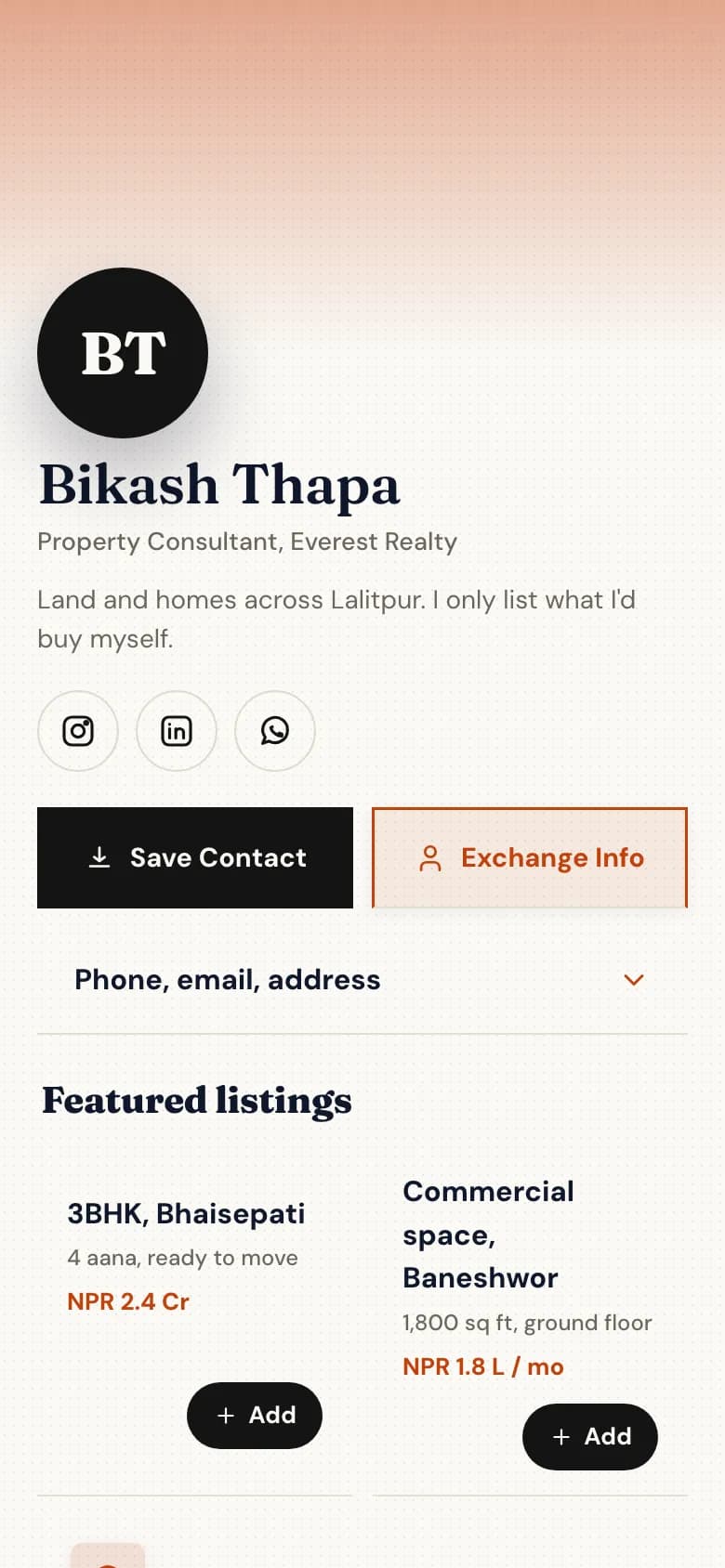
A digital business card for consultants, lawyers and CAs
Hand over a card that does more than carry your number. Clients see your qualifications and what you charge, book a consultation in your chamber or on a video call, and save your details in one tap.
Credentials, practice areas and fees, in the order a careful client reads them.
Your licence or certificate of practice as a PDF.
Each practice area or package with what's included and its fee.
Your office address, and a WhatsApp link for existing clients.
Tax consultation · 30 min
NPR 2,000
Open times on Tuesday
10:00
10:30
11:30
14:00
14:30
16:00
Book 14:00
Example of the booking step
Book a consultation
A paid hour or a free first call, in your chamber, by phone or on video, whichever you set.
The fee shows when they book. You collect it the way you do now.
Approve each request before it's confirmed, if you'd rather check first.
Connect Google Calendar and video consultations get a Meet link automatically.
Send the documents you need
An intake form takes the details before the meeting, not during it.
Ask for company name, PAN, the matter and a preferred date.
Let clients upload the documents you'll need to see.
Answers arrive in your inbox, and the client is saved to your contacts.
What you get as a consultant
Everything without a plan name is on the free Personal plan. Professional is NPR 299 a month and Business is NPR 999 a month, paid by eSewa, Khalti, Fonepay, bank transfer or card.
Save Contact and contact exchange
Clients save your details in one tap and are asked to share theirs back.
Documents on the page
Licence, certificate of practice, company profile or case studies as PDFs.
Paid consultation bookingProfessional plan
Each consultation type has its own length and fee.
In person, phone or videoProfessional plan
Video bookings get a Meet link when you connect Google Calendar.
Approve before confirmingProfessional plan
Requests wait for you, or confirm straight away. Your choice.
Intake forms with uploads
One form on the free plan, unlimited on Professional.
Contacts with Google syncProfessional plan
Everyone who books or fills a form lands in your contacts, synced to Google Contacts.
Pages for your teamBusiness plan
Partners and associates each get a page in the firm's style.
How to set it up
1
Pick the Lawyer, CA or Consultant template
Create your account and choose your handle, for example golinq.me/@yourname.
2
Add your credentials and services
Upload your licence or certificate as a PDF, and list your practice areas or packages with fees.
3
Set up consultations
On the Professional plan, add consultation types with length and fee, your hours, and whether you approve each booking.
4
Add an intake form
The questions you ask every new client, with room for document uploads.
5
Share it wherever you meet people
Put the QR code on your printed card and the link in your email signature and LinkedIn.
Common questions
Can clients pay my consultation fee when they book?
No. The fee is shown when they book, but golinq.me doesn't collect it. Ask for payment by eSewa, Khalti, Fonepay or bank transfer, or at the meeting.
Can I hold consultations on video?
Yes. Set your bookings to video calls and add your own meeting link, or connect Google Calendar and each confirmed booking gets its own Meet link.
Can I check a client before confirming the meeting?
Yes. Turn on approval and every booking waits for you. The client gets an email once you confirm, if they left one.
Is it safe to put my licence on a public page?
Only upload what you're happy for anyone to see. The page is public, so share a certificate of practice, not a document with your citizenship number on it.
Which plan do I need?
The free plan covers the card, Save Contact, documents and one form. Consultation booking and Google Contacts sync are on Professional at NPR 299 a month.