
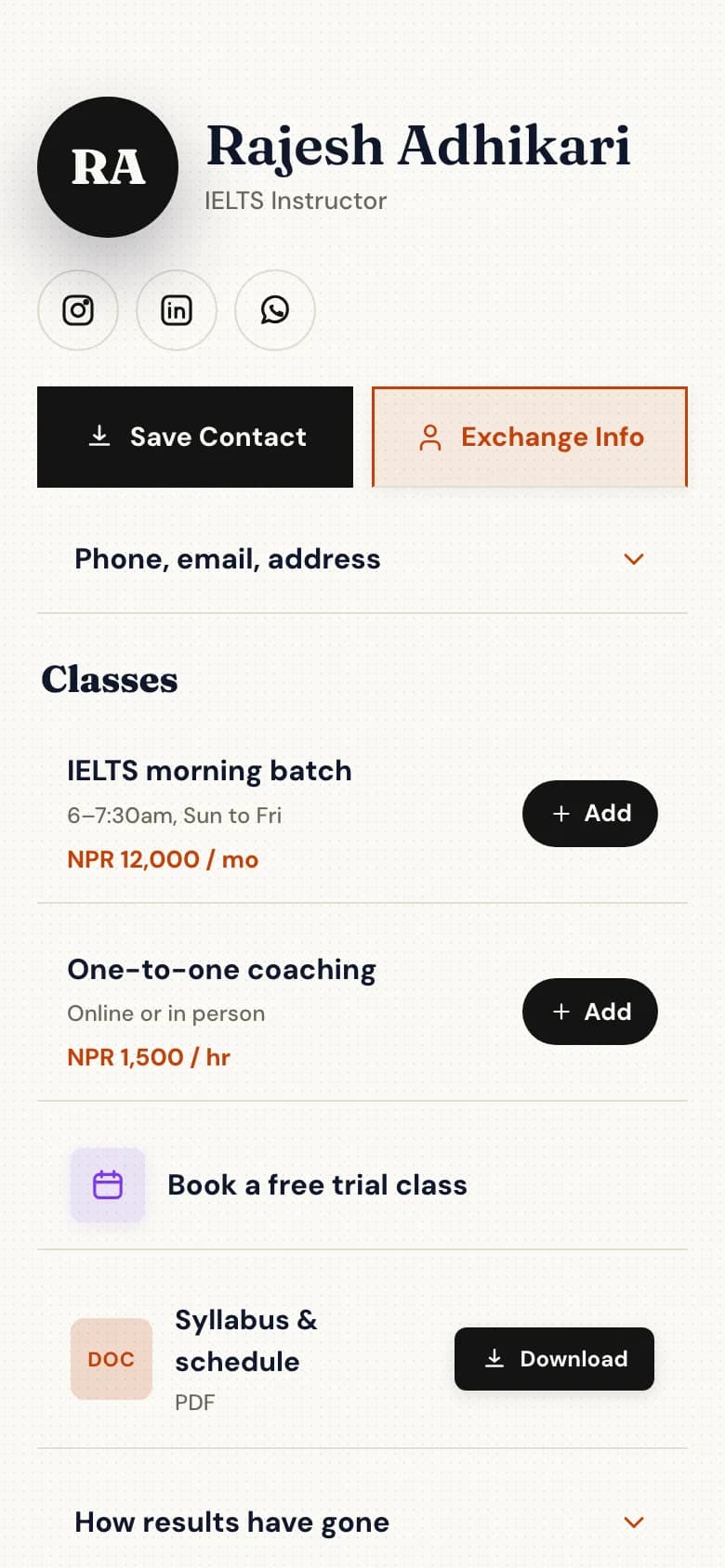
See batches, timings and fees
Each class with its days, times and monthly fee.
- Morning and evening batches listed separately.
- One-to-one lessons with an hourly rate.
- The syllabus and schedule as a PDF.
Parents and students want three things: the timing, the fee and a way to try a class. Put your batches on one page, let them book a trial, and take admission enquiries without a phone call for each one.
Each class with its days, times and monthly fee.
Trial class · 45 min
FreeOpen times on Friday
Book 17:00
A free or paid trial, in a slot you've set aside.
Admission enquiry
A form takes the details you need to place a student.
Everything without a plan name is on the free Personal plan. Professional is NPR 299 a month and Business is NPR 999 a month, paid by eSewa, Khalti, Fonepay, bank transfer or card.
Batches with timings and fees
Each class as its own line with the price in NPR.
Syllabus and schedule PDFs
Upload them to the page.
Admission forms
Dropdowns, dates and uploads. Download answers as a spreadsheet.
QR code for posters
Print it on flyers and notice boards.
Trial class bookingProfessional plan
Free or paid trials in your open hours.
Online lessonsProfessional plan
Video bookings get a Meet link with Google Calendar connected.
Create your account and choose your handle, for example golinq.me/@yourclasses.
Days, times and the monthly fee for each batch, and upload the syllabus as a PDF.
The details you need for each new student. One form is free.
On Professional, add a trial class as a bookable service and set the hours you're free.
Put the QR code on posters and notice boards, and the link in your Facebook page and WhatsApp status.
Yes. Add a trial class as a service with no price, on the Professional plan, and students book it into your open hours.
Yes. Add a form with the questions you need. Answers land in your inbox and you can export them as a spreadsheet.
No. golinq.me shows your fees but doesn't collect them. Take fees the way you do now, by eSewa, Khalti, Fonepay, bank transfer or cash.
Yes, on the Business plan. Each teacher gets their own page in the institute's style, and the institute keeps its own page.
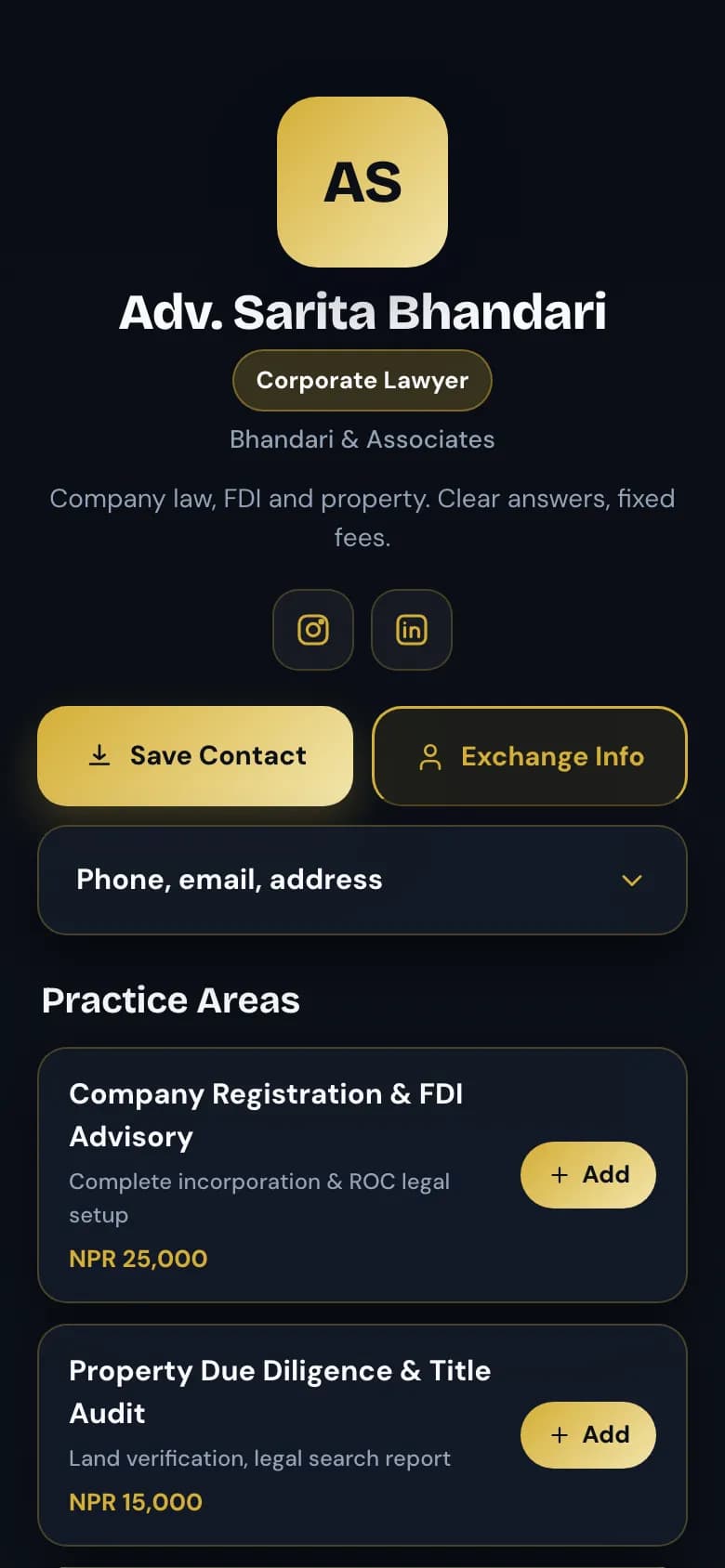
Credentials up front, consultations booked by the hour, documents on hand.
See how it works for consultants
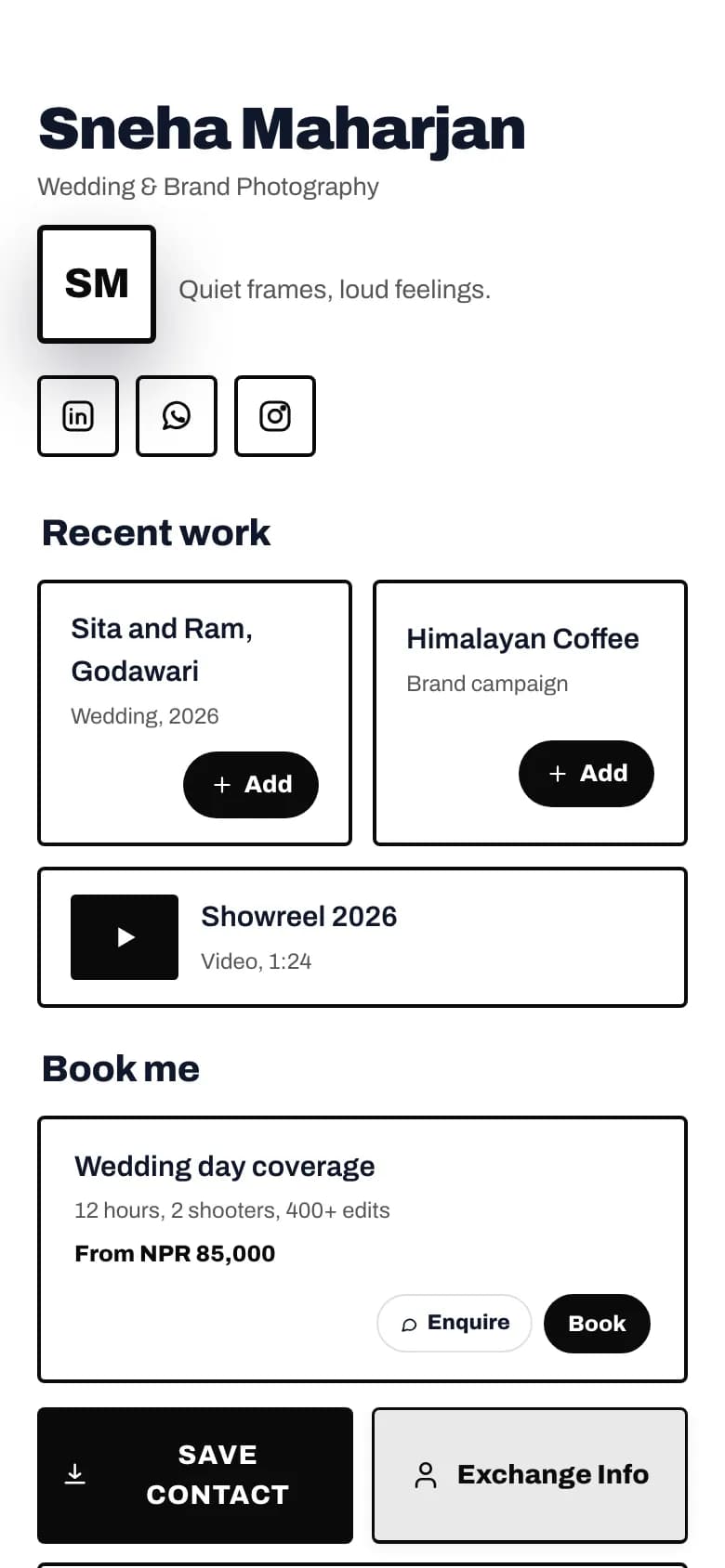
Your work first, then packages, show dates and a way to book you.
See how it works for creators
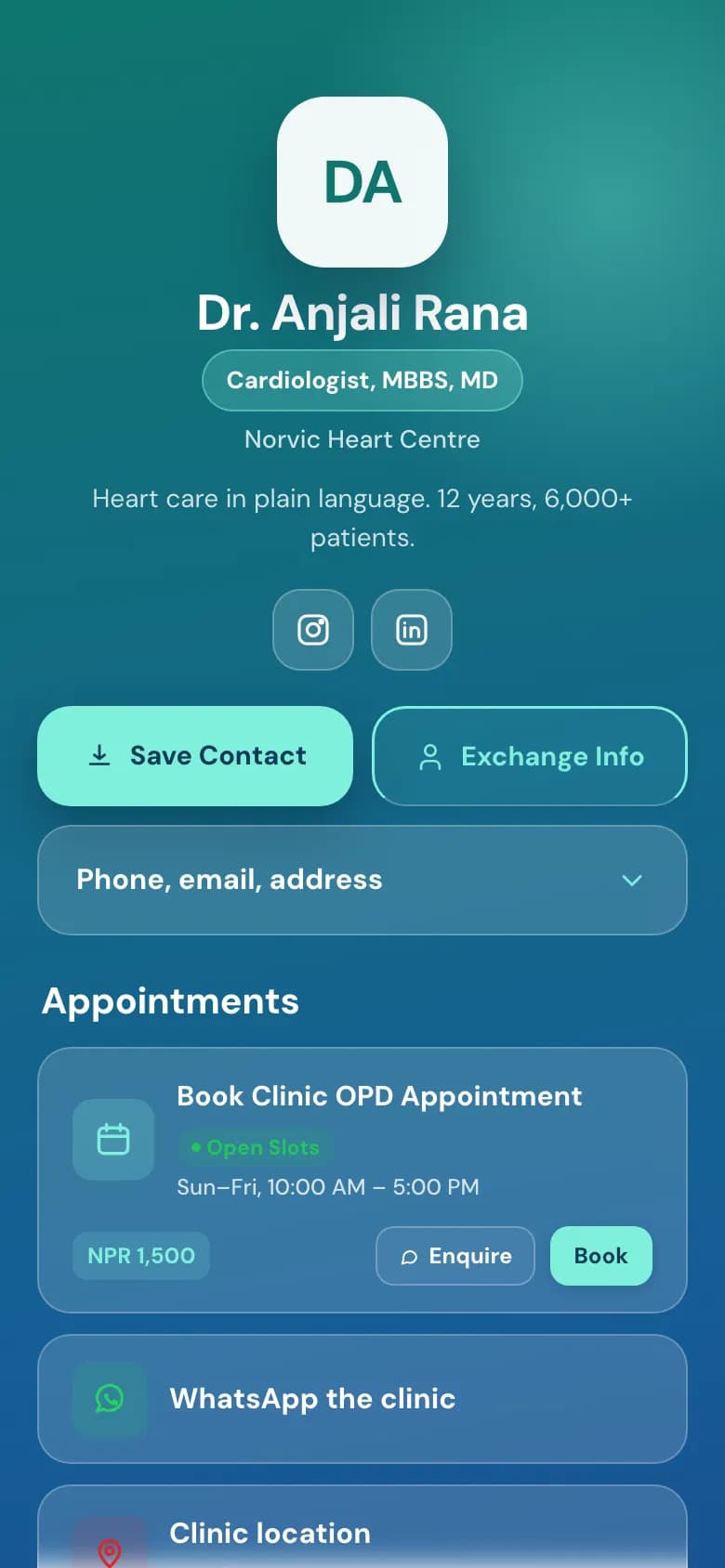
OPD booking, fees and hours on one page, and a number patients can save.
See how it works for clinics
Start free on the Personal plan. Pick a template, add your details, and share the link or the QR code.