On this page
Most people in Nepal still hand out paper visiting cards, and most of those cards end up in a drawer, a wallet or the bin. The ones that survive often carry an old number, a Gmail address from years ago, or no WhatsApp at all, which is how most customers actually want to reach you.
A digital business card fixes that without asking anyone to download an app. This guide explains what one is, what should go on it, and how to make yours step by step. It is written for shop owners, clinics, consultants, tutors and anyone else who gives their number out several times a day.
What a digital business card actually is
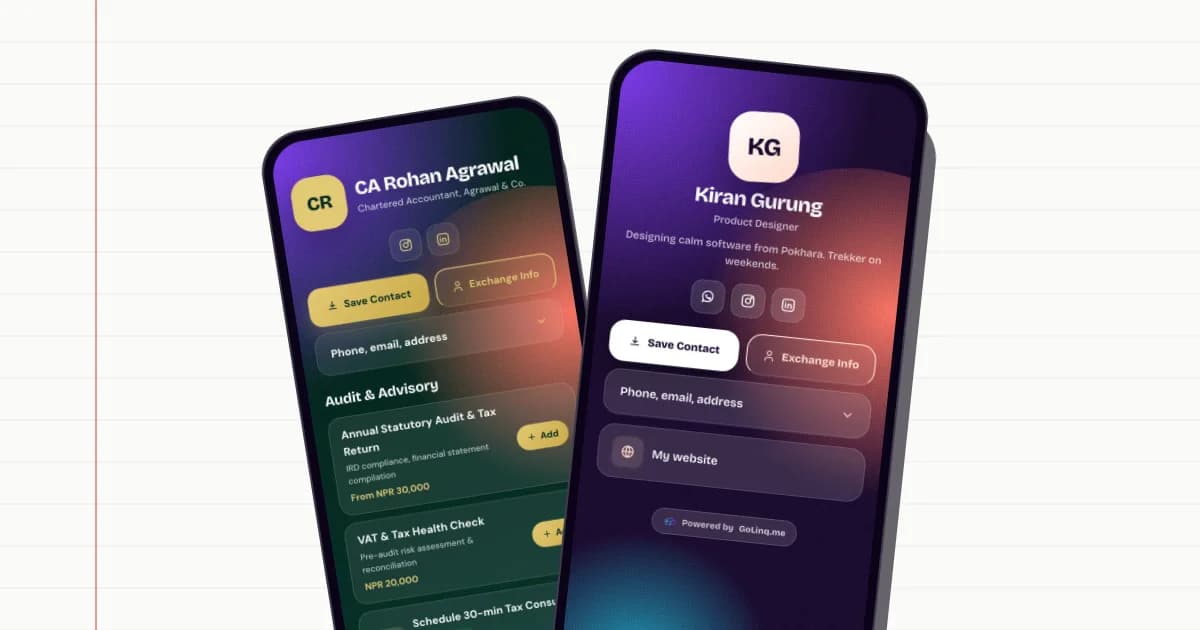
A digital business card is a small web page about you or your business, with its own short address such as golinq.me/@yourname. Anyone can open it in their phone's browser by scanning a QR code, tapping an NFC card, or clicking a link you sent on WhatsApp, Viber or Instagram.
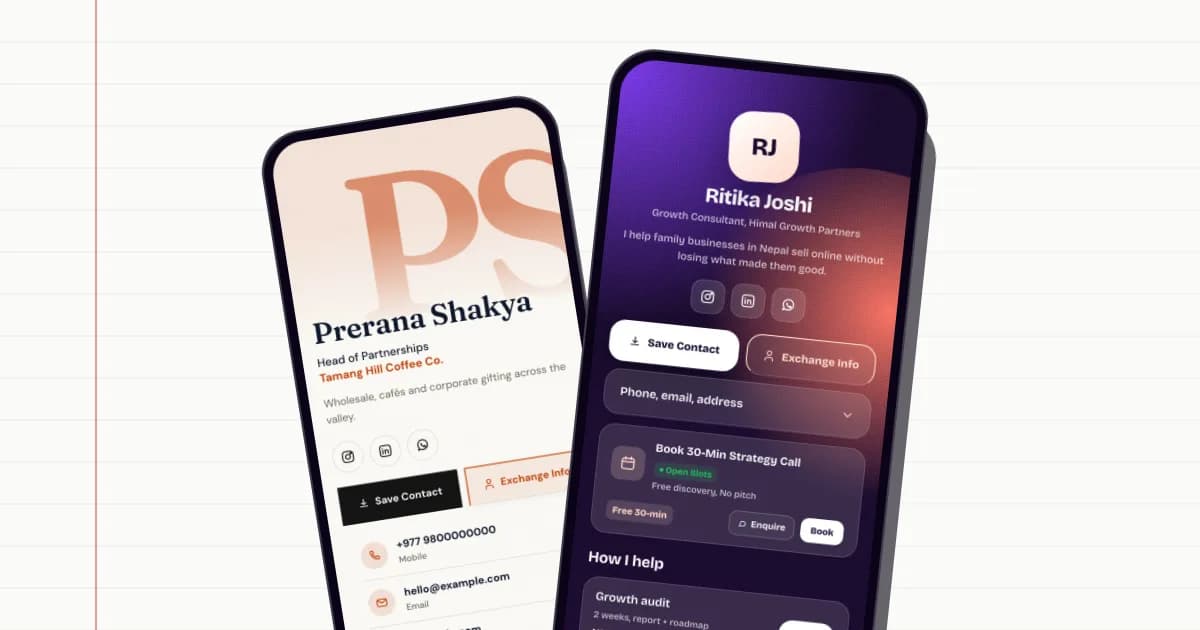
The important part is the Save Contact button. Tapping it downloads a standard contact file (a .vcf, sometimes called a vCard), and the phone offers to add your name, number, email, company and website to its address book. No typing, no spelling mistakes in your name, and no "what was your number again?"
Because it is a web page and not a printed card, you can change it whenever you like. New number, new branch, new price list: you edit the page once and everyone who has the link or QR sees the new version.
Why it suits how business works in Nepal
A lot of business here happens over WhatsApp and Viber, through Instagram and Facebook pages, and by word of mouth. A paper card does not connect to any of that. A digital card does, because every button on it is a link: WhatsApp opens a chat, the phone number starts a call, the map pin opens directions.
- It never runs out. There is no reprint when the box of 500 cards is finished or your number changes.
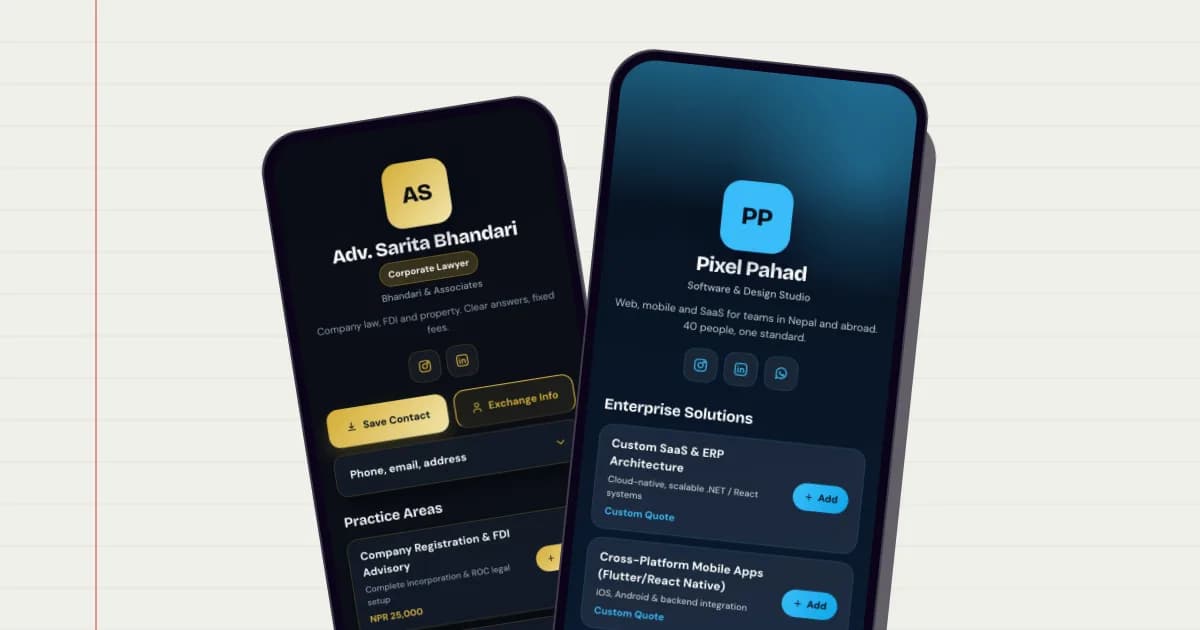
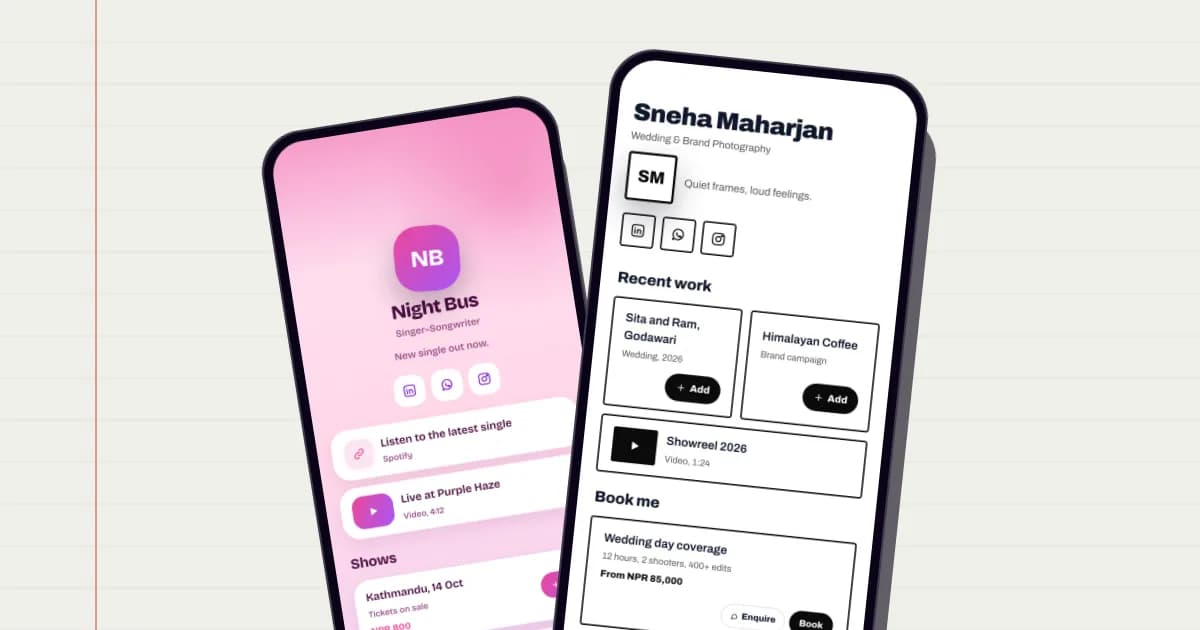
- It carries more than a name. Services, prices, a menu, a price list PDF, photos of your work, a booking button, your location.
- It works in both directions. A visitor can share their own details back with you, so you are not left waiting for them to call.
- It shows you what happens. You can see how many people viewed the page, scanned your code, and which buttons they tapped.
None of this means throwing away paper entirely. Many people keep a small printed card with a QR code on it. The difference is that the paper now points to something you can keep up to date.
What to put on your card
Keep the top of the card short and obvious: the person looking at it should know within two seconds who you are and how to reach you. Everything else can sit further down.
The essentials
- Your name as customers know it, and your business name if it is different.
- One line saying what you do and where, for example "Electrician, Lalitpur, same-day callouts".
- A mobile number and a WhatsApp number, even if they are the same.
- An email address you actually check.
- A clear photo or logo. People remember faces and shopfronts better than names.
The useful extras
- Your Instagram, Facebook, TikTok or YouTube, as icons rather than long links.
- A map pin, especially if your shop or clinic is hard to find.
- Your services or products with prices, so people stop asking "how much?" in the chat.
- A PDF: menu, brochure, price list or company profile.
- A booking button if customers make appointments with you.
How to make yours in about 15 minutes
These steps use golinq.me, but the order of work is the same whichever tool you choose.
- Claim your handle. Go to create your card and pick the name that goes after golinq.me/@. Use the name customers search for, such as your shop name, and keep it short enough to say out loud.
- Start from a template, or let AI draft it. Choose a template for your trade, or describe your business in a sentence and let the AI assistant draft a first version with sections and labels. You then fill in your real links and numbers.
- Fill in your contact details. These are what go into the Save Contact file, so check the spelling of your name and the country code on your numbers (+977 for Nepal).
- Add your blocks. Links, services, products, a PDF, a video, a map, FAQs. Put the thing people ask for most near the top.
- Pick a style. Choose a theme that suits your trade. On the paid plans you can also set your own colours to match your signboard or logo.
- Open it on your own phone. Tap Save Contact, tap every button, and read it as a stranger would. Fix anything that looks wrong.
- Share it. Download your QR code, put the link in your Instagram and WhatsApp Business profile, and send it to a few regular customers.
Sharing it: QR, NFC and links
A card is only useful if people get to it. There are three common ways, and most businesses use all of them.
QR code
Every golinq.me card comes with a QR code that opens the page. Put it on a counter stand, a shop window sticker, a printed card, an invoice or a banner. Anyone can scan it with the normal camera app on iPhone or Android. If you plan to print a lot, read our guide to dynamic vs static QR codes first.
NFC card
An NFC card holds your link on a small chip. Someone taps it on the back of their phone and your page opens. It is quick at meetings and events and feels more memorable than a paper card. Our NFC business card guide explains how to set one up.
Your link
Paste golinq.me/@yourname into your Instagram bio, Facebook page, WhatsApp Business profile, email signature and Google Business listing. See what to put in a link in bio for ideas.
What it costs
On golinq.me the Personal plan is free and includes one card, the Save Contact button, a standard QR code and up to 50 saved contacts. That is enough for most individuals to start.
Professional (NPR 299 a month) adds up to five cards, appointment bookings, dynamic QR codes, Google Contacts sync, removal of the golinq.me badge, and room for 2,000 contacts. Business (NPR 999 a month) adds a full shop with stock and an orders inbox, staff cards for your team and more dynamic QR codes. Plans can be paid with eSewa, Khalti, Fonepay, bank transfer or card. The pricing page has the full comparison.
Common mistakes to avoid
- Too many buttons at the top. Put the two or three things people want most first; the rest can go below.
- Links that go nowhere. Test every one on your own phone after you publish.
- No WhatsApp. For most Nepali customers it is the first thing they look for.
- Forgetting to update it. Put a reminder in your phone to check the page whenever prices or opening hours change.
- A handle nobody can spell. Say it out loud to a friend and ask them to type it.
Make your golinq.me page today
Pick your handle, start from a template for your trade, and share it by QR, NFC or link. The Personal plan is free; see pricing for bookings, the shop and dynamic QR codes.