A shop on your page, with orders sent by WhatsApp order link

Most small shops in Nepal already sell on WhatsApp. golinq.me gives the chat a proper start: customers choose products, and the order arrives as one written message with the items and the total, not a string of photos and questions.

On Business

Two ways to sell from your page

WhatsApp
New order from golinq.me/@loktaandco• 1 × Pashmina shawl (NPR 7,500)• 2 × Handmade lokta journal (NPR 950)Total: NPR 9,400Please confirm availability and delivery.
Example of the message you receive

A WhatsApp basket on any plan

Add products with prices to your page. Visitors add them to a basket and send it to your WhatsApp.

  • The message lists each item, the quantity, the price and the total.
  • It opens in the customer's WhatsApp, addressed to you. They press send.
  • Good for a small range that doesn't change much.
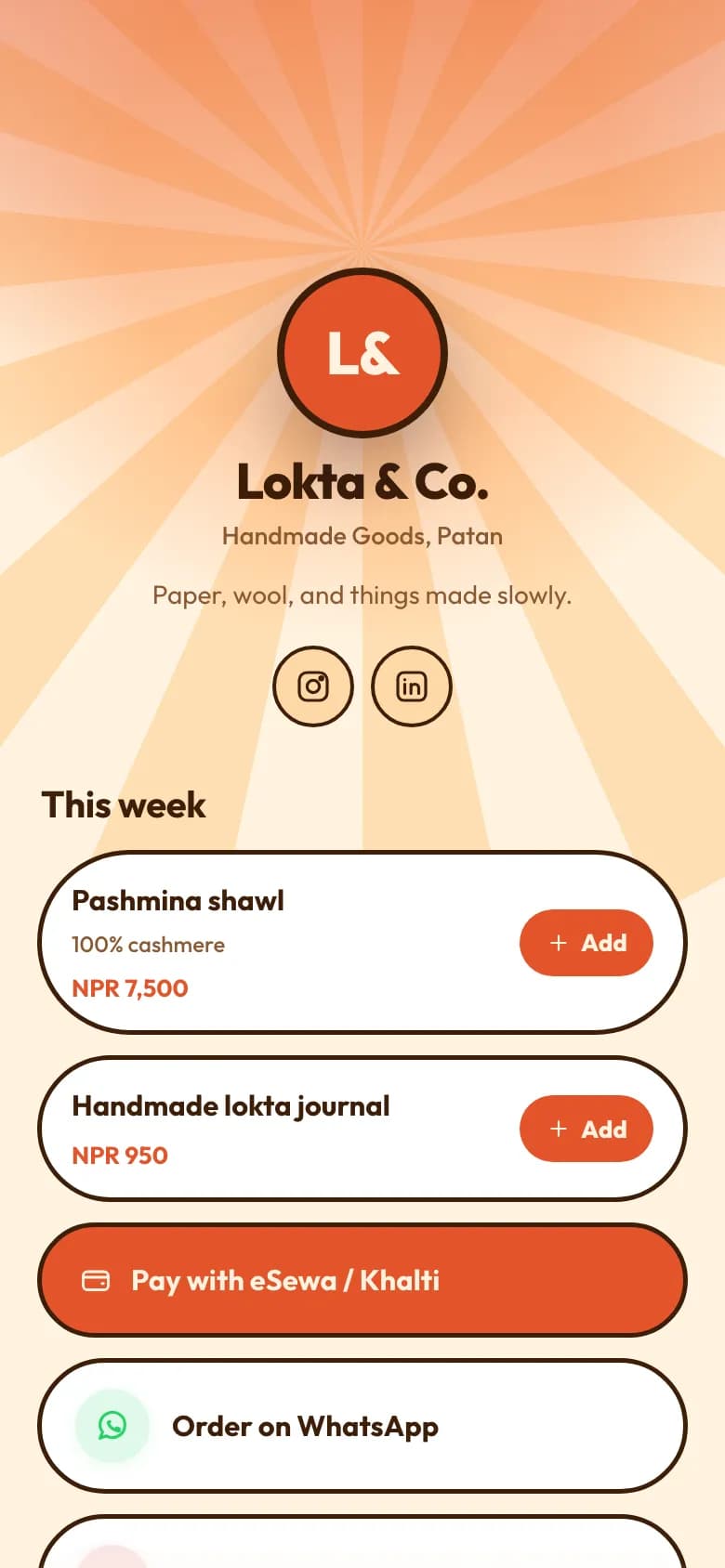
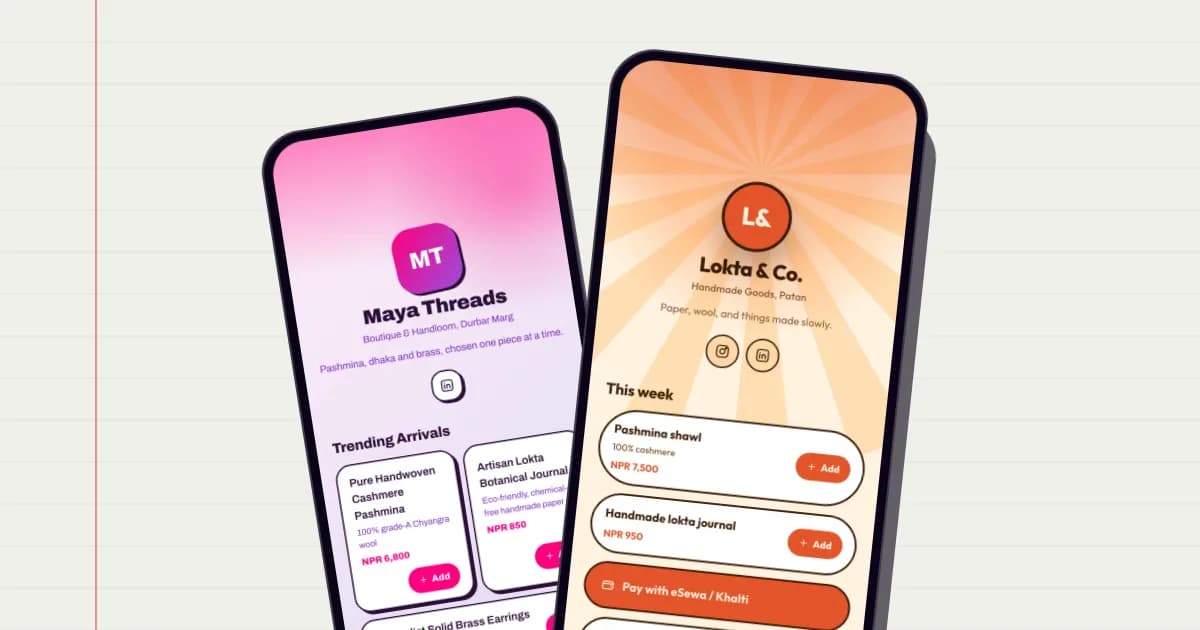
The Shop template: this week's products with prices in NPR, Cart and Buy buttons, and a pay with eSewa or Khalti link

A full shop on Business

Products with photos, categories, stock and sale prices, and every order saved with a reference.

  • Show a sale price with the regular price beside it.
  • Stock counts down with each order. Sold-out items can't be ordered, and a cancelled order puts its stock back.
  • Customers leave a name and a phone number or email, and a delivery address if you require one.
  • The order opens in WhatsApp with its reference, items, total and delivery details.

Orders

  • Order from Sita Rai2 items · NewNPR 9,400
  • Order from Bikash Thapa1 item · ConfirmedNPR 7,500
  • Order from Pema Lama3 items · FulfilledNPR 2,850
Example

An orders inbox, not just a chat

Every shop order is saved in your dashboard, even if the chat gets buried.

  • Mark orders new, confirmed, fulfilled or cancelled.
  • You get an email for each new order, and the buyer is saved to your contacts.
  • Import and export products as CSV, and download a product feed to upload to Meta Commerce Manager for your WhatsApp and Facebook catalogue.

Which plans include it

The simple WhatsApp basket works on every plan. The full shop, with photos, stock, sale prices and the orders inbox, is on Business. golinq.me doesn't process payments.

Personal: Free · Professional: NPR 299 a month · Business: NPR 999 a month

Shop with stock and orders inboxPersonal:Not includedProfessional:Not includedBusiness:Included

Compare every plan

How to set it up

  1. Set your WhatsApp number

    In shop settings, add the number orders should go to and whether you need an address.

  2. Add products

    Name, photo, price, category and stock. Or import them all from a CSV file.

  3. Publish and share

    Your products appear on your card. Share the link, the QR code or put it in your Instagram bio.

  4. Handle orders

    Reply in WhatsApp and move each order along in your orders inbox.

  5. Sync your catalogue

    Optional. Download the product feed and upload it in Meta Commerce Manager.

Common questions

How does the WhatsApp order link work?

The customer fills a basket on your page and presses order. WhatsApp opens on their phone with the order already written out, addressed to your number, and they send it.

Does golinq.me send WhatsApp messages for me?

No. It opens the customer's own WhatsApp with the message typed. Nothing is sent on anybody's behalf, and you reply from your own WhatsApp.

Can customers pay online?

No. golinq.me takes the order, not the money. Customers pay by eSewa, Khalti, Fonepay, bank transfer or cash on delivery, as you arrange.

Does it connect to my WhatsApp catalogue?

It exports a product feed in the format Meta Commerce Manager reads. You upload it there yourself; golinq.me doesn't connect to your Meta account.

What happens when something sells out?

With stock tracking on, the count goes down with each order and a sold-out product can't be ordered. Cancelling an order puts its stock back.

Read the guide

All guides

Shops and online sellers

Products with photos and stock, a basket, and orders that arrive on WhatsApp.

See how it works for shops

Restaurants and cafés

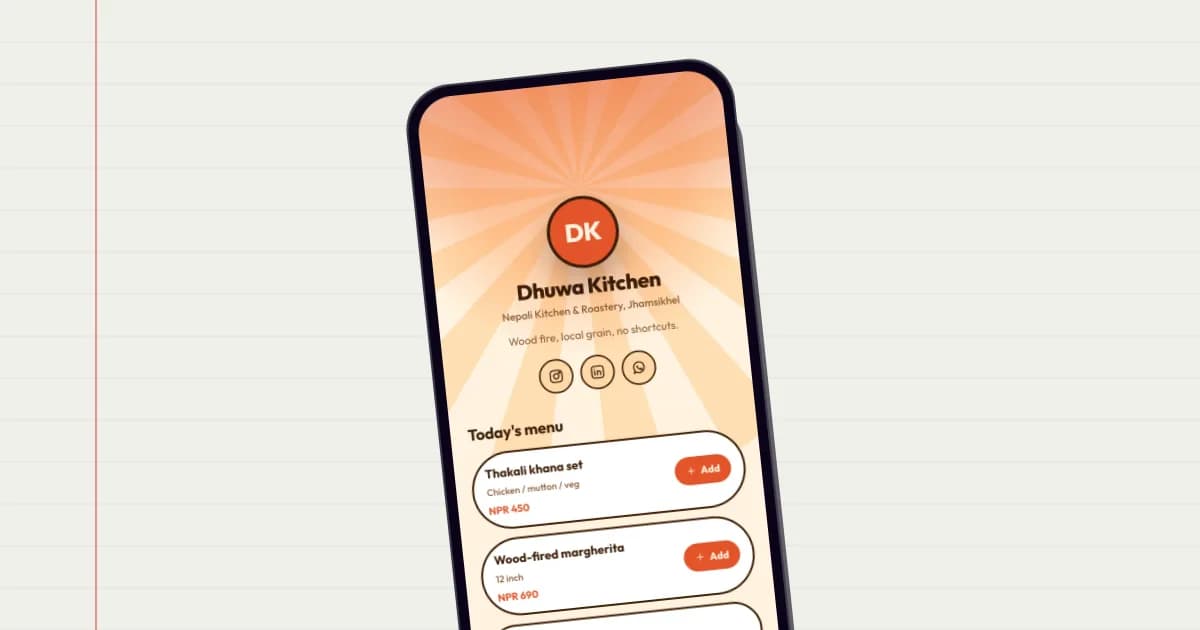
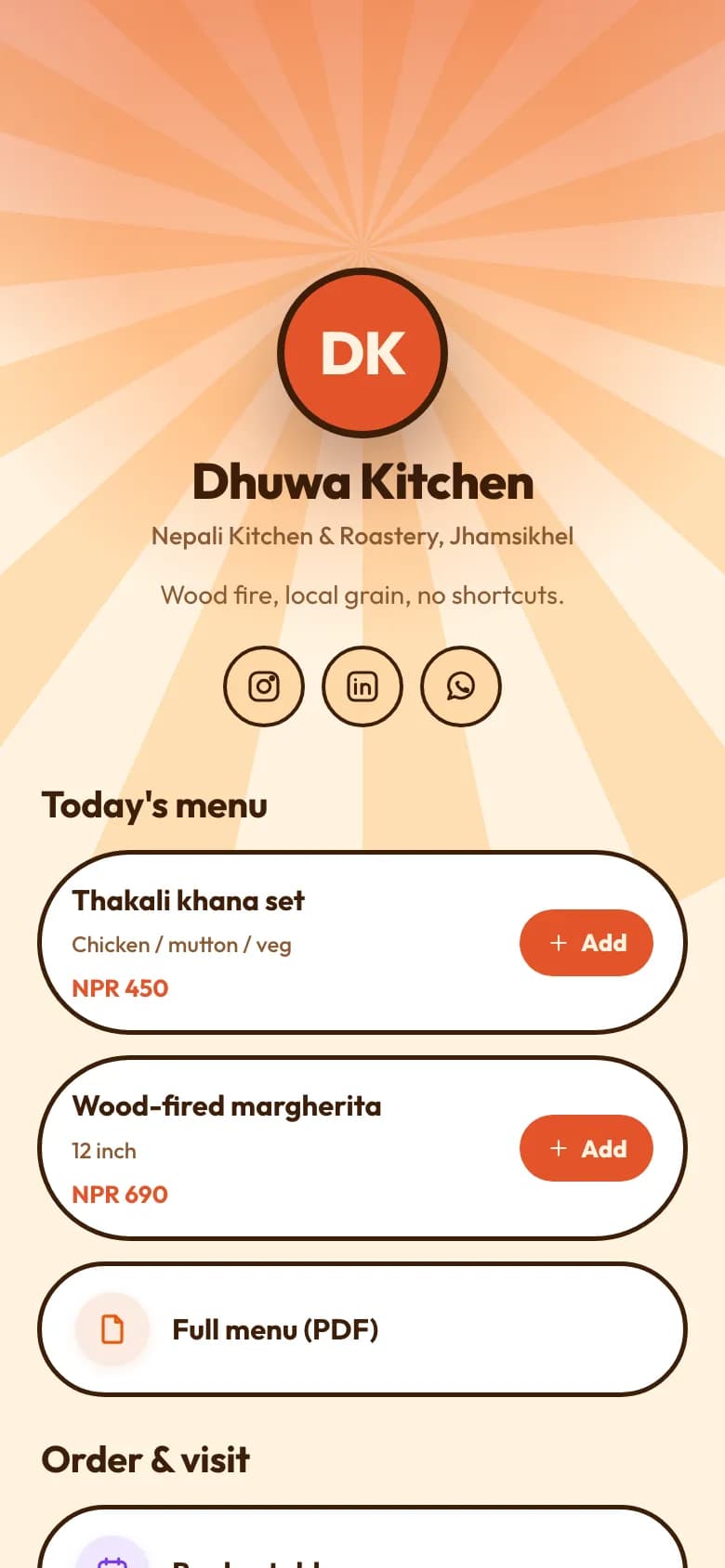
A QR menu on the table, dishes priced in rupees, orders sent to your WhatsApp.

See how it works for restaurants

Works well with

All features

Link in bio

One link for Instagram and TikTok, with every button, video and price behind it.

On every plan

QR codes and QR Studio

A QR code for your card, plus dynamic QR codes you can re-point without reprinting.

On Professional and Business

Contact exchange

People save your details and send theirs back. They land in your contacts.

On every plan

AI card builder

Describe your business in a sentence and get a first draft of your whole page.

On every plan

Your page can be ready today.

Start free on the Personal plan. Pick a template, add your details, and share the link or the QR code.