On this page
A lot of Nepali businesses sell entirely through Instagram, Facebook and TikTok: clothing boutiques, pashmina and handicraft sellers, home bakers, cosmetics resellers, phone accessory shops. The posts bring people in. The trouble starts in the messages.
Every customer asks the same questions: price? sizes? in stock? delivery to Pokhara? Orders arrive as screenshots, voice notes and half-finished chats, and it is easy to lose track of who ordered what. This guide shows how to put your whole catalogue behind one link, so customers can see prices and stock themselves and send you a clear order on WhatsApp.
Why "DM for price" costs you sales
Asking people to message you for a price feels safe, but it adds a step, and every extra step loses some buyers. Some people will not message a shop they do not know. Others message at 11 pm, get a reply the next afternoon, and have already bought somewhere else.
Showing prices openly does the opposite. The customer who messages you has already seen the price and decided they can afford it, so the conversation is about size, colour and delivery, not haggling from zero.
What a one-link shop looks like
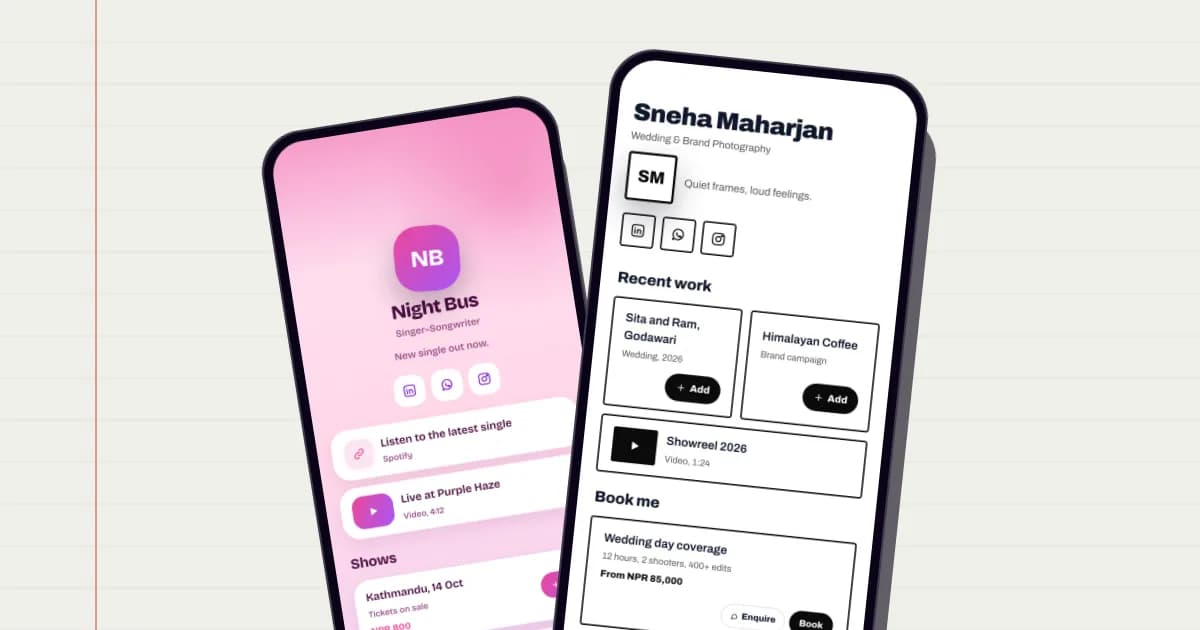
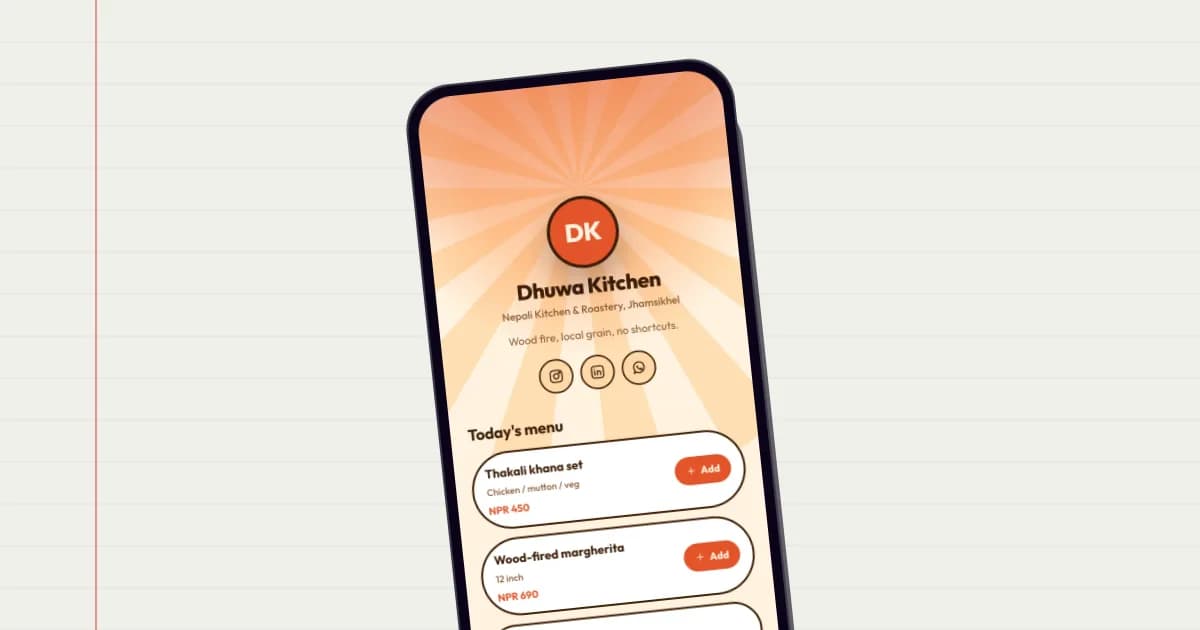
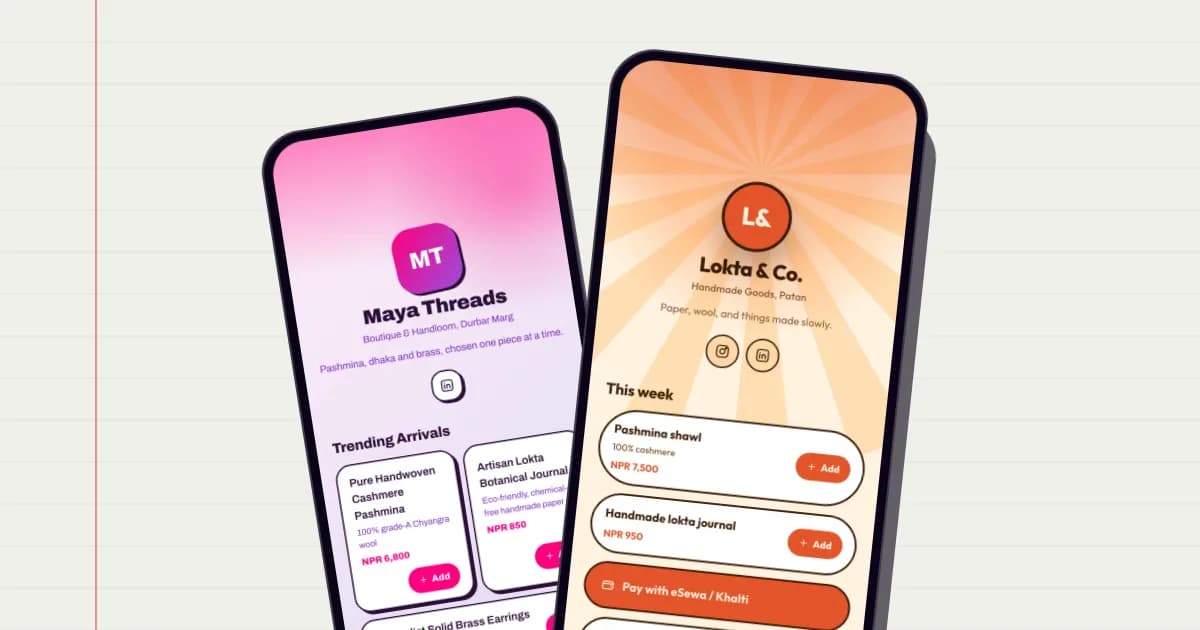
Instead of a full website, you have a single page, such as golinq.me/@yourshop, that you put in your Instagram bio, Facebook page, TikTok profile and WhatsApp Business profile. On it:
- Your shop name, logo and a line about what you sell.
- Your products, each with a photo, short description, price and, if it is on sale, the old price crossed out.
- Categories, so a customer looking for shawls does not scroll past 40 bags.
- A basket, so they can pick several items in one go.
- Your WhatsApp, location, and delivery information.
How WhatsApp orders work
When a customer finishes choosing, they fill in their name, phone number and, if you require it, a delivery address and a note. They can then send the order straight into your orders inbox, and choose to send it to you on WhatsApp as well.
If they pick WhatsApp, their own WhatsApp opens with the whole order already written out: items, quantities, prices, total and an order reference. They just press send. You reply in the same chat to confirm delivery and payment, which is how most customers in Nepal already expect to buy.
Stock, sale prices and the orders inbox
The shop is part of the Business plan (NPR 999 a month). Beyond listing products, it handles the bookkeeping that is hard to do inside chats:
- Stock that counts down. Set how many you have and each order takes them off. When something sells out, customers see it as out of stock instead of ordering it. Cancel an order and the items go back on the shelf.
- Low stock warnings. Products with only a few left are flagged in your dashboard, so you can restock in time.
- Sale prices. Set a regular price and a sale price, and the page shows the discount.
- An orders inbox. Every order has a reference, the customer's details and a status: new, confirmed, delivered or cancelled.
- Bulk editing. Import or export your products as a CSV spreadsheet, which is handy when you have more than a few dozen items.
If you do not need all that yet, product blocks on any plan can still show items with prices and a simple basket that opens WhatsApp with the order. Many sellers start there and move to the Business plan once order volume grows. Compare them on the pricing page.
Getting paid
There is no online card checkout on the page. Buyers pay the way they already do in Nepal: cash on delivery, or directly to you by eSewa, Khalti, mobile banking or bank transfer once you confirm the order in WhatsApp.
To make direct payment easier, you can add a payment button to your page that links to your own payment details, and post your wallet QR in the chat when you confirm. Always check a payment has arrived in your own app before you dispatch, rather than trusting a screenshot.
Setting it up, step by step
- Create your page at golinq.me/register and choose a shop or boutique template.
- Add your WhatsApp number in the shop settings, and decide whether a delivery address is required.
- Add products. Start with your 10–20 best sellers. Good photos in natural light matter more than anything else.
- Write honest descriptions. Size, material, colour, what is included, and anything that is handmade and slightly different in each piece.
- Set stock for items you have limited quantities of. Leave it untracked for things you can always make or reorder.
- Place a test order from your own phone, all the way through to WhatsApp, and check the message reads clearly.
- Put the link everywhere: Instagram bio, Facebook page button, TikTok profile, WhatsApp Business profile, and a QR code on your packaging and shop counter.
Using it with Instagram and Facebook
Keep posting on social media as you do now; that is where people discover you. The difference is where they go next. End captions with "prices and order: link in bio", and reply to price questions with a direct link to the product.
If you also run a Facebook or Instagram shop, the Business plan can export your products as a catalogue file in the format Meta's Commerce Manager accepts. You upload it yourself in your own Meta account. It is a file you download, not an automatic sync, so re-export it when your prices change.
Make your golinq.me page today
Pick your handle, start from a template for your trade, and share it by QR, NFC or link. The Personal plan is free; see pricing for bookings, the shop and dynamic QR codes.