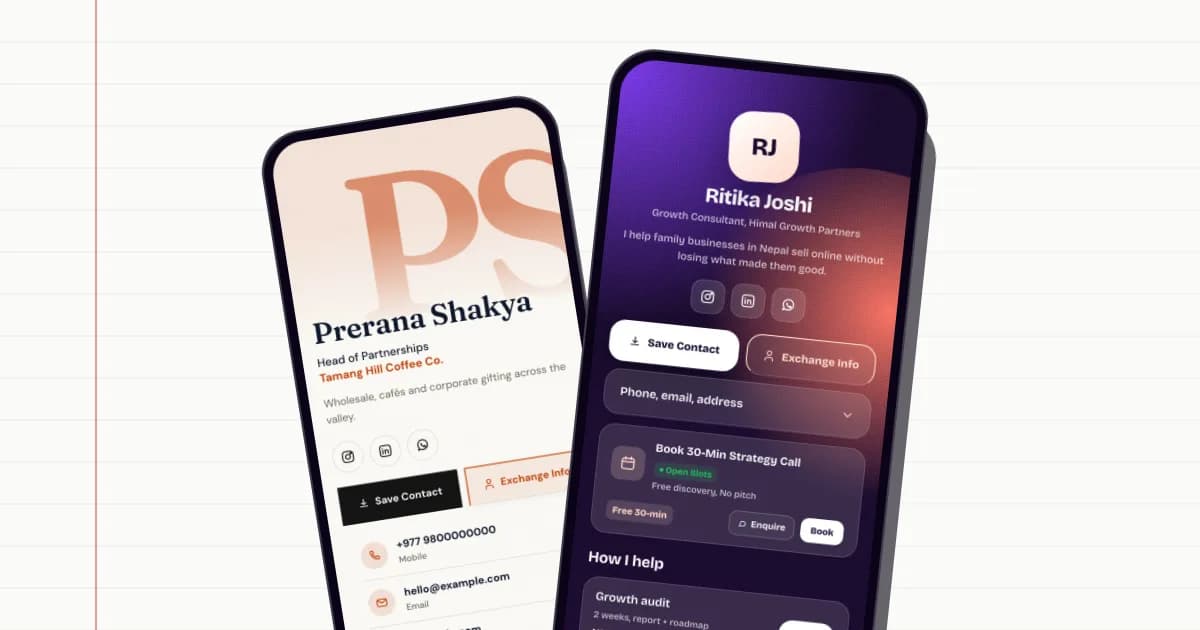
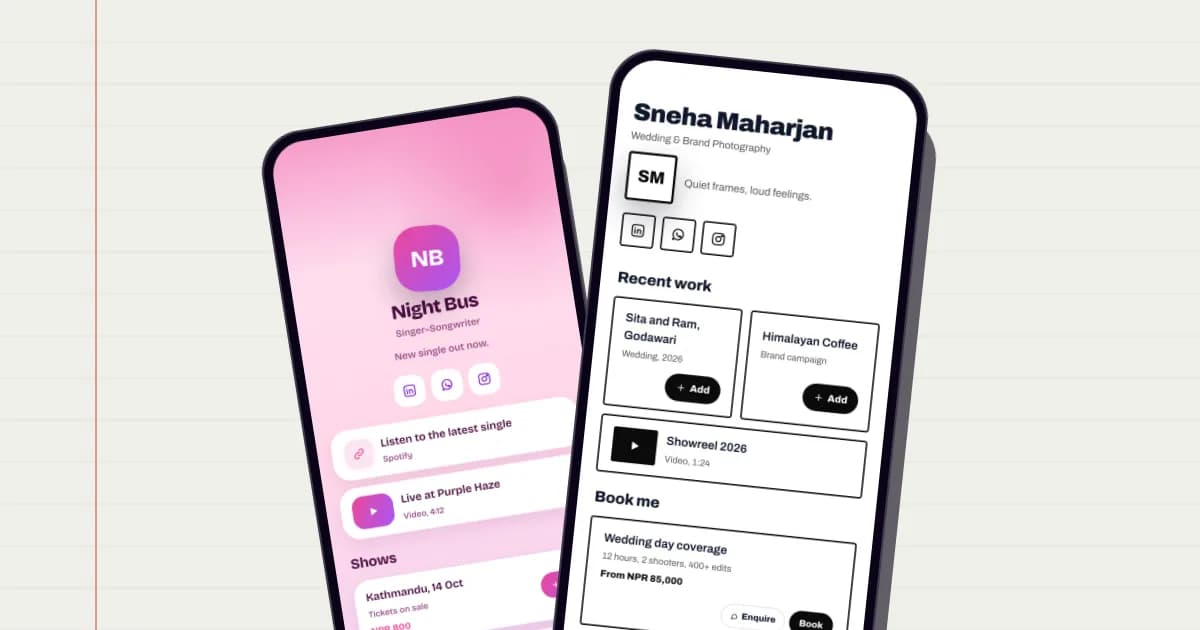
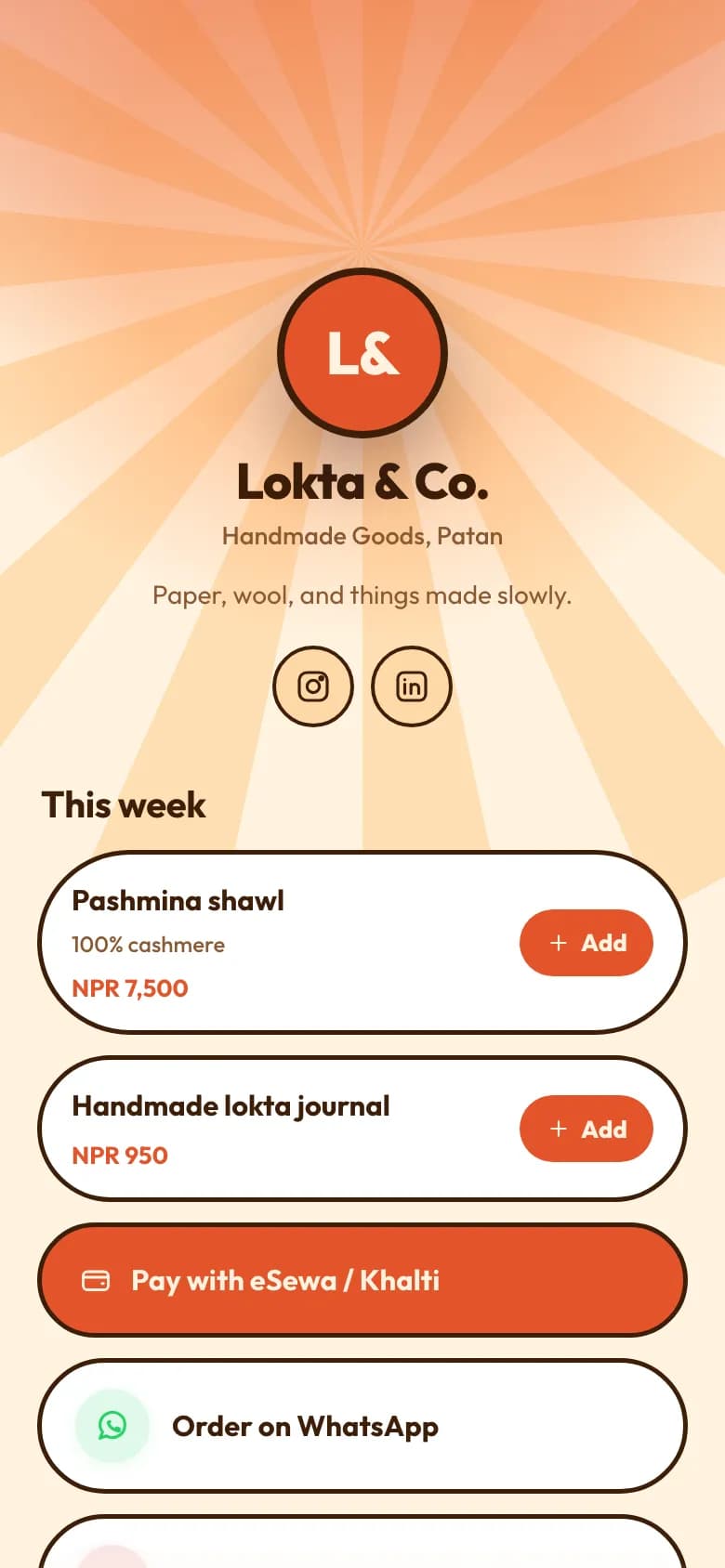
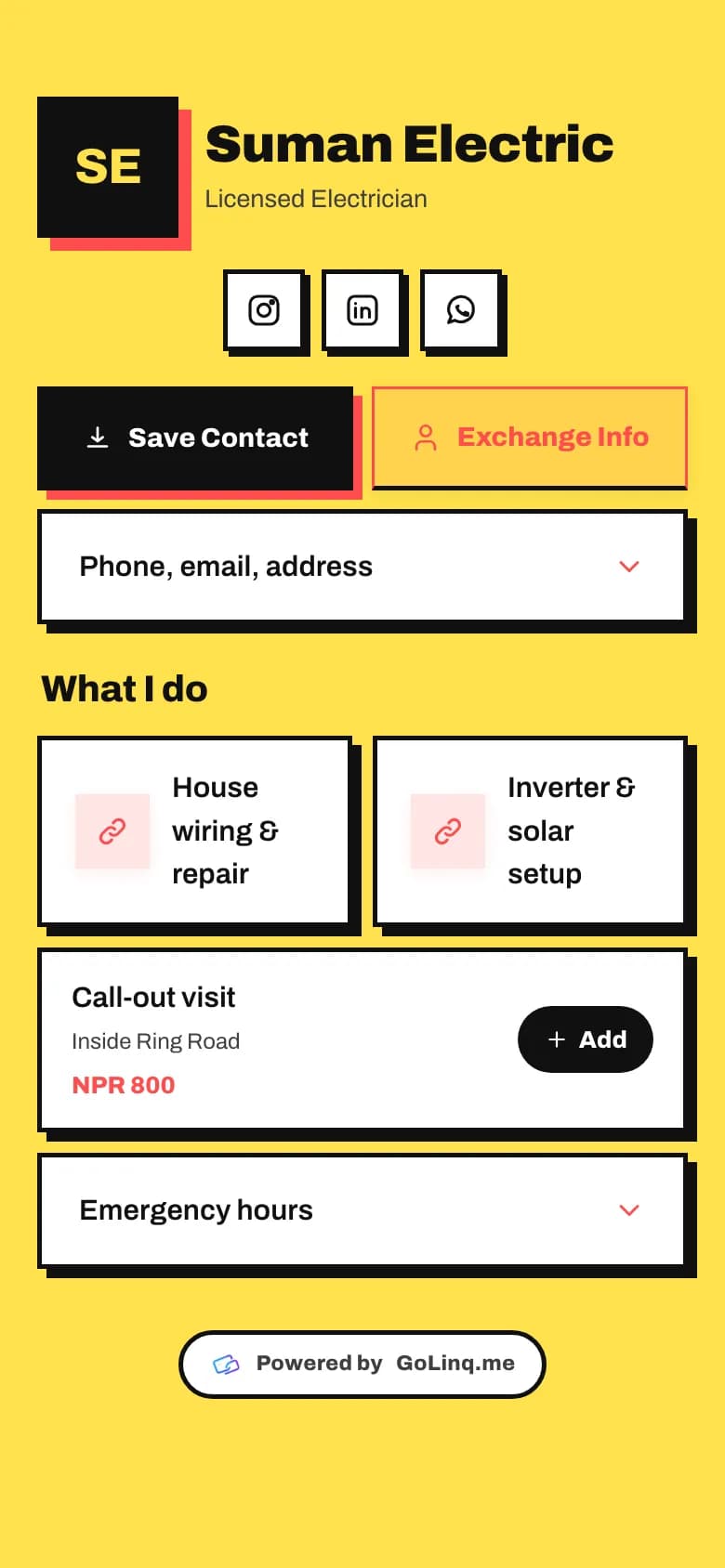
An AI card builder that drafts your page from one sentence

Starting from an empty page is the slow part. Write a sentence about what you do, and the AI picks a template and skin, writes a short bio, and lays out the first blocks. You check it, then keep what's right.

On every plan

What the AI does, and what it leaves to you

What do you do?

  • I run a small wood-fired pizza place in Jhamsikhel. Warm, a bit rustic. We do table bookings and delivery through Foodmandu.

Draft my page

Example

A whole first draft from one sentence

Tell it what you do, where, and what you want people to do on the page.

  • It chooses a template for your trade and a skin and colours that suit it.
  • It writes a name, role, company and a one or two sentence bio from what you said.
  • It adds three to six blocks: services or products with prices, FAQs, a video or file, and links.
  • Choose whether you want a digital card or a bio link page.
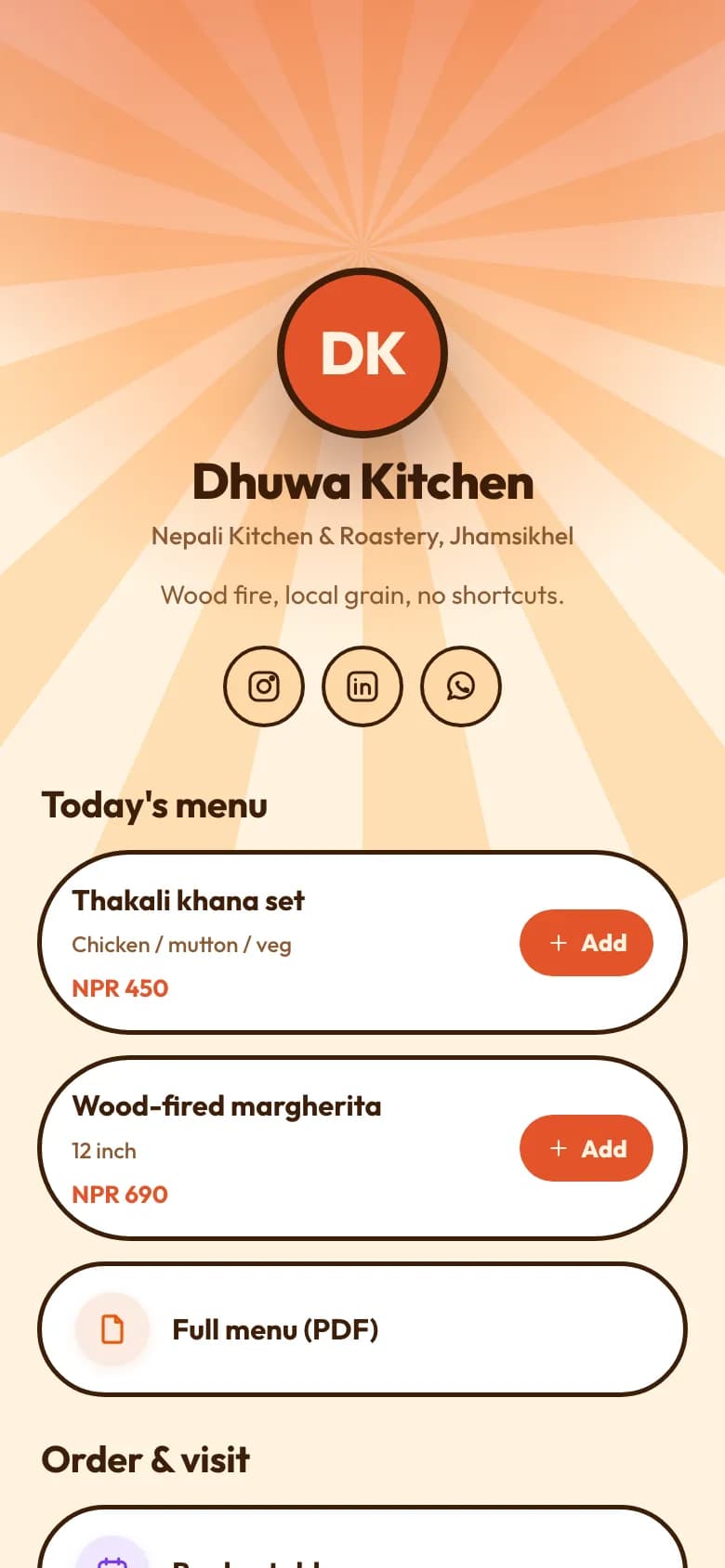
The Restaurant template: today's menu with NPR prices, Cart and Buy buttons, and a full menu PDF

You see it before it changes anything

The draft opens in a phone preview. Nothing is saved until you choose Use this draft.

  • Your handle, your photos and your social icons stay as they are.
  • Link addresses are left for you to fill in, so nothing points somewhere made up.
  • Try a different description if the first draft isn't right.

Product draft

  • Your noteslokta paper journal, handmade, 120 pages
  • TitleHandmade lokta paper journal, 120 pages
  • CategoryStationery
Example

Product descriptions for your shop

On Business, the AI can also draft a product's title, category and description from a few notes.

  • It is told not to invent specifications, certifications, discounts or stock.
  • Read and edit the draft before you save the product.

Which plans include it

Each draft uses AI credits from your plan's monthly allowance, which is larger on the paid plans. You can also buy top-up packs, which don't expire.

Personal: Free · Professional: NPR 299 a month · Business: NPR 999 a month

AI draftingPersonal:Monthly allowanceProfessional:Monthly allowanceBusiness:Monthly allowance

Compare every plan

How to set it up

  1. Open the editor

    Sign in and open your card in the editor.

  2. Press AI Draft

    Pick digital card or bio link, and describe your business in a sentence or two.

  3. Look at the draft

    Check the preview. Try another description if it isn't close.

  4. Use it, then finish it

    Apply the draft, add your real links and photos, and publish.

Common questions

Does the AI publish anything on its own?

No. It shows a draft in a preview, and nothing changes until you choose Use this draft. Your handle and photos are never touched.

Will it make up my phone number or links?

Link addresses are left empty for you to add. Any contact details in the draft come from your description, so read the draft and correct it before you publish.

How much does it cost?

Each draft uses AI credits. Every plan has a monthly allowance, larger on Professional and Business, and you can buy top-up packs that don't expire.

What happens when my credits run out?

The AI stops drafting until your allowance resets next month or you add a top-up pack. Everything else keeps working.

Read the guide

All guides

Restaurants and cafés

A QR menu on the table, dishes priced in rupees, orders sent to your WhatsApp.

See how it works for restaurants

Shops and online sellers

Products with photos and stock, a basket, and orders that arrive on WhatsApp.

See how it works for shops

Works well with

All features

Digital business card

One page with your number, email and links, saved to any phone with one tap.

On every plan

Link in bio

One link for Instagram and TikTok, with every button, video and price behind it.

On every plan

Your page can be ready today.

Start free on the Personal plan. Pick a template, add your details, and share the link or the QR code.