On this page
Instagram, TikTok and Facebook give your profile very little room for links, and that small space is often the only place a new follower can click through to learn more about your business. What you put there decides whether a curious visitor becomes a customer or just scrolls on.
A link-in-bio page is a single page that sits behind that link and holds everything else: WhatsApp, prices, bookings, location, other profiles. This guide covers what to put on it, in what order, and how to check it is actually working.
What a link-in-bio page is for
Think about who taps the link in your bio. It is usually someone who has just seen one of your posts, likes what they saw, and wants to know one thing: how much, how to order, how to book, or where you are. They are on a phone, often on mobile data, and they will give your page a few seconds.
So a good link-in-bio page is not a mini website. It is a short list of the next steps a customer might take, with the most common one at the top. Everything on it should be a button they can tap.
The order that works
Every business is different, but this order suits most of them. Move things up or down based on what customers ask you most.
- Who you are, in one line. Your name or shop name, a clear photo or logo, and what you do and where. "Handmade leather bags, Patan" is better than a slogan.
- Your main action. The one thing you want most visitors to do: order, book, call or message on WhatsApp.
- What you offer, with prices. Products, services or packages. Prices answer the most common question before it is asked.
- Proof. Photos of your work, a short video, or reviews from customers.
- Practical details. Location pin, opening hours, delivery areas, how to pay.
- Everything else. Your other social profiles, a PDF brochure or menu, an email address.
Examples by type of business
The template gallery has a finished example for each of these, which is a quick way to start.
Restaurant or café
Today's specials and the menu, then WhatsApp for orders and reservations, the map pin, opening hours, and links to delivery apps. Our QR menu guide covers the menu part in detail.
Clothing boutique or online shop
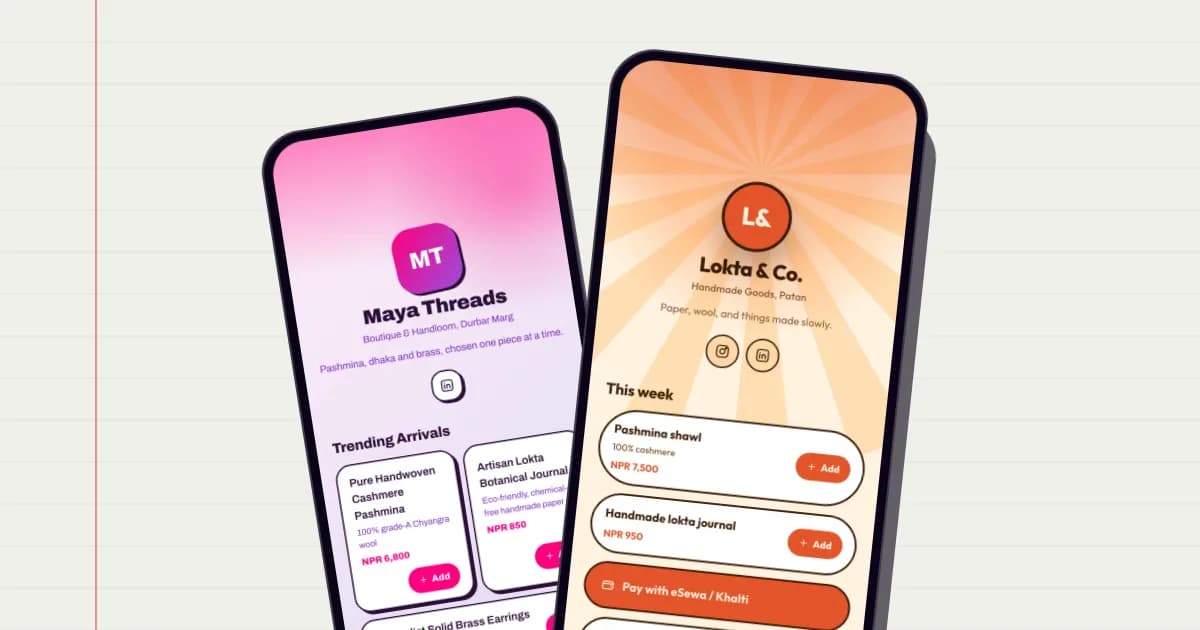
New arrivals with prices, a basket that sends the order on WhatsApp, delivery information, and how customers can pay. See selling online with one link.
Salon, clinic or consultant
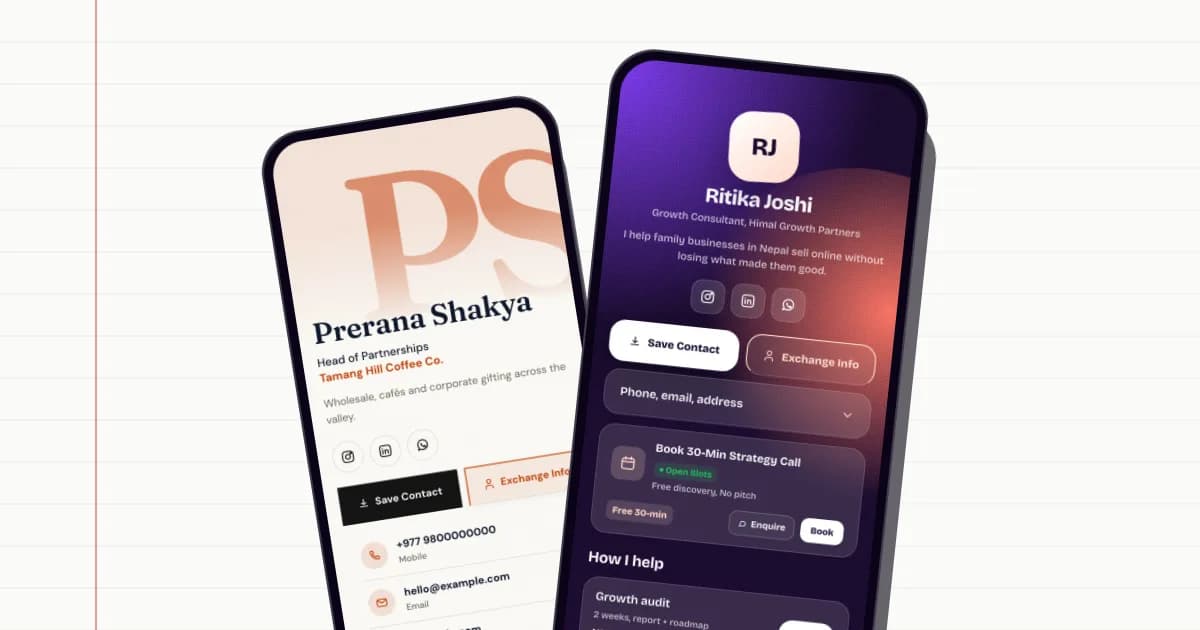
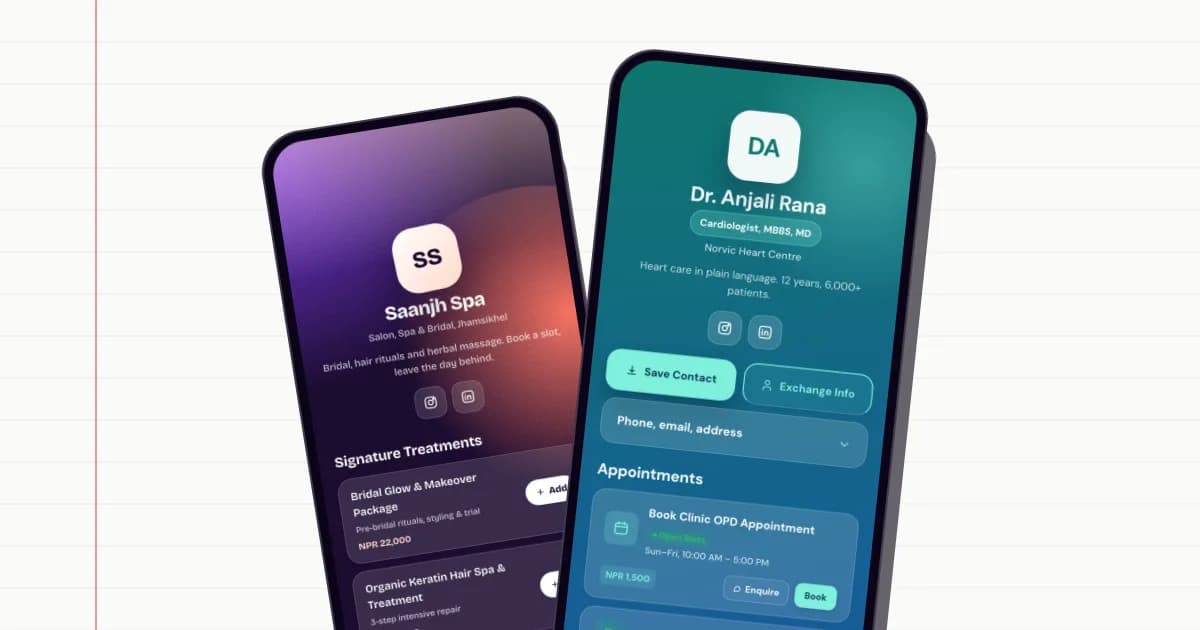
A booking button at the top, then services with durations and prices, a few photos or credentials, and the location. See online appointment booking.
Photographer, musician or creator
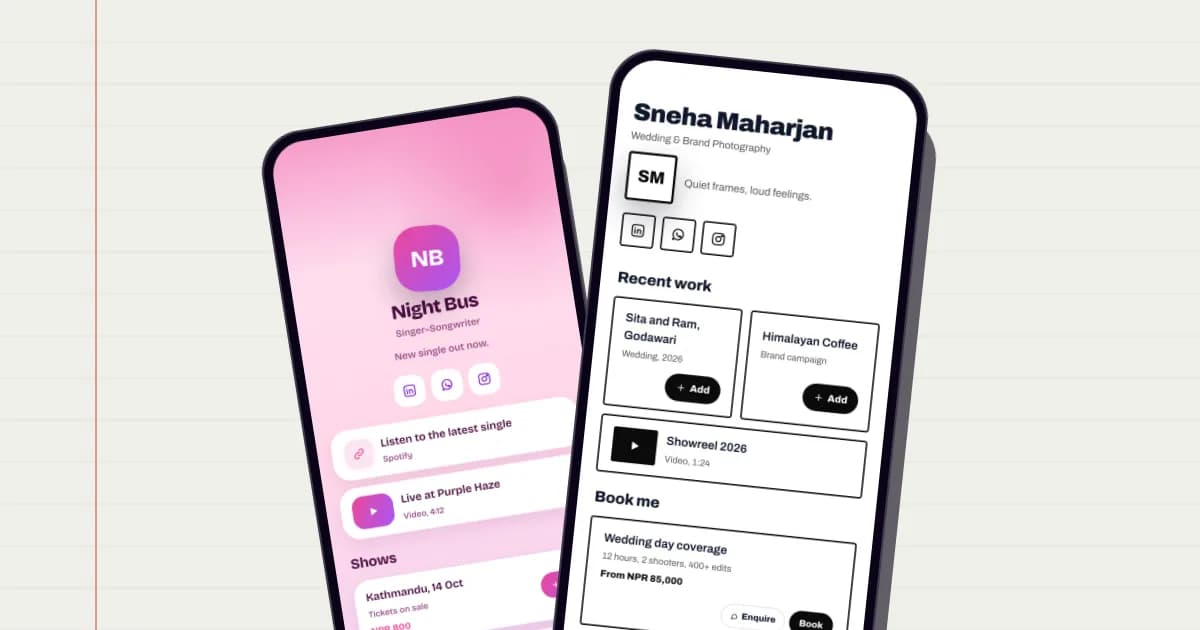
Your best recent work first: a showreel, a new release or a portfolio gallery. Then how to book you or enquire, packages with starting prices, and your other platforms such as YouTube or Spotify.
Tutor or coaching centre
Current batches with timings and fees, a button to book a trial class, the syllabus as a PDF, and your location or online class details.
Blocks that do more than a plain link
A list of plain links is fine, but a golinq.me page can hold blocks that answer questions directly on the page:
- Products and services with a photo, description and price.
- Headers to group the page into sections, such as Menu, Book, Visit.
- Videos from YouTube, and a gallery of photos.
- Files like a menu, price list or brochure as a PDF.
- FAQs for the questions you answer ten times a day.
- A map for your location.
- A countdown to a launch, sale or event.
- A booking desk where people pick a free time slot (Professional and Business plans).
- Save Contact and Exchange buttons, so visitors can keep your number and share theirs with you.
Measure what people tap
Once your page is live, check the analytics every week or two. On golinq.me you can see how many people viewed the page, how many came from a QR scan or NFC tap, which buttons they tapped most, and what devices they used.
Use that to reorder the page. If the price list PDF gets far more taps than your Facebook link, move it up. If nobody taps a button, ask whether it needs to be there at all. Small changes, checked over a few weeks, work better than redesigning everything at once.
Common mistakes
- Linking to your homepage when customers want a price or a WhatsApp chat.
- Twenty buttons with no order. Visitors do not read long lists on a phone.
- Old offers. A Dashain sale still showing in January makes the whole page look abandoned.
- No WhatsApp or phone. For most Nepali customers, this is the first thing they want.
- Vague labels. "Click here" says nothing. "Order on WhatsApp" or "See prices" does.
Setting yours up
Create your page, pick the template closest to your business, and fill in the blocks above in the suggested order. Then paste golinq.me/@yourname into your Instagram, TikTok and Facebook bios, your WhatsApp Business profile and your email signature. The same page doubles as your digital business card, so the link you share online and the QR code you print lead to the same place.
The Personal plan is free. Paid plans remove the golinq.me badge, add custom colours, bookings and more; see pricing.
Make your golinq.me page today
Pick your handle, start from a template for your trade, and share it by QR, NFC or link. The Personal plan is free; see pricing for bookings, the shop and dynamic QR codes.